


1
Open GPT Image 2 and Pick a Mode
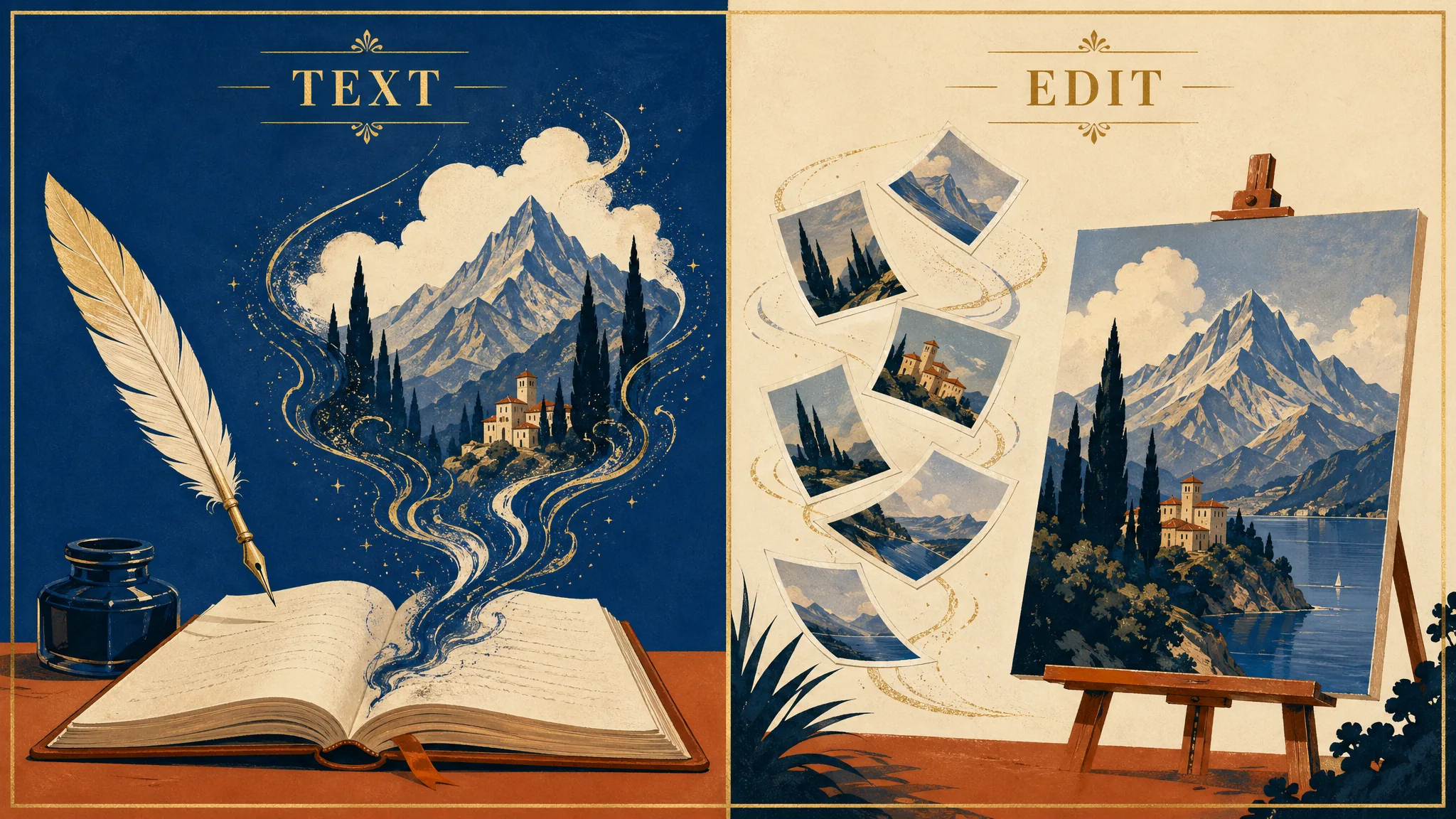
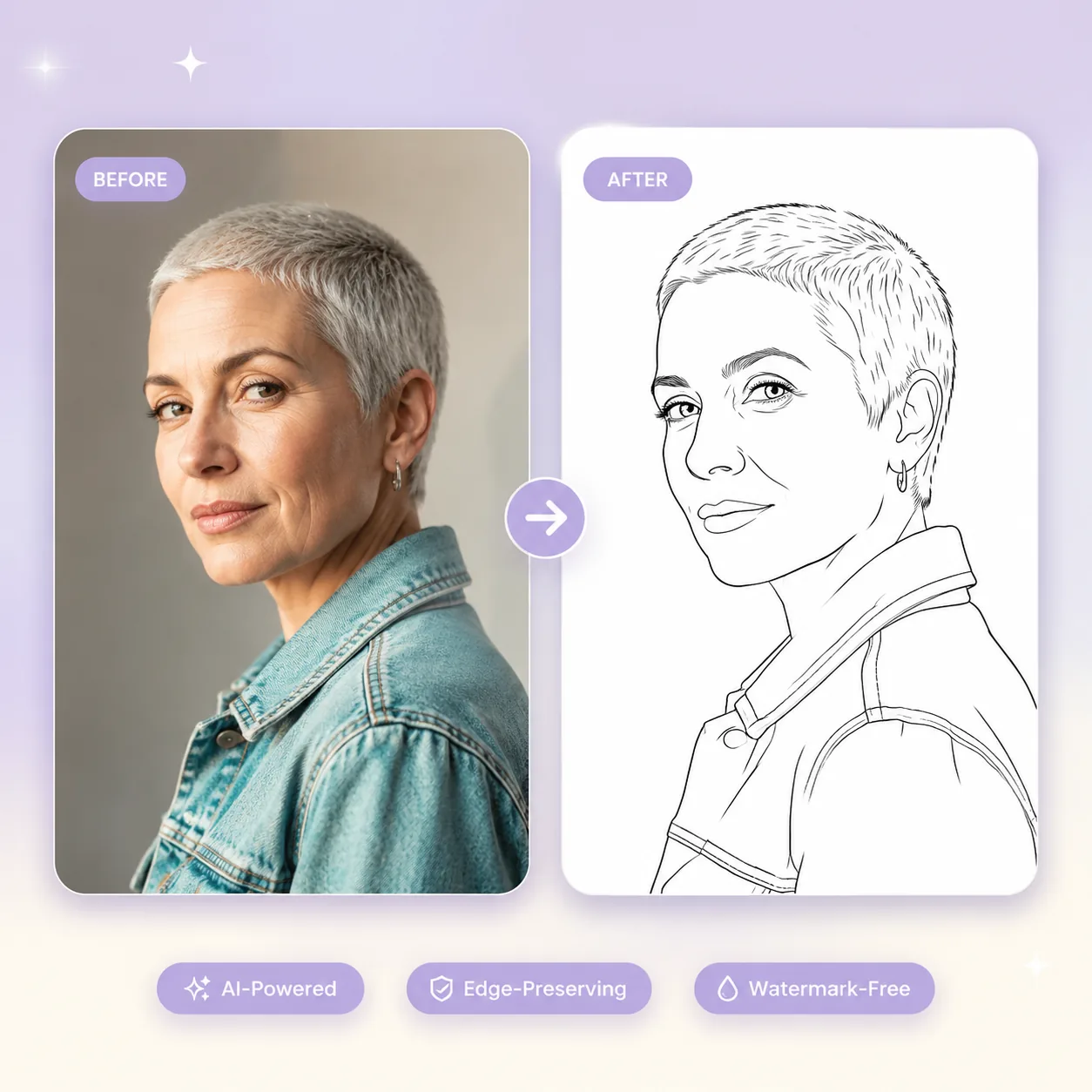
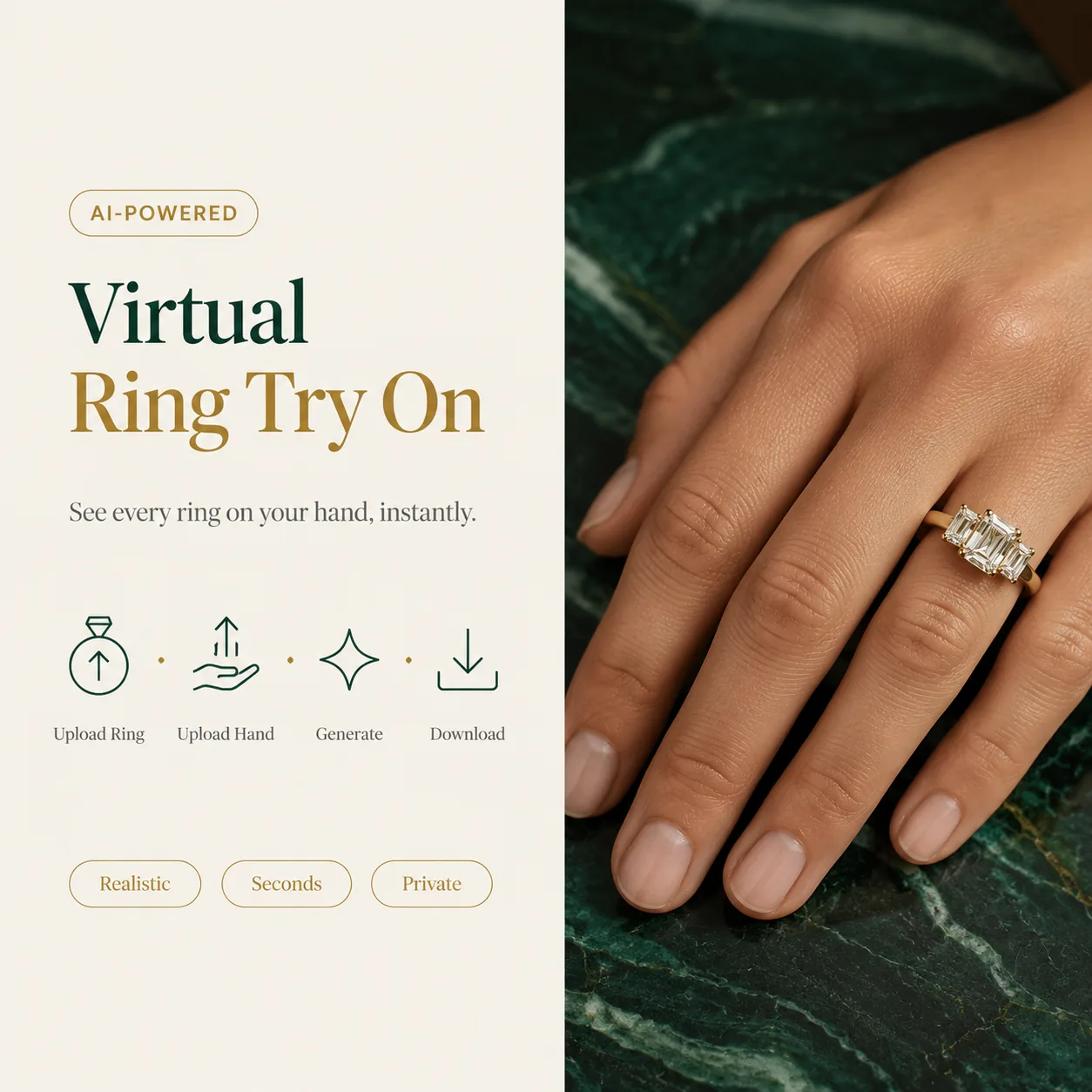
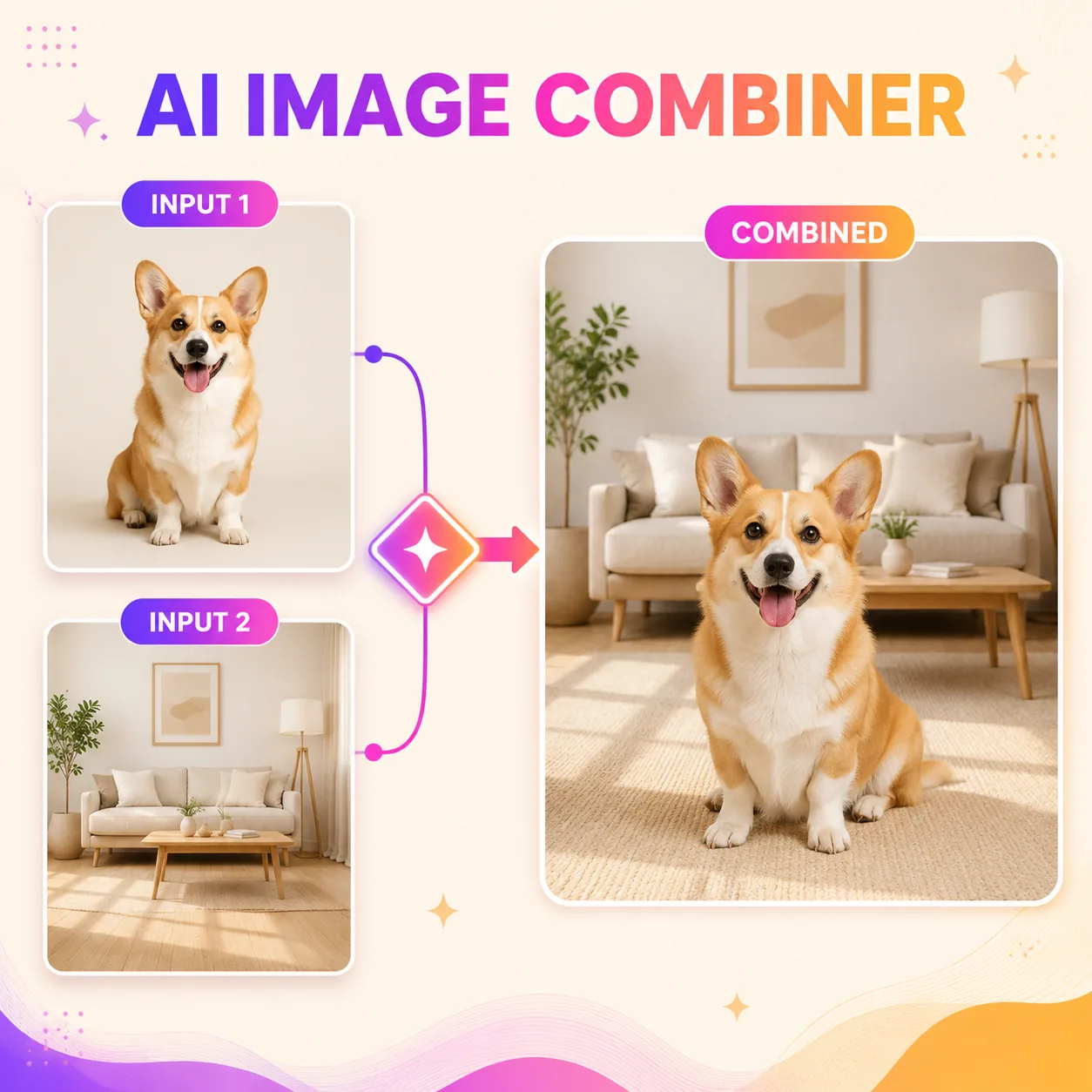
Launch the GPT Image 2 editor on GenMix and pick your mode from the task type tabs. GPT Image 2 text-to-image generates from a written brief alone — use this when you have a detailed scene description, stylistic guideline, or brand prompt you want GPT Image 2 to interpret directly. GPT Image 2 edit mode accepts multiple reference images for semantic multi-image editing — useful for brand retouching, product compositing, or moodboard-driven art direction. Both run through the same GPT Image 2 model, so switching between them is zero-friction.