
1
Describe Your Scene
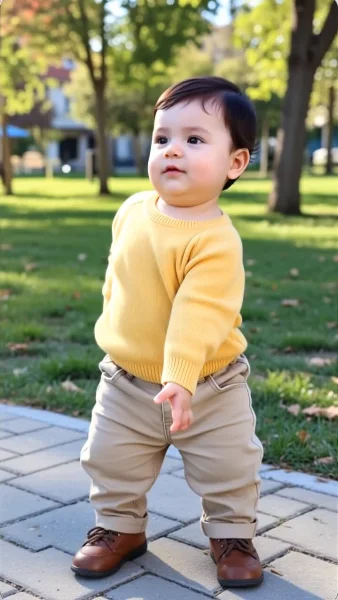
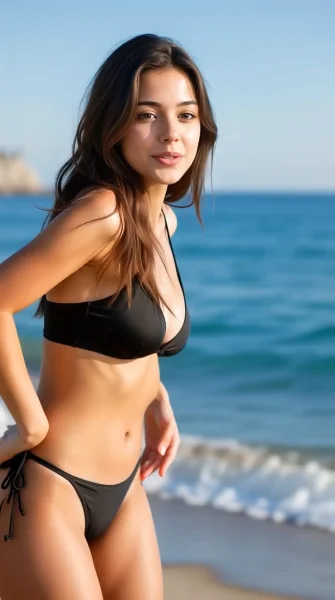
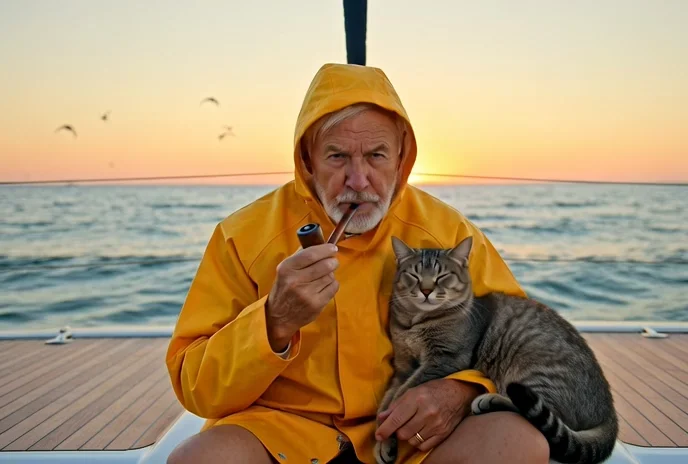
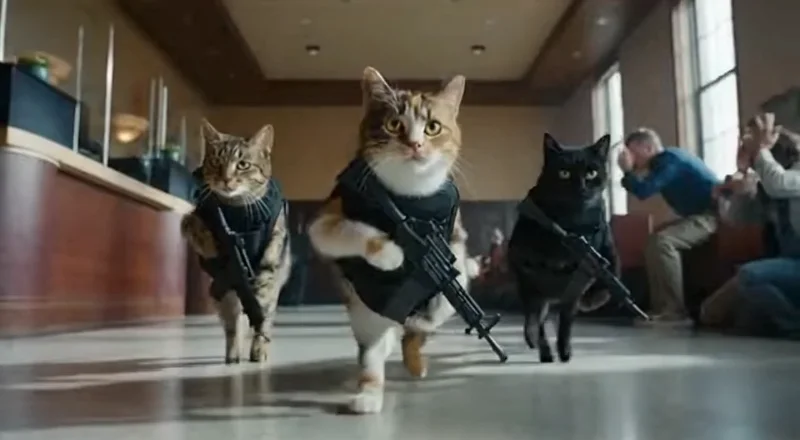
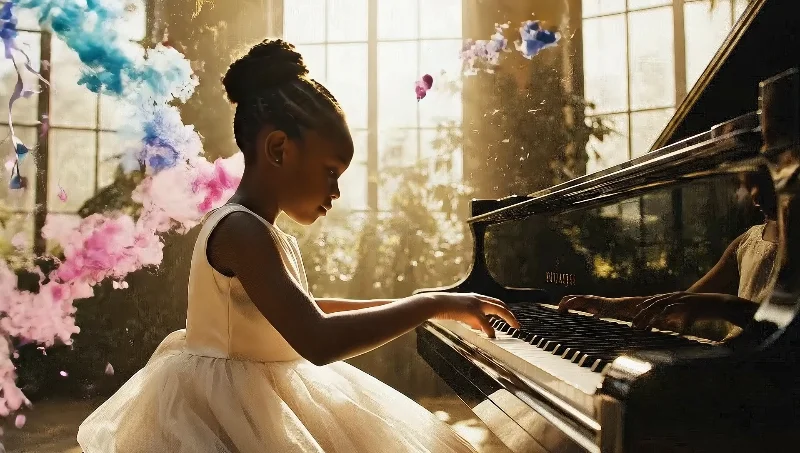
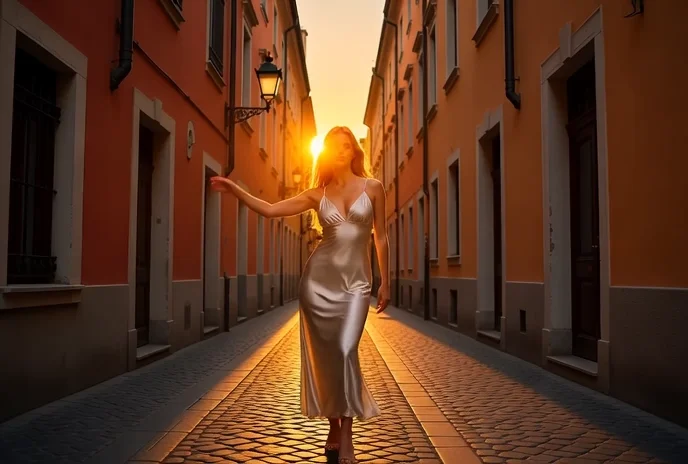
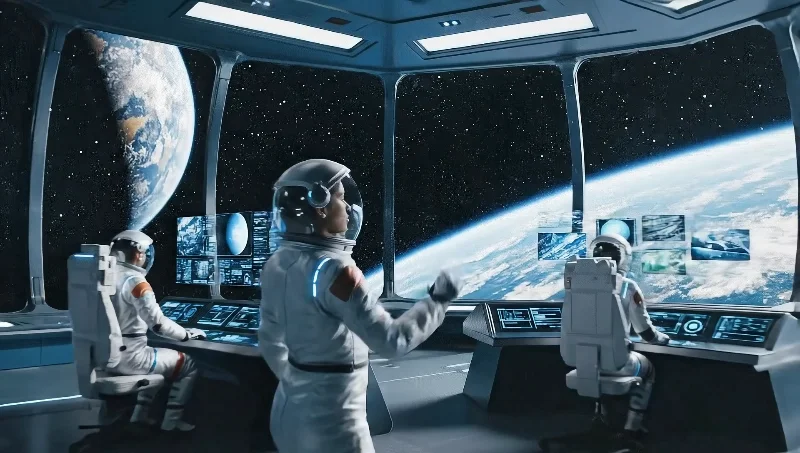
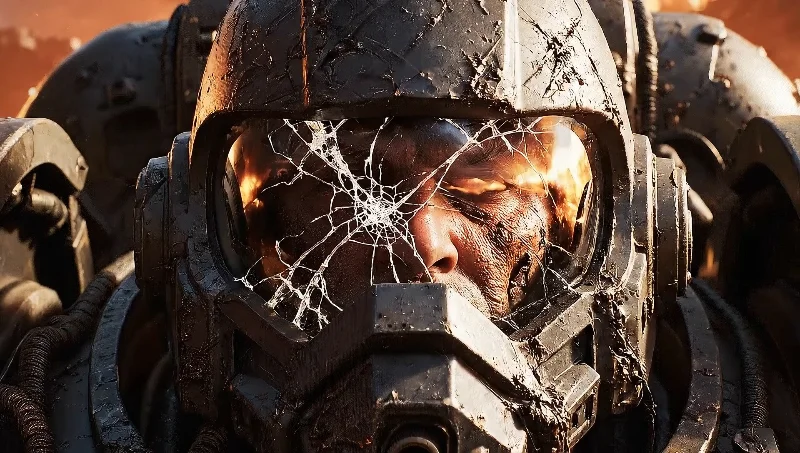
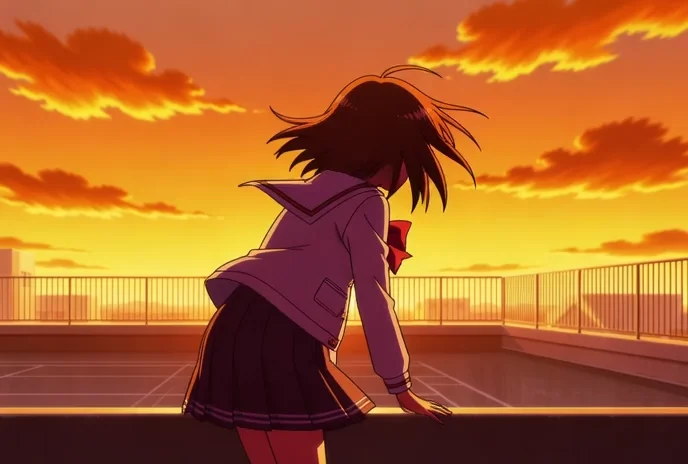
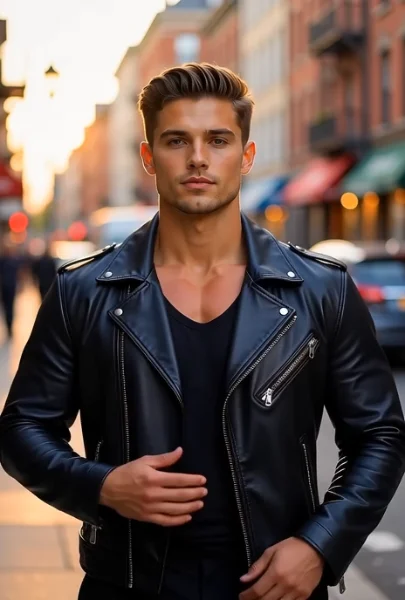
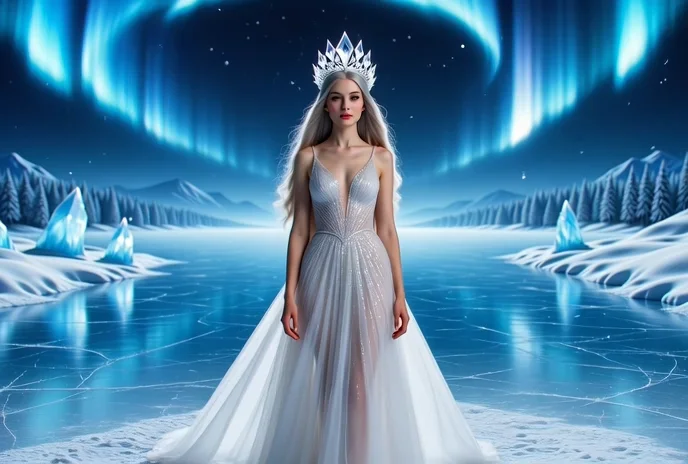
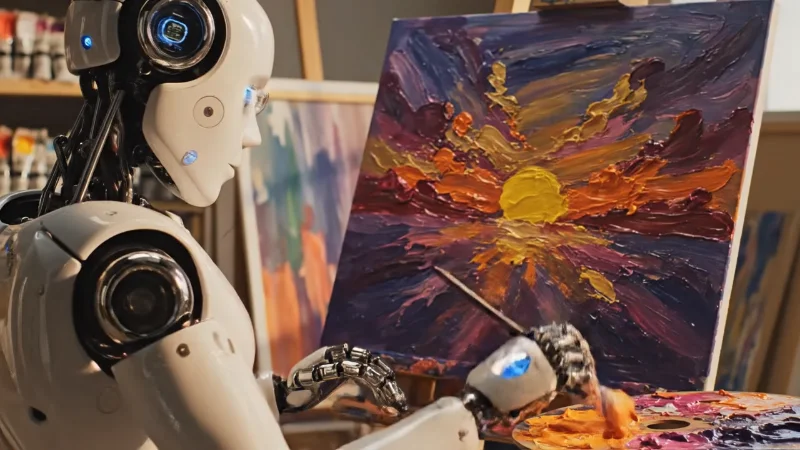
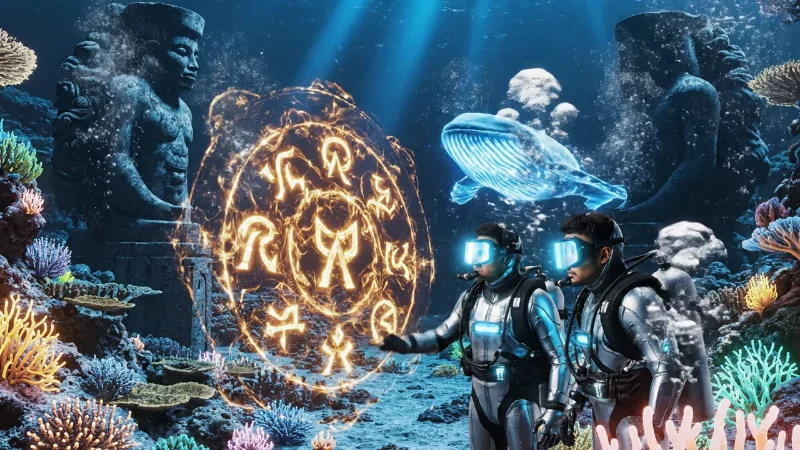
Start by writing a detailed text prompt describing your video scene with specific subject details, camera movements, and atmospheric elements, or upload reference images for image-to-video generation. Veo 3.1 excels with prompts that paint a complete picture — describe the lighting, mood, actions, and environment. For multi-image input (Pro), upload up to 3 reference images to guide consistent scene generation, including style references, start frames, and end frames for complete creative control over your video's visual journey.