

1
Upload Your First and Last Frame
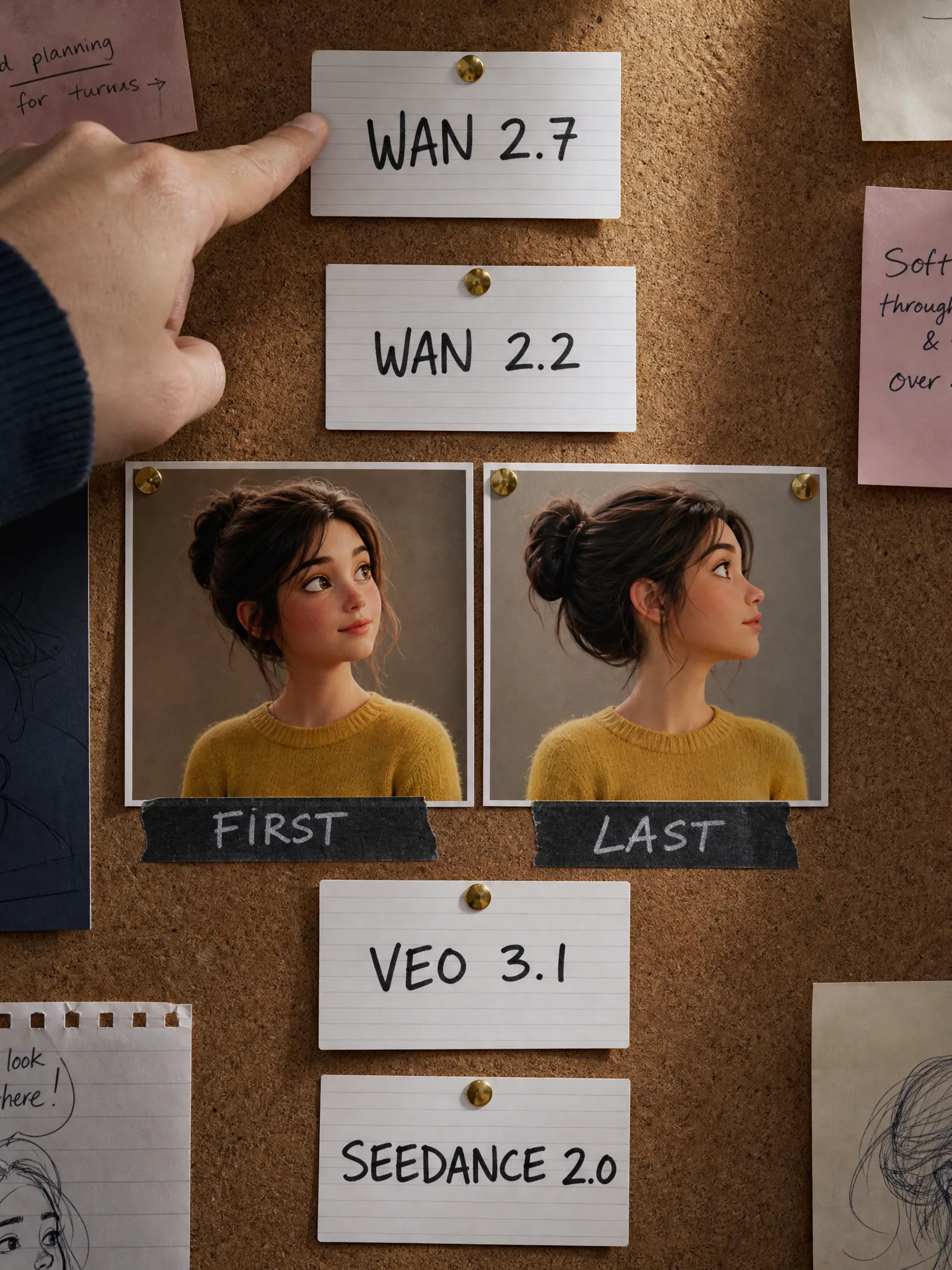
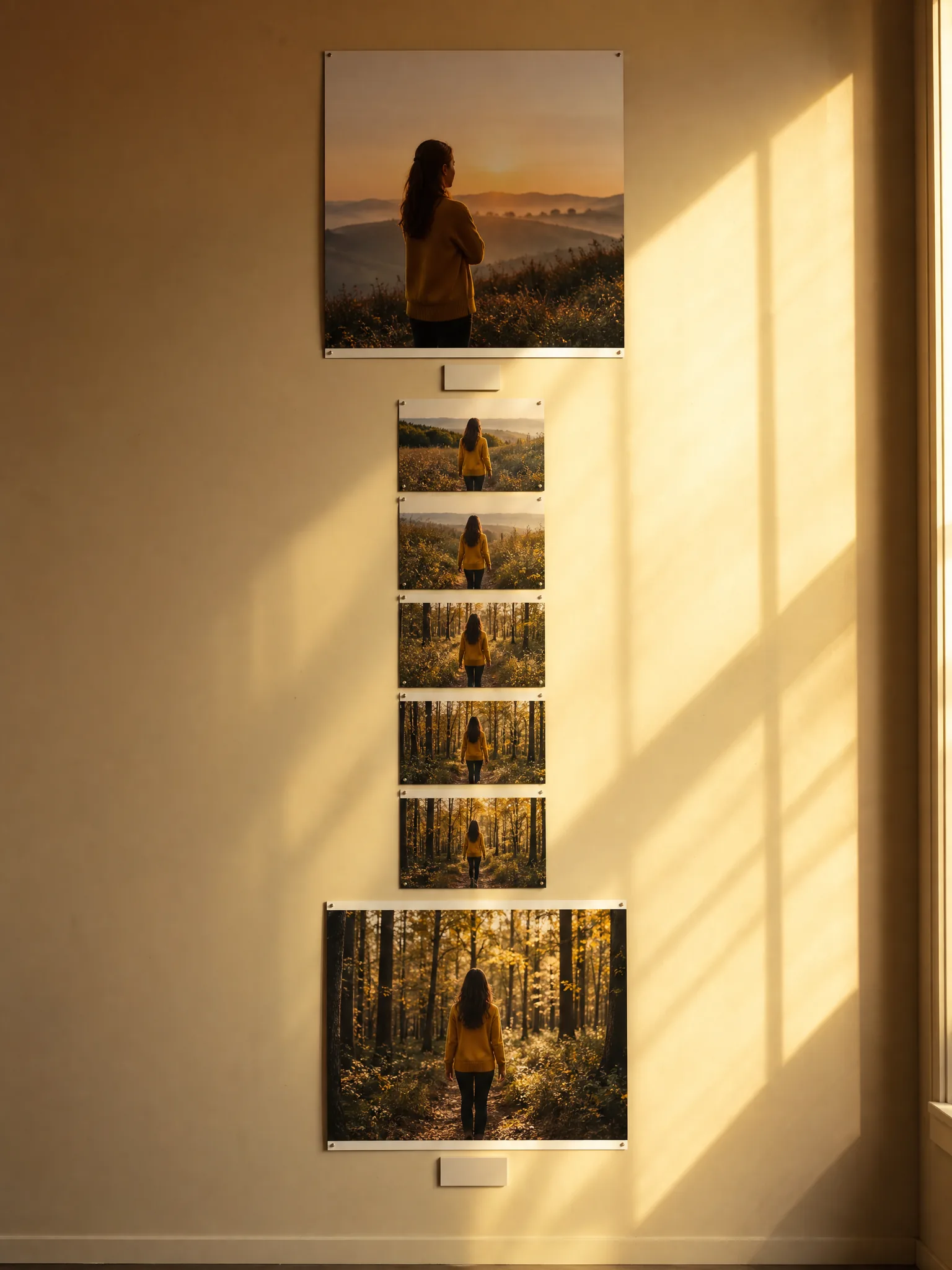
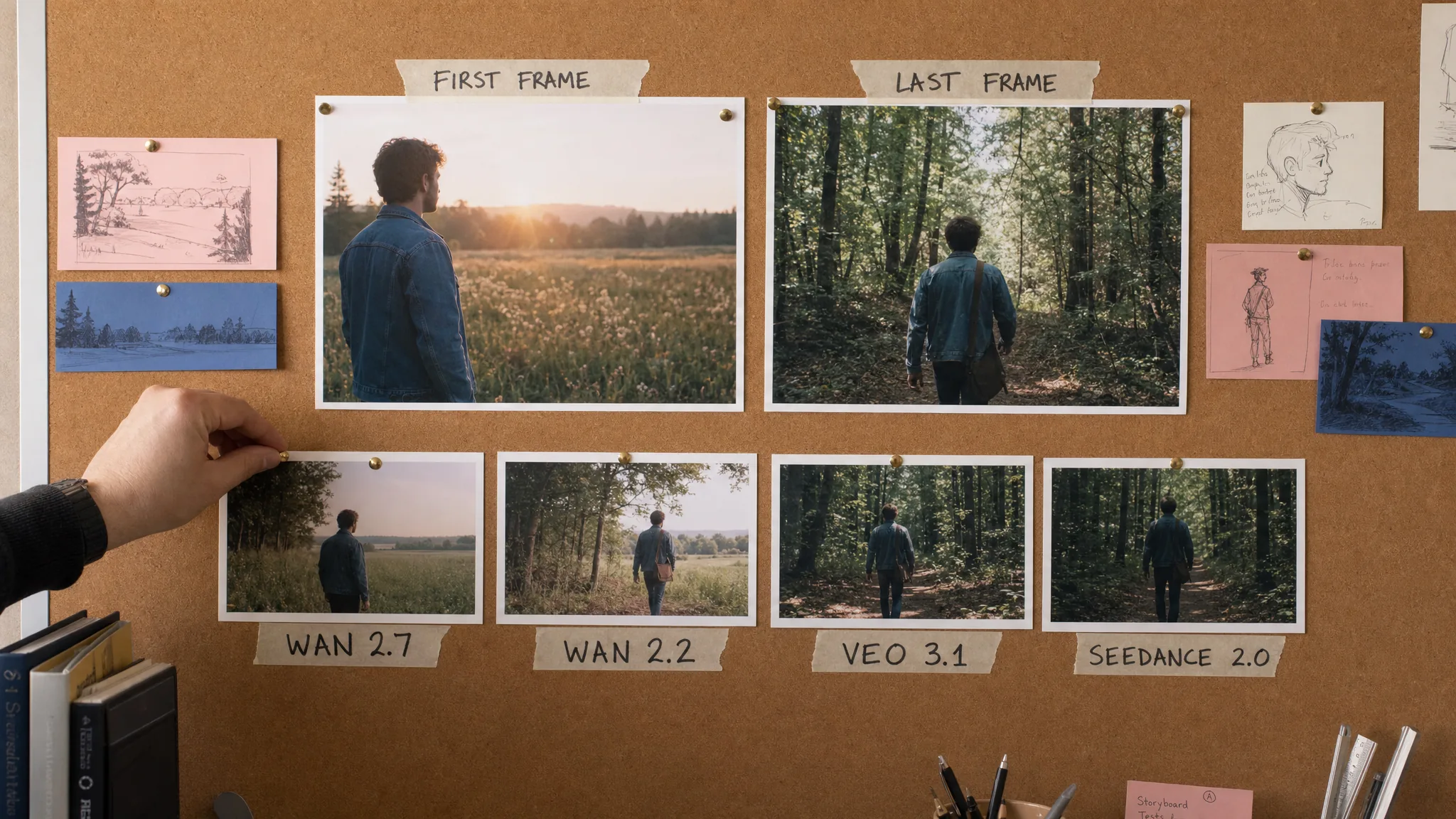
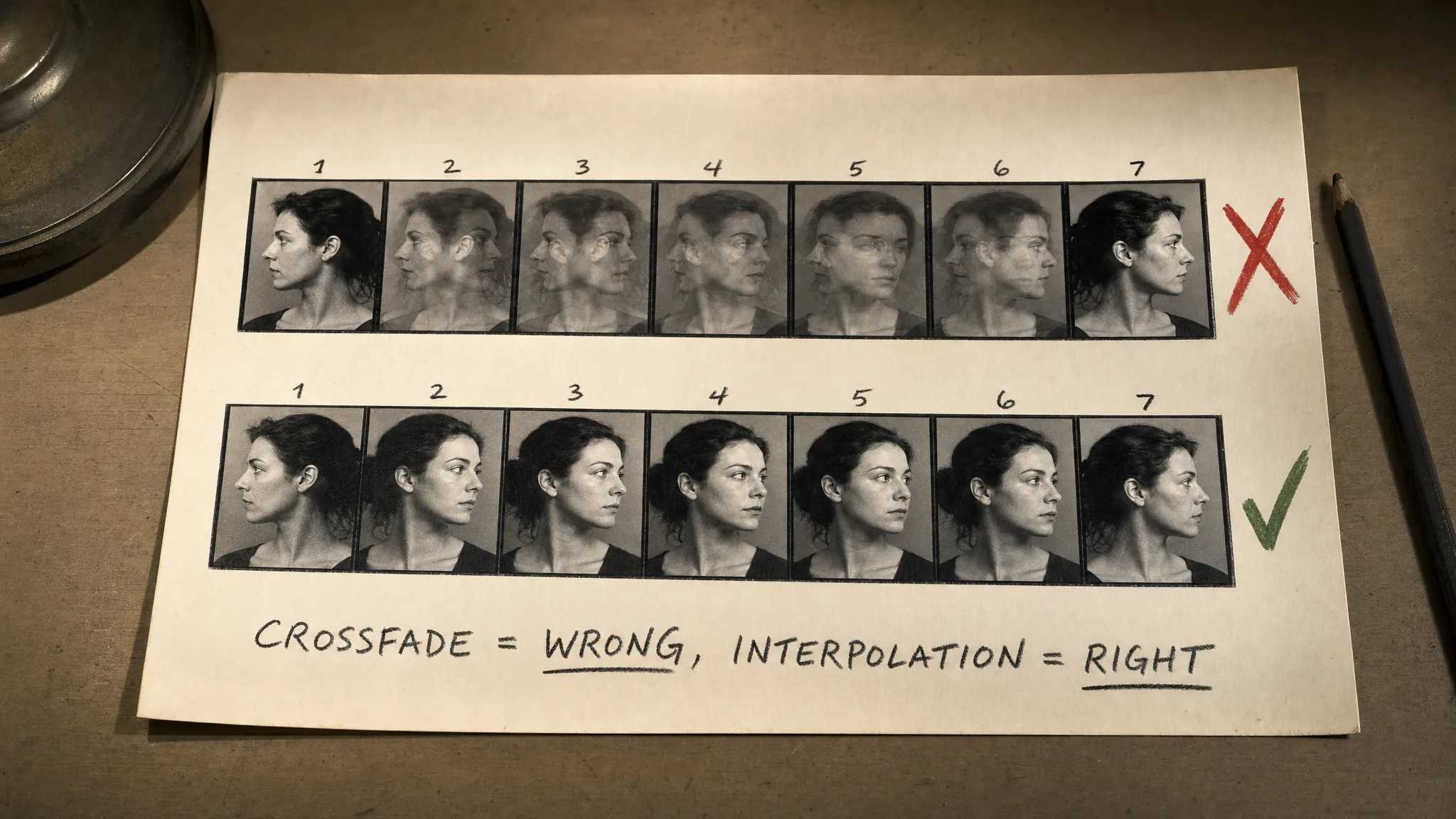
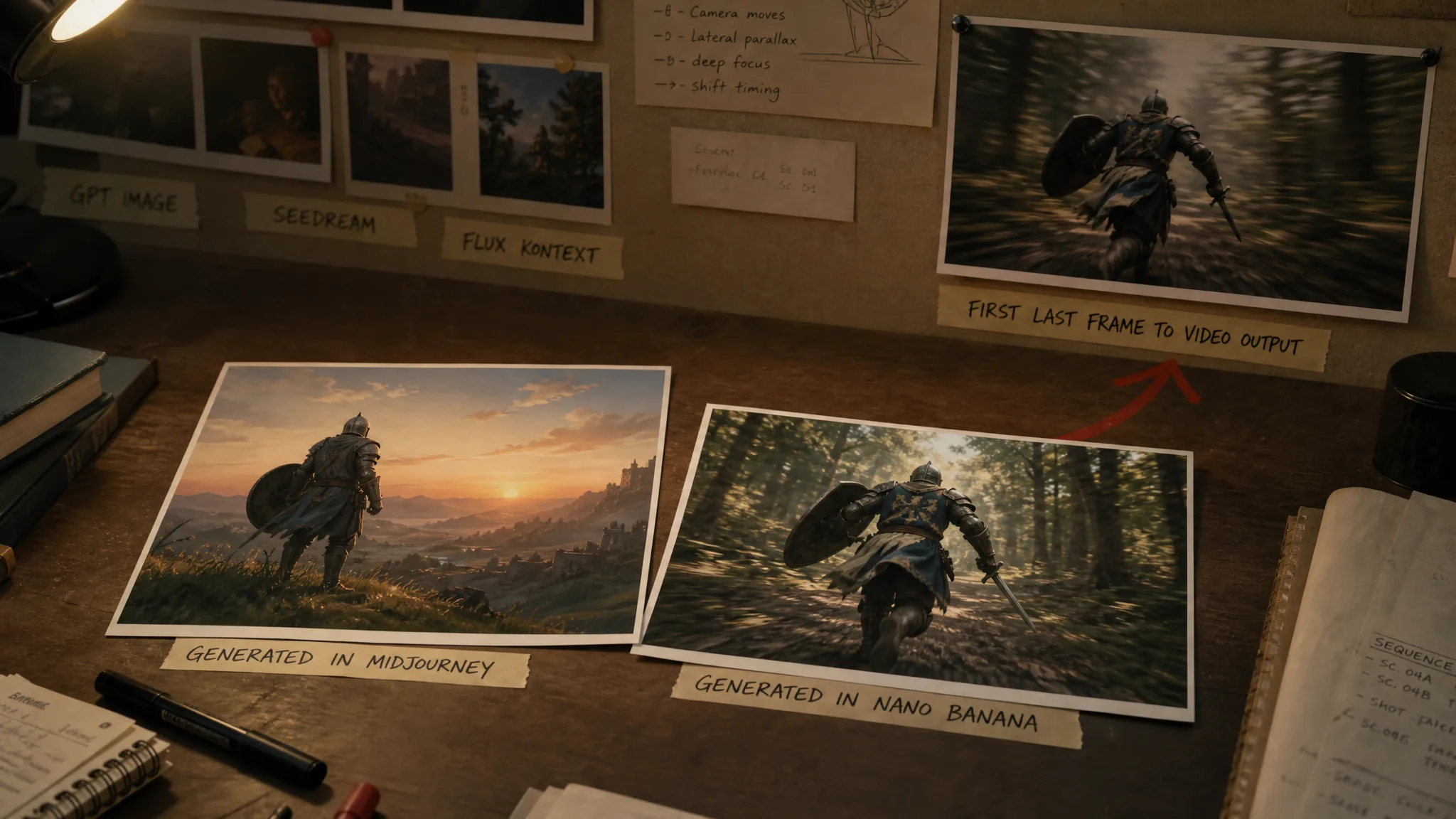
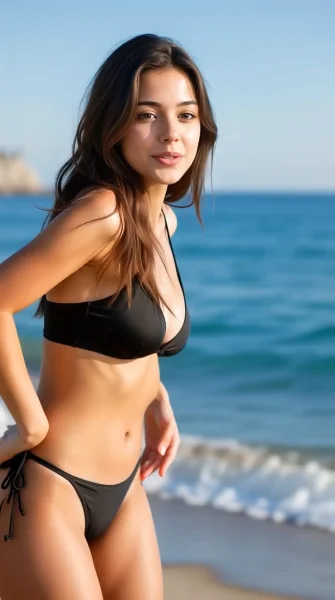
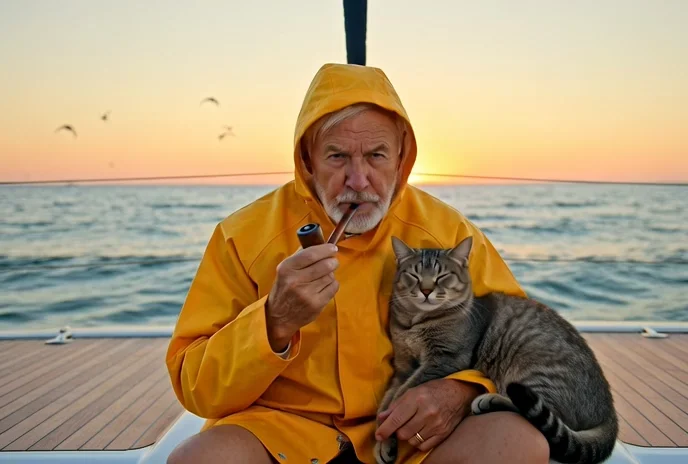
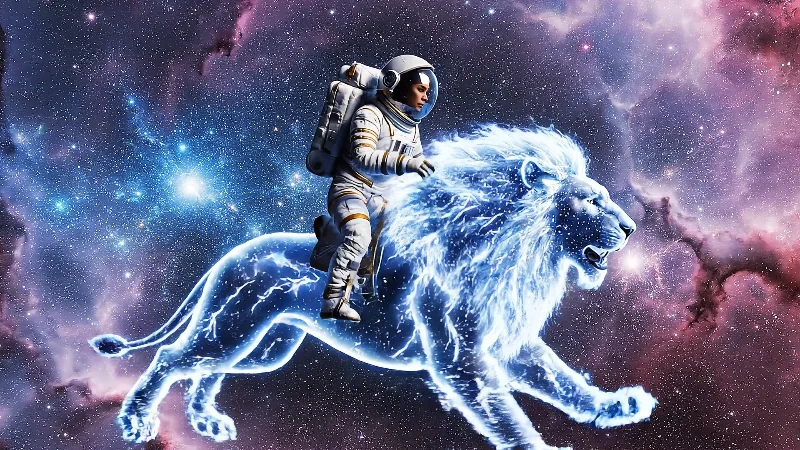
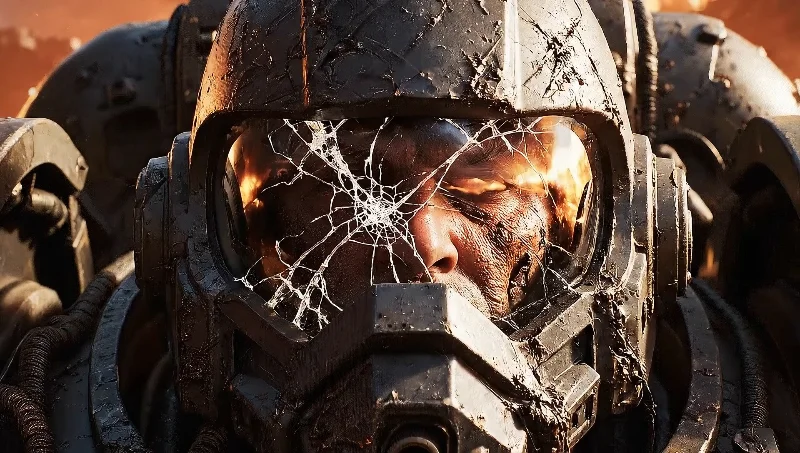
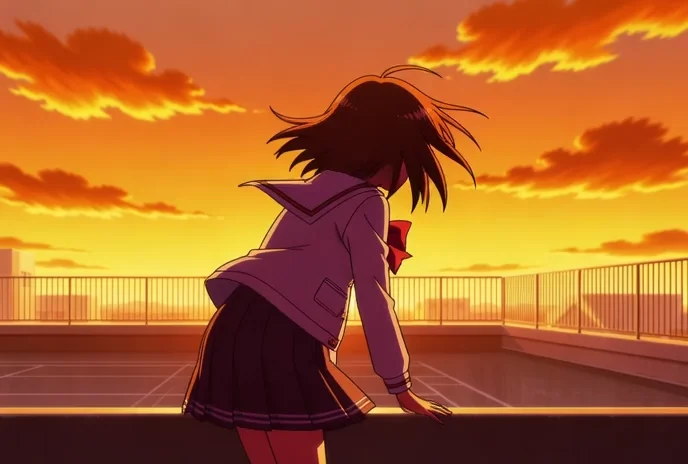
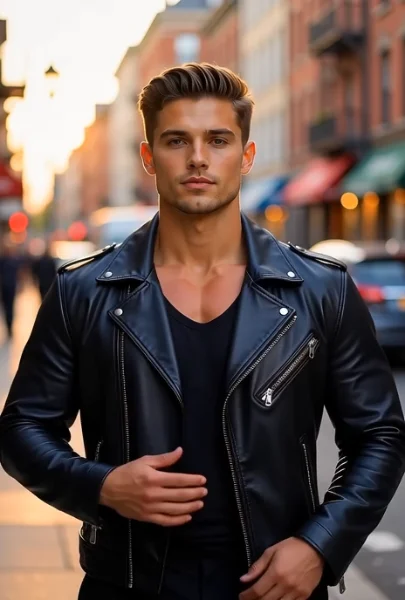
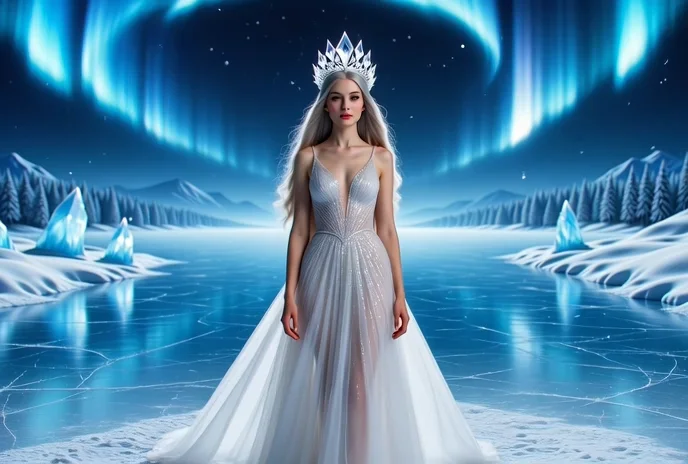
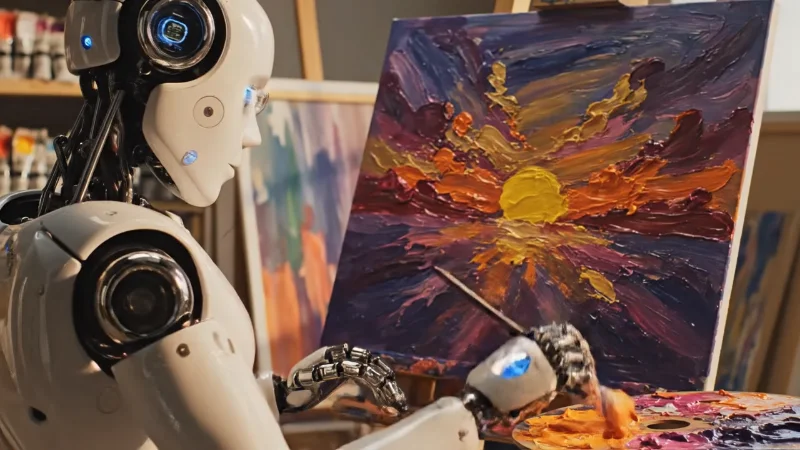
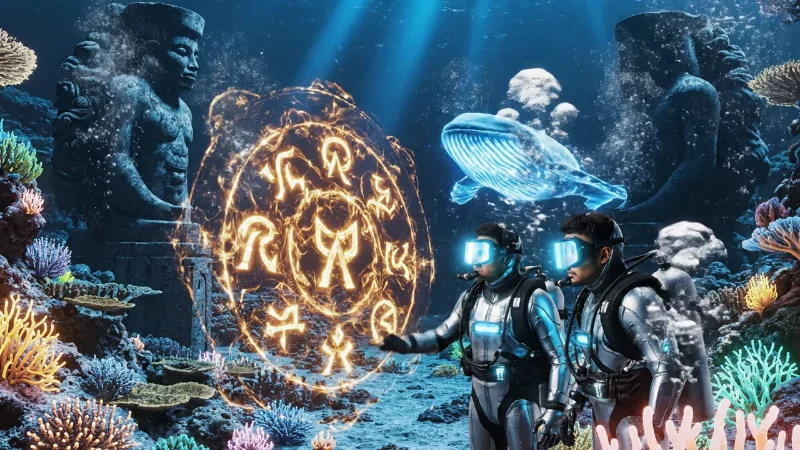
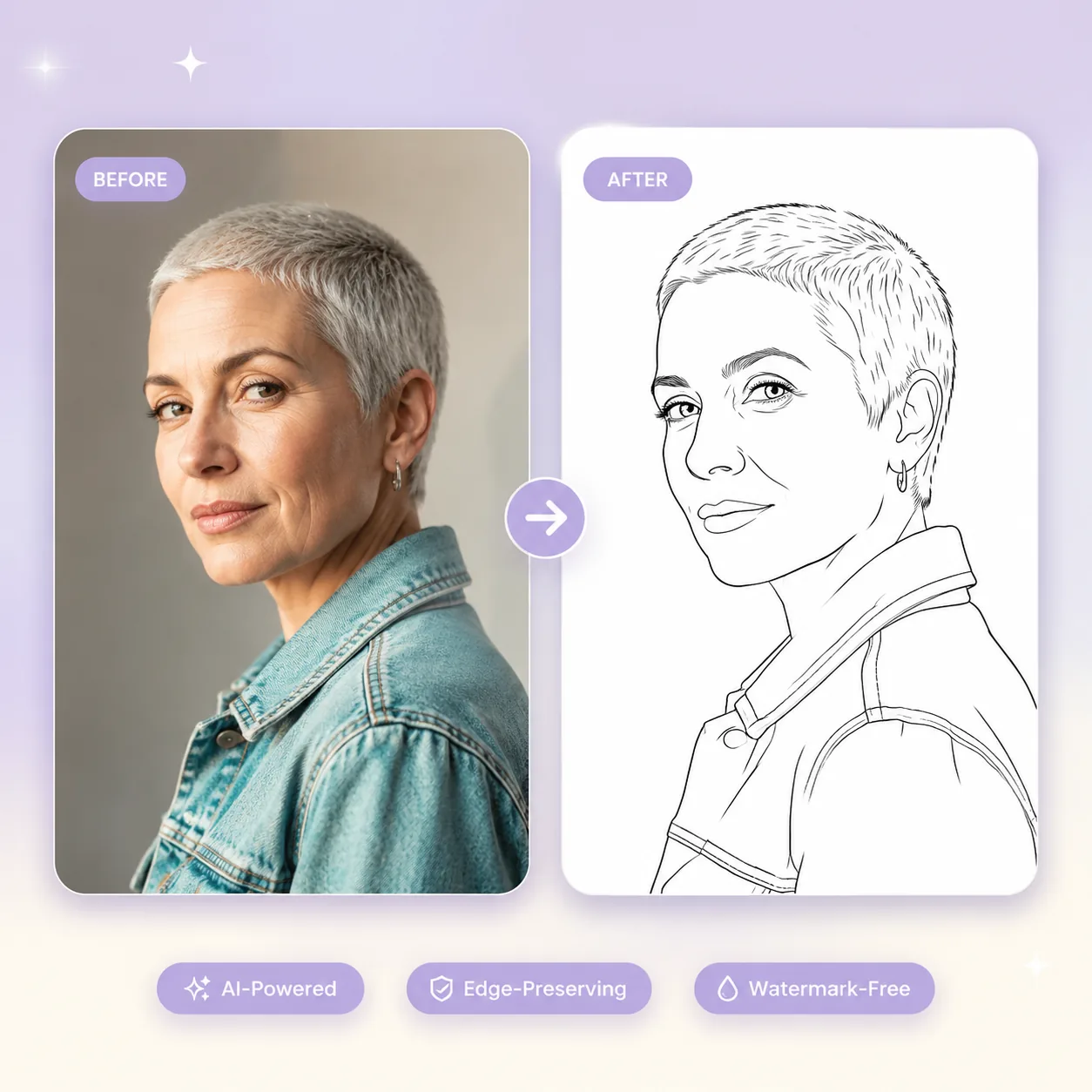
Drag in two images: the first frame (where the clip starts) and the last frame (where it ends). Both can be JPG, PNG, or WebP up to 30 MB each, with no resolution lock — the first last frame to video generator works equally well on 720p sketches and 4K studio shots. The two-frame input is the heart of the workflow: anything visible in either keyframe (subjects, lighting, composition, props, color palette, even on-screen text) is preserved as the AI fills in the motion between them, so what you upload is what gets locked into the start and end of your clip. No timeline scrubbing, no morph-rigging, no third-party plugins — the first last frame to video generator handles the geometry and identity matching for you.