

Write Your Prompt or Upload an Image
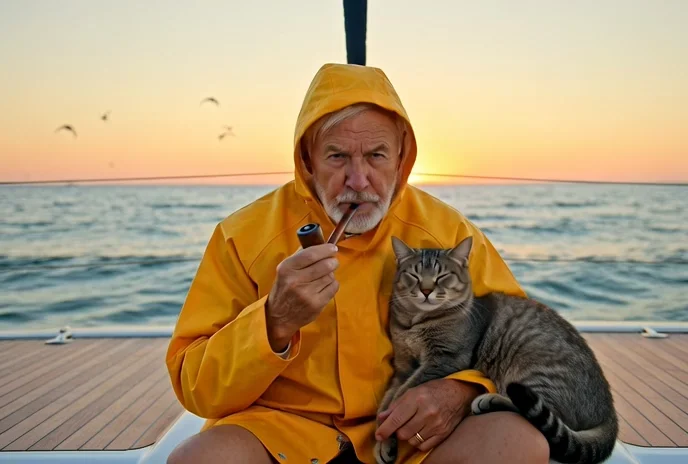
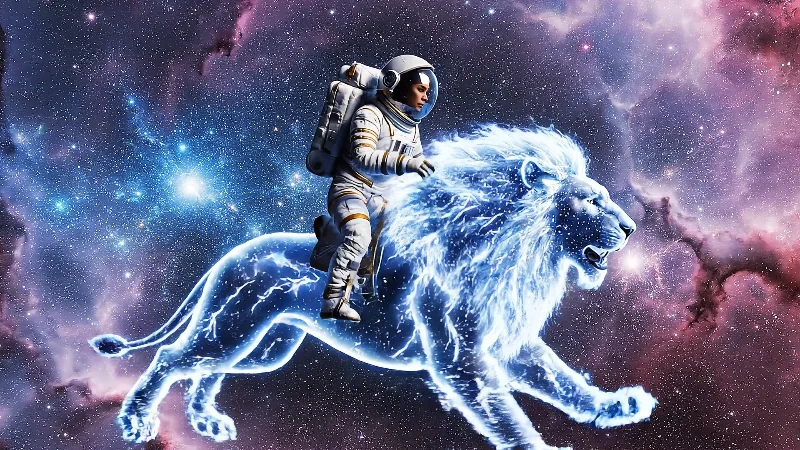
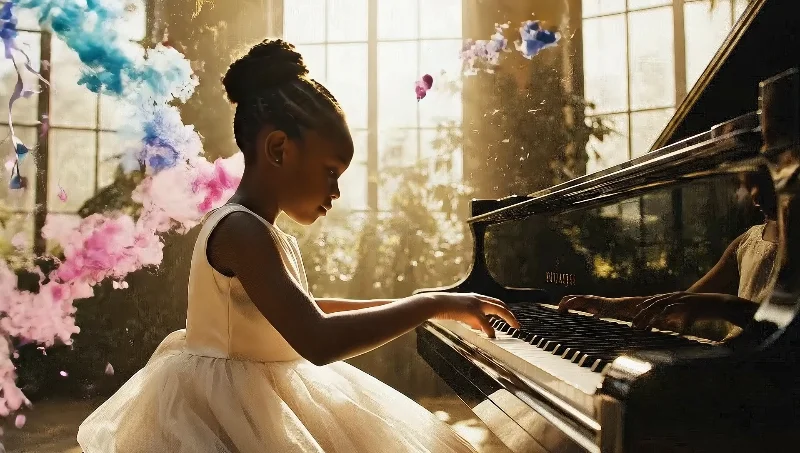
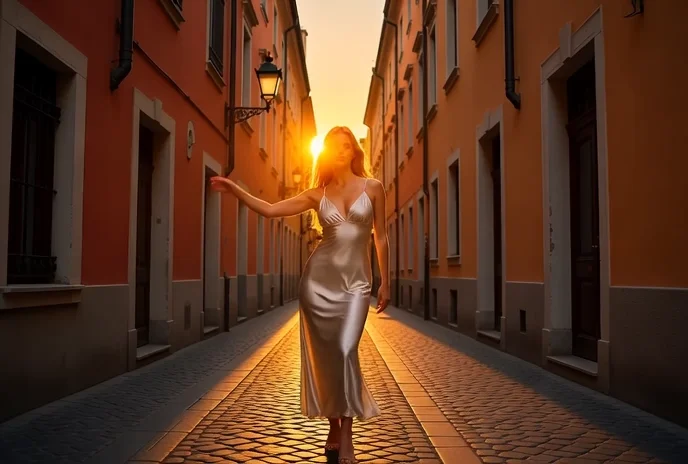
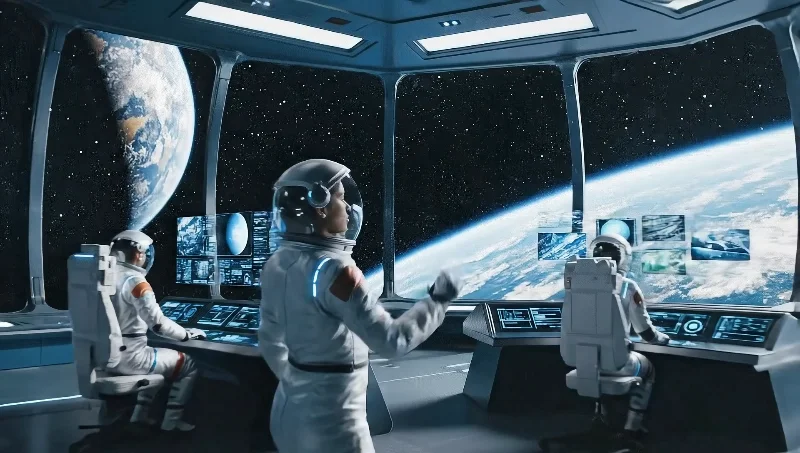
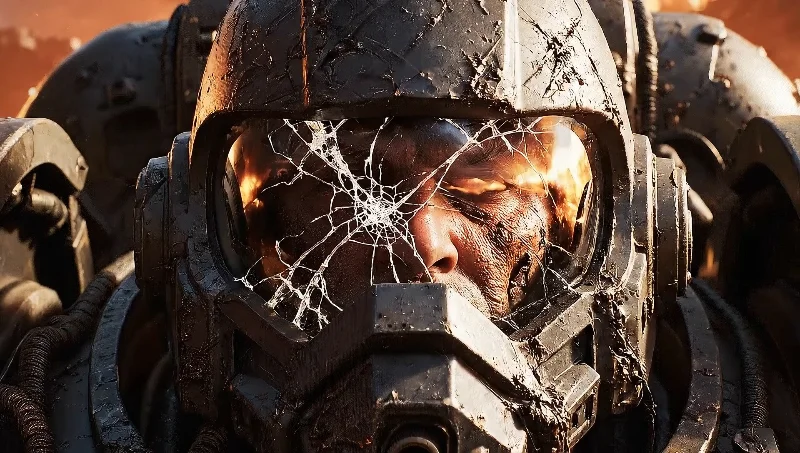
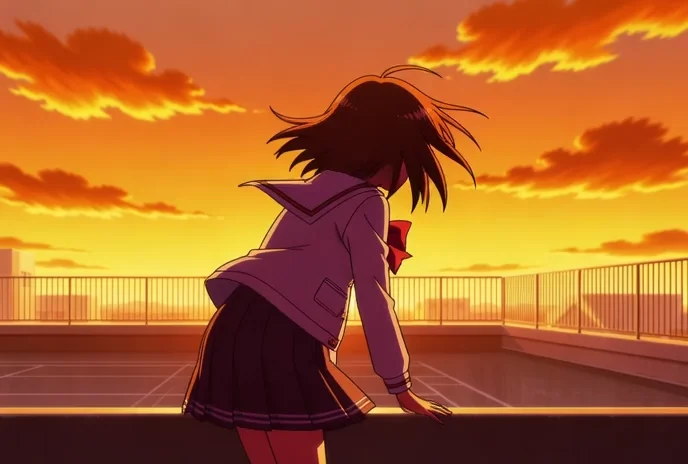
Start by describing the scene you want the Seedance 2.0 video generator to create. Include details about the environment, action, mood, and audio atmosphere—a rain-soaked city street at night with passing traffic, a sunlit meadow with birdsong, or a high-energy product reveal with electronic music. For image to video generation, upload reference images to guide style, subject, or composition alongside your text prompt. For Reference-to-Video (R2V) mode, provide up to 9 reference images, 3 videos, and 3 audio tracks for maximum creative control. Enable Web Search in T2V mode to enrich your prompt with real-time context. Then select your preferred settings: duration (4 to 15 seconds), resolution (480p, 720p, or up to 1080P quality), and choose adaptive aspect ratio or pick from six fixed options including cinematic 21:9 and vertical 9:16.