

1
Enter Your Prompt or Upload a Reference Image
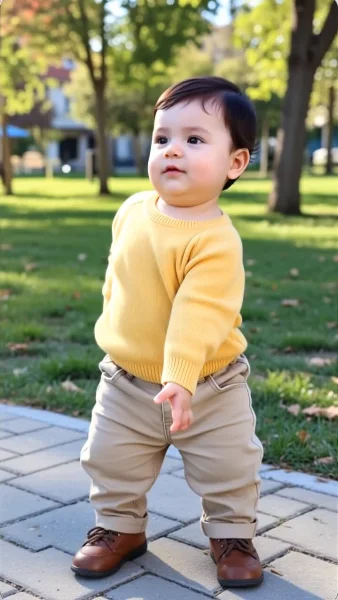
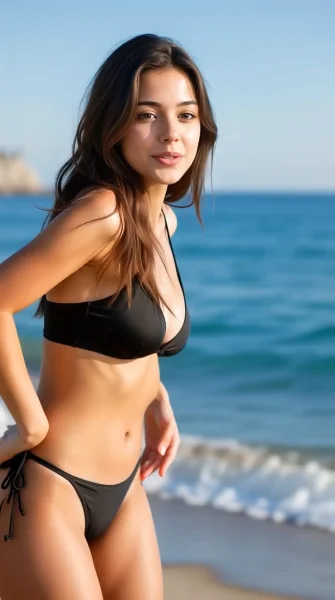
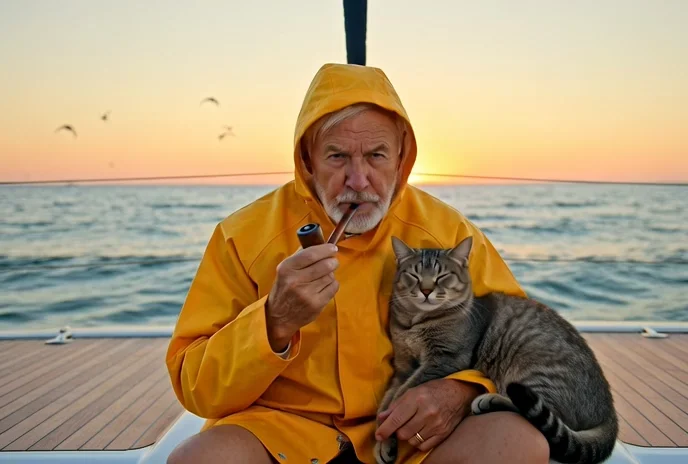
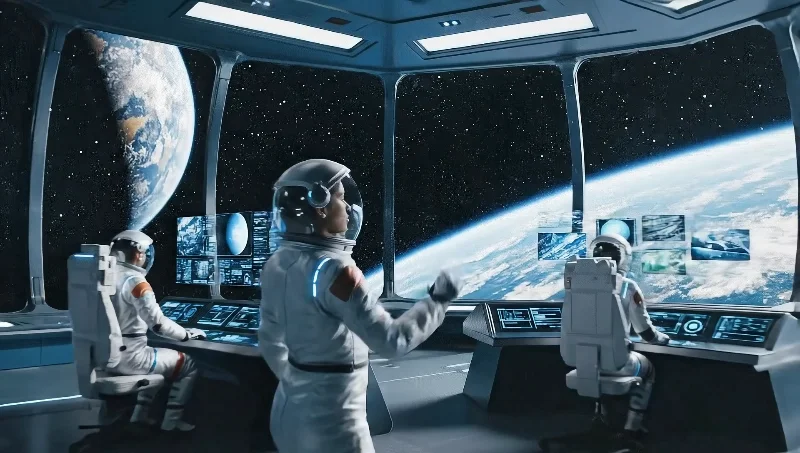
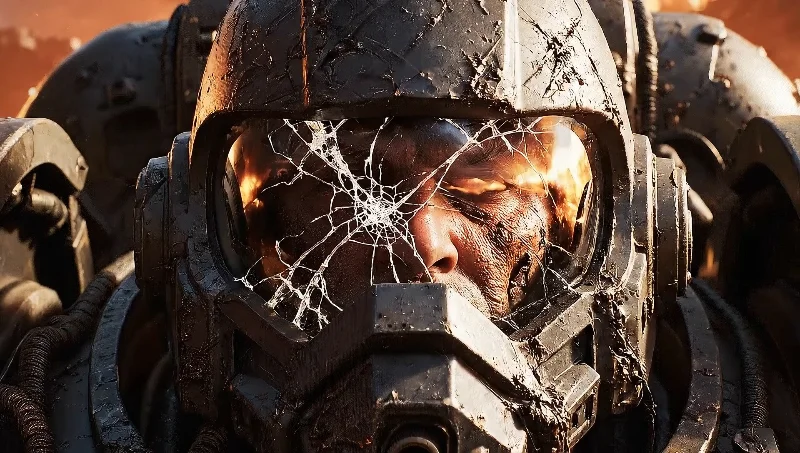
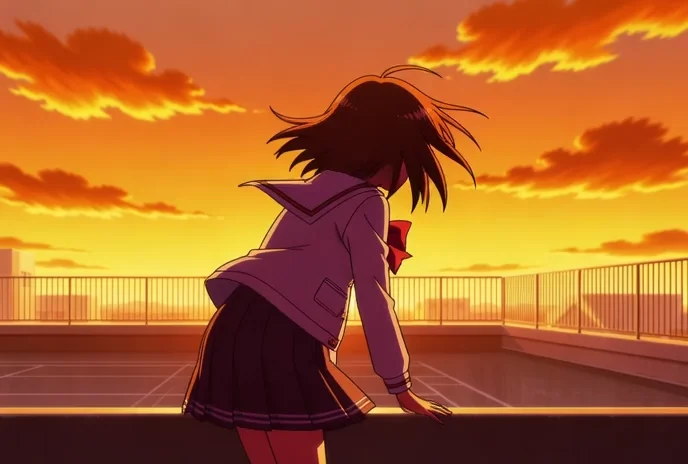
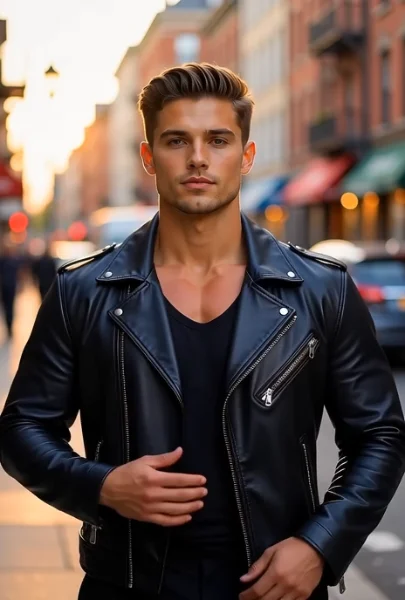
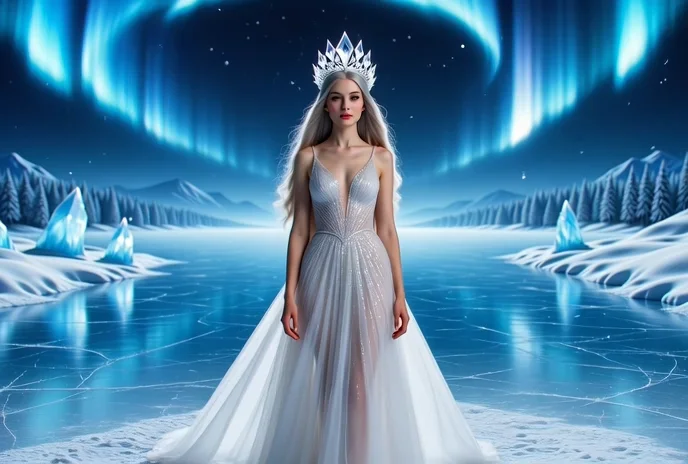
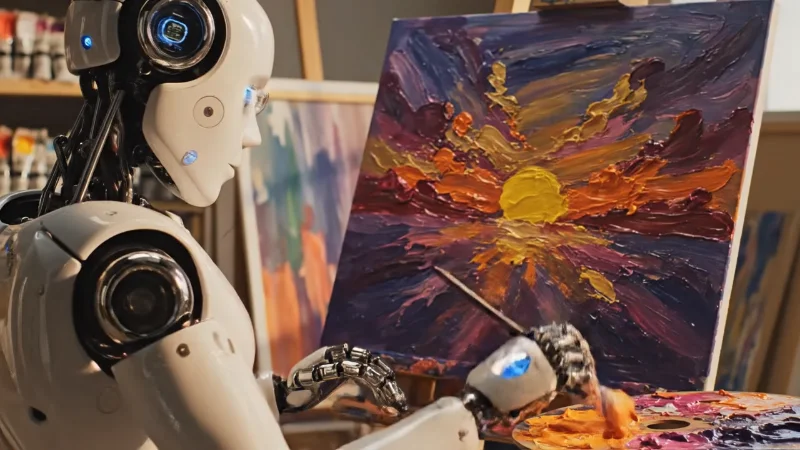
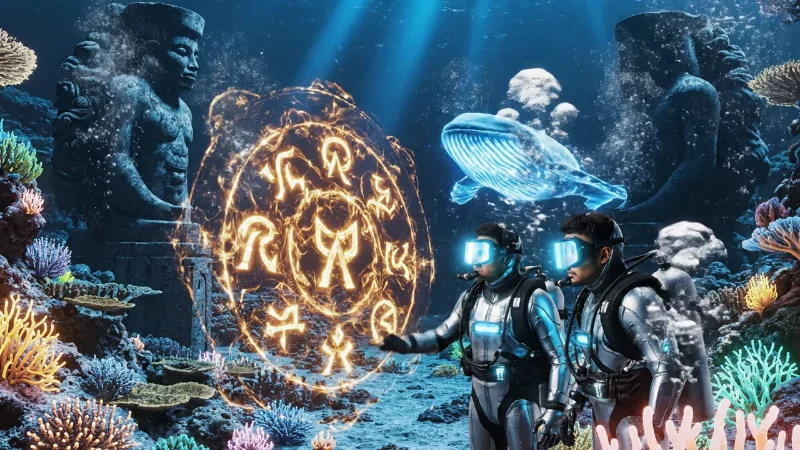
Start your AI video creation by choosing between two input modes. For text-to-video, describe the scene, action, and visual style you want using natural language — Wan 2.2 Fast supports prompts up to 2,000 characters for detailed creative instructions. For image-to-video, upload a reference image that the model will animate into motion while preserving the visual characteristics of your original. You can also provide an optional last-frame image in advanced settings to guide the direction and endpoint of the generated motion. This dual-input flexibility means you can generate original content from scratch or bring existing photos, illustrations, and product images to life with natural movement.