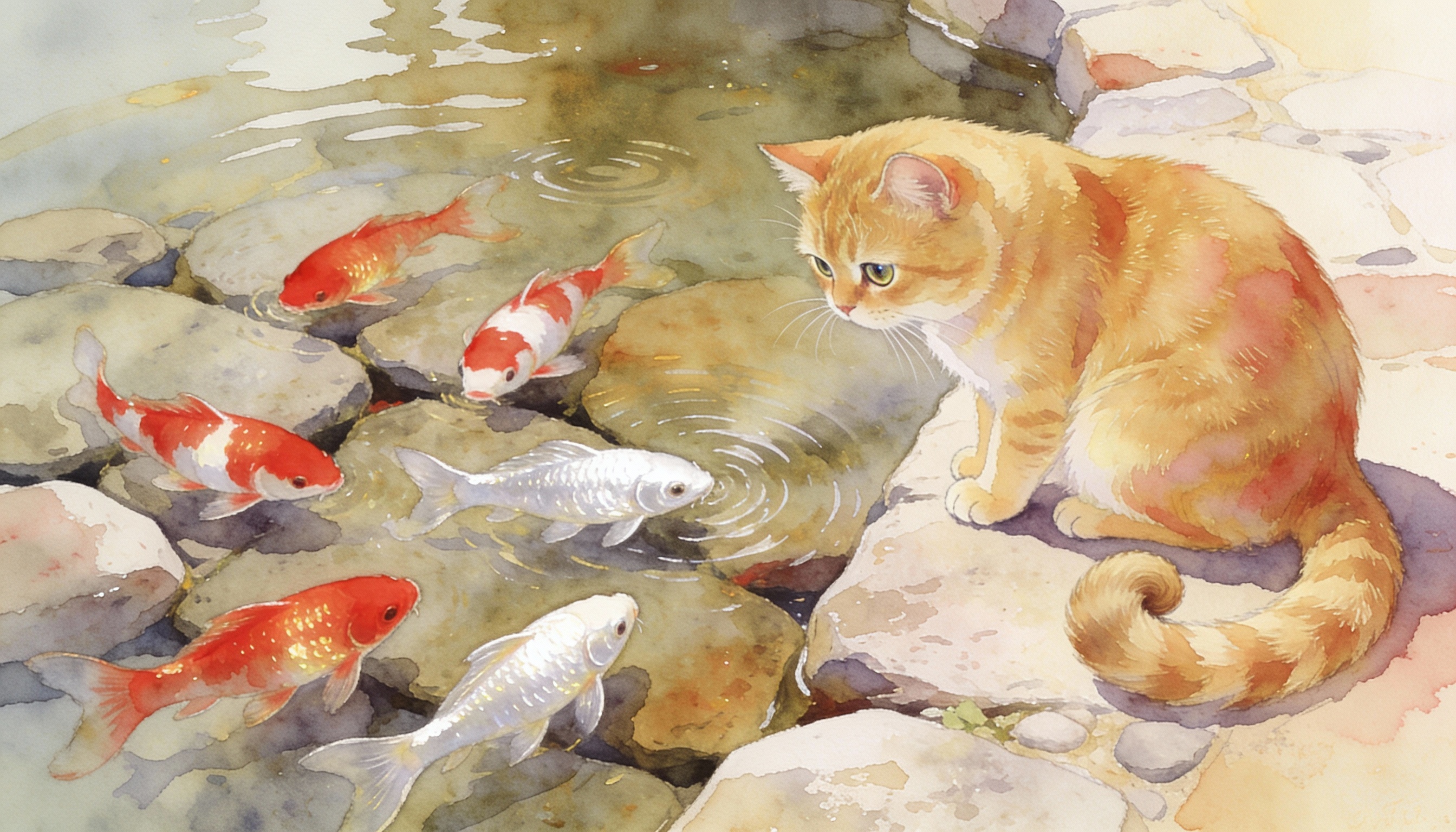
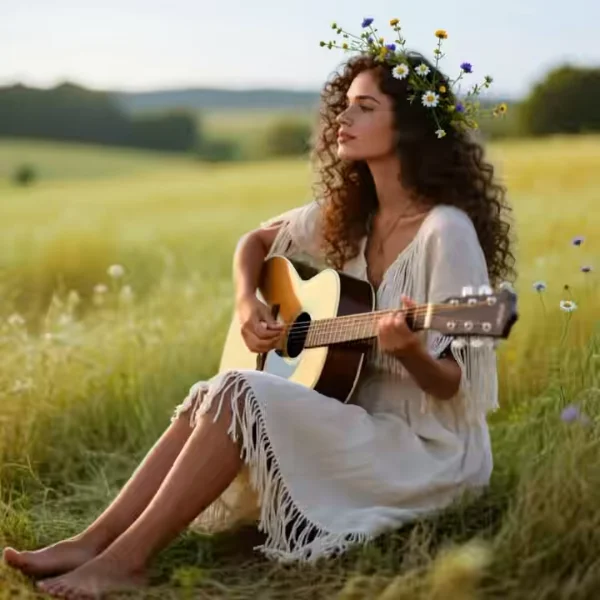
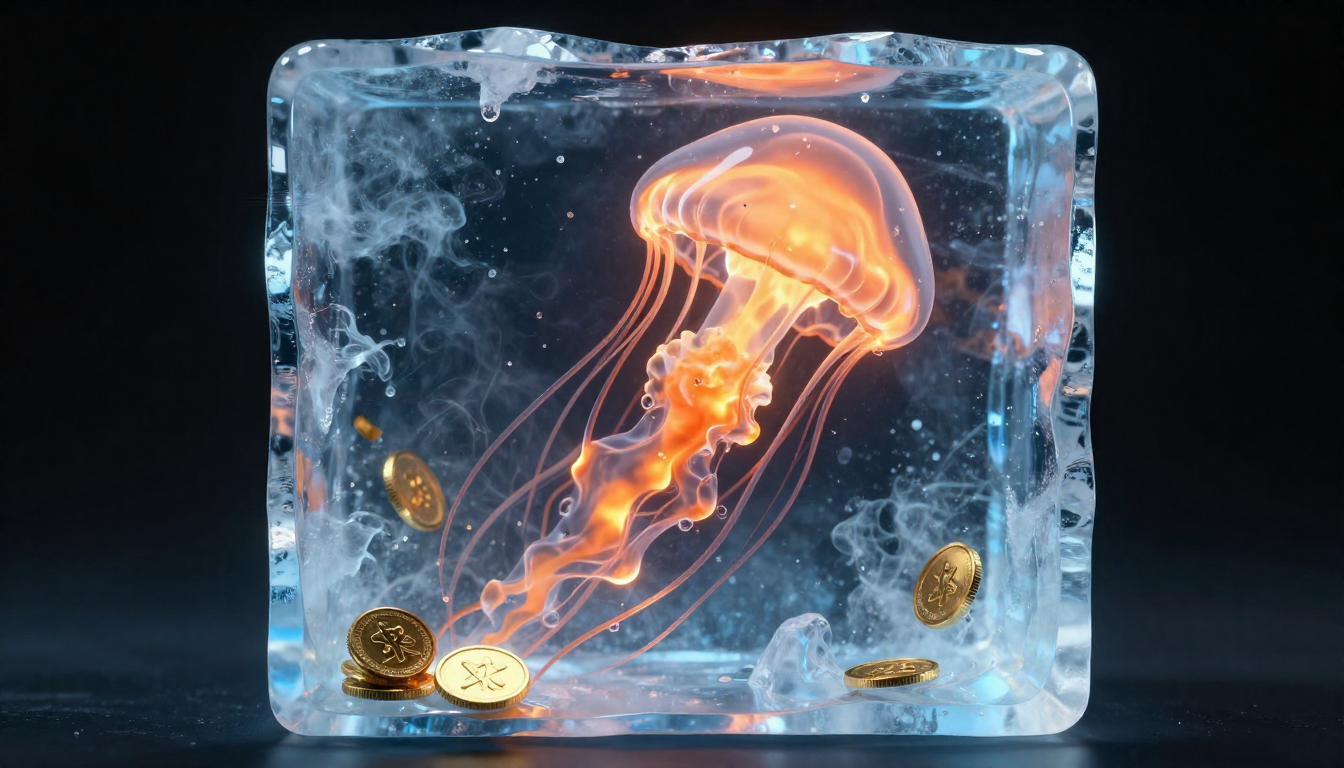
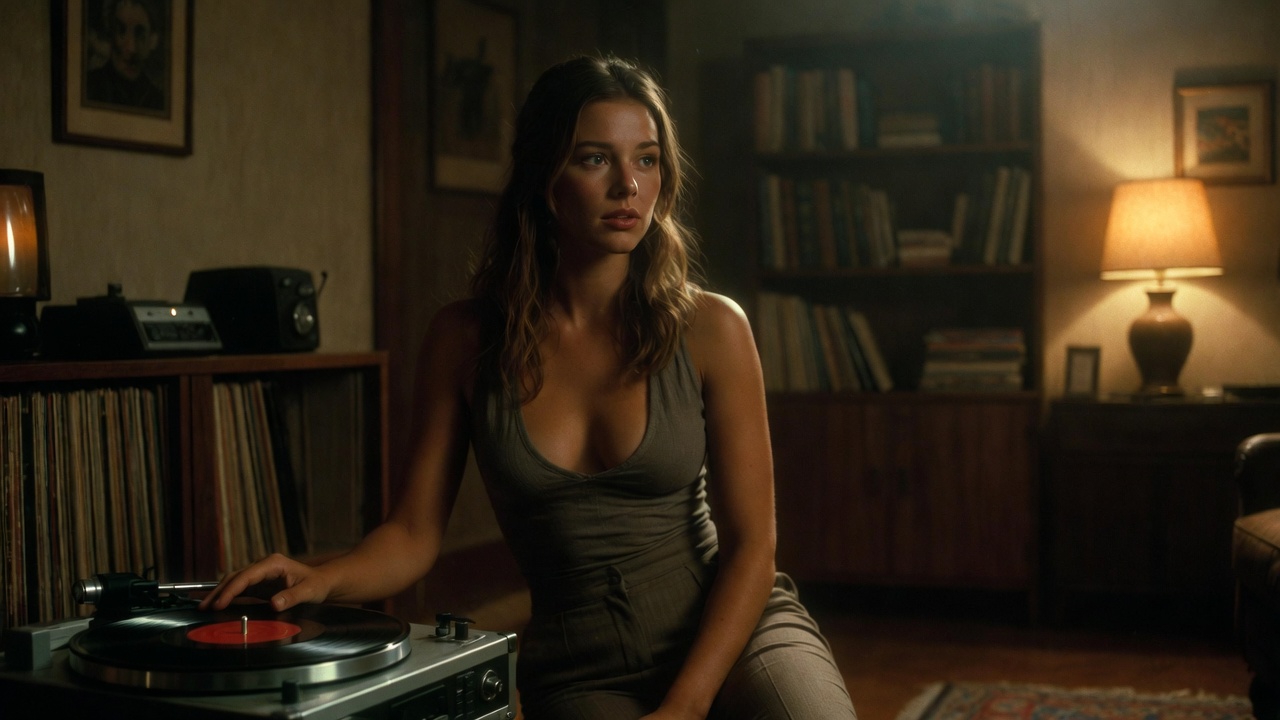
Compare AI image generators — each with unique styles, quality levels, and creative capabilities for your projects.
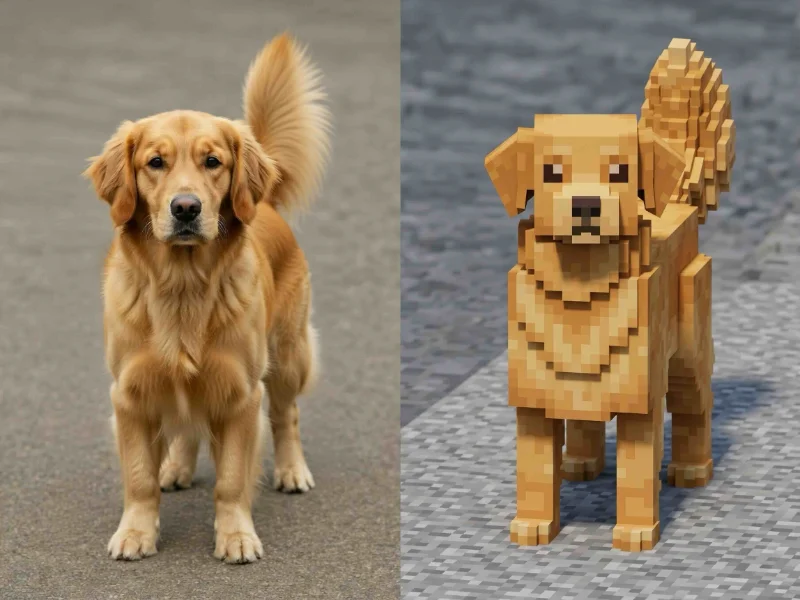
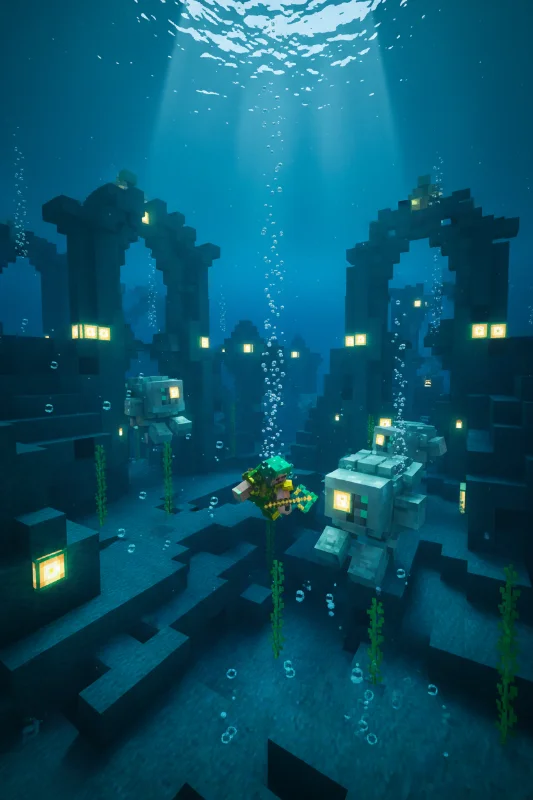
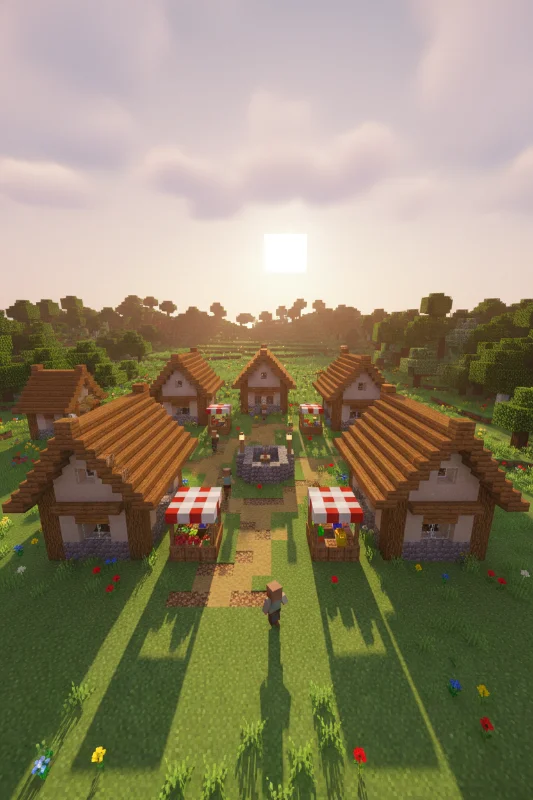
Turn your favorite photos into Minecraft-style pixel art with the GenMix AI Minecraft skin generator. Upload a portrait, a group shot, a pet photo, or any scene — our minecraft skin creator converts everything into the iconic blocky voxel aesthetic with square heads, pixelated features, and flat saturated colors. No pixel art skills required, no design software to learn. The AI minecraft skin maker handles the entire image to minecraft skin transformation in seconds, preserving your original composition while rebuilding every element in Minecraft's signature 8-bit block style.
Upload 1-14 reference images to guide the generation
Enhance generation with real-time web knowledge
The AI Minecraft skin generator on GenMix uses the Nano Banana 2 model powered by Gemini 3.1 Flash to perform a complete artistic transformation of any uploaded image into Minecraft-style pixel art. Unlike basic photo filters that overlay a generic pixelation effect, this minecraft skin generator from image actually reconstructs your entire scene — people, animals, objects, backgrounds, and environmental details — using the blocky voxel geometry, visible pixel grid boundaries, and flat color palette that define the Minecraft visual language. Upload a selfie to create a Minecraft-style avatar for your social media profiles. Transform a landscape photo into a scene that looks like it belongs in a Minecraft world. Convert a group photo so your entire friend circle appears as blocky pixel art characters. The image to minecraft skin AI processes each element individually, preserving the original composition, poses, color relationships, and spatial layout while translating everything into Minecraft's iconic aesthetic. Whether you need creative content for YouTube thumbnails, Twitch channel branding, Discord server art, fan community posts, or just want to see what your world would look like rebuilt in Minecraft blocks, this AI minecraft skin generator from image delivers high-resolution results ready for immediate use.

Follow these three simple steps to create professional AI Minecraft Skin images — upload your photo, choose an AI image model, and download the finished result in HD quality.
Start by uploading any image to the GenMix AI Minecraft skin generator. The tool accepts JPG, PNG, and WebP formats — standard photos from your phone camera, professional shots, screenshots, or even digital artwork all work as input. For the best minecraft skin maker results, use images with clear subjects and good lighting. Portraits produce striking Minecraft-style character artwork, but the AI handles full scenes equally well — landscapes, group photos, pets, food, architecture, and action shots all transform beautifully into the blocky pixel art style. The minecraft skin creator template is pre-loaded with an optimized prompt specifically tuned for Minecraft's visual language, so you do not need to write any instructions yourself. Higher resolution source images (1024 pixels or above) give the Nano Banana 2 model more detail to work with, resulting in sharper pixel boundaries and more accurate color mapping in the final Minecraft-style output.
Discover what makes the AI Minecraft Skin AI image effect stand out — from intelligent style transfer and one-click templates to 4K output and fast generation.
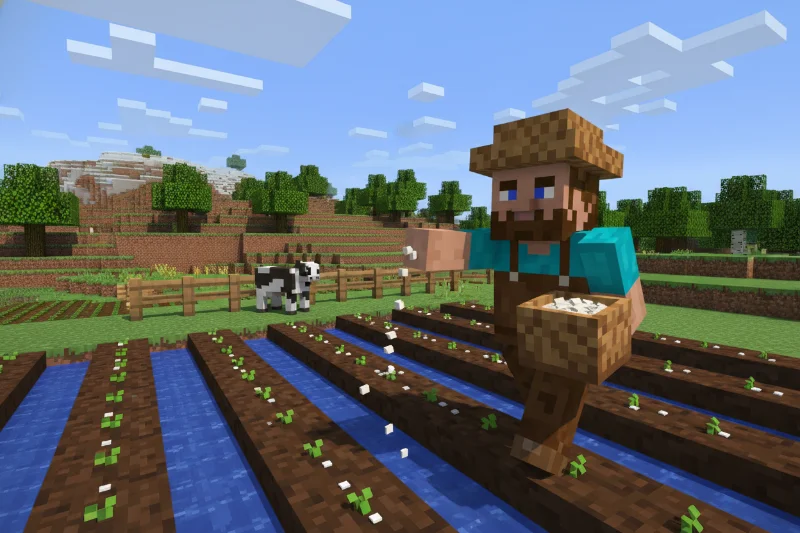
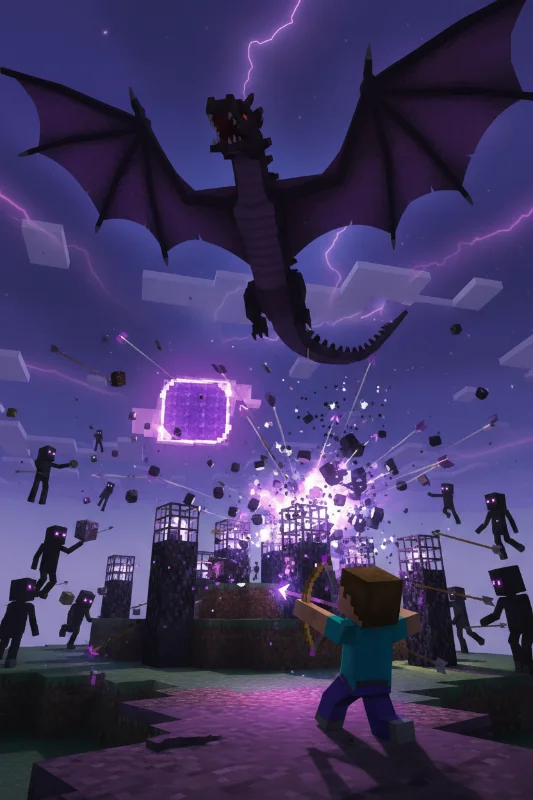
The AI Minecraft skin generator does not just transform faces or isolated subjects — it converts your entire image into Minecraft-style pixel art. Every element in the scene gets the full blocky voxel treatment: people become square-headed Minecraft characters, trees become stacked block foliage, buildings become cubic structures, skies become pixelated gradients, and even small details like glasses, jewelry, and clothing patterns translate into the chunky 8-bit aesthetic. This complete scene transformation is what separates a true minecraft skin maker ai from image tools from basic pixelation filters that simply reduce resolution without understanding the Minecraft visual language. The Nano Banana 2 model comprehends how Minecraft renders different materials and objects, producing results that genuinely look like they belong in the game world.
Every person has unique distinguishing features, and the AI minecraft skin creator preserves them through intelligent mapping to Minecraft's blocky visual grammar. Your hair color becomes a distinctive pixel block pattern. Your glasses transform into the angular frames you would see on a Minecraft character. Your red jacket becomes a flat-color block torso piece. Skin tones, facial hair, hats, earrings, tattoos, and even specific clothing brands get translated into the pixel art vocabulary while remaining instantly recognizable. For group photos, each person gets individually analyzed and transformed, maintaining the visual differences that make each character distinct. This attention to personal detail across the image to minecraft skin ai conversion is what makes GenMix results feel like genuine character designs rather than cookie-cutter filter outputs where everyone looks the same.
You do not need to understand AI image generation, write complex prompts, or configure technical parameters to make a custom minecraft skin ai creation. The minecraft skin generator template comes pre-configured with an expertly crafted prompt that has been calibrated through extensive testing across hundreds of image types to produce consistent, high-quality Minecraft-style results. Upload your image and click one button — the entire prompt engineering, model selection, aspect ratio configuration, and generation settings are handled automatically. The 1:1 square aspect ratio is pre-set to match Minecraft's character design proportions, and the Nano Banana 2 model is pre-selected for optimal style transfer performance. Advanced users who want to experiment can modify the prompt or switch models in the editor panel, but for the vast majority of users, the default minecraft skin making ai template produces excellent results with zero configuration.
A multi-model AI platform with one-click AI Minecraft Skin templates, fast generation, and high-resolution output — built for creators who value speed and quality.
Most AI image tools treat Minecraft style conversion as an afterthought — a generic pixelation filter or a text prompt you have to figure out yourself. The GenMix AI minecraft skin generator is built as a dedicated template with a prompt engineered specifically for Minecraft's visual language. The AI understands the difference between generic pixel art and authentic Minecraft aesthetics: the specific way blocks stack, the characteristic square-headed character proportions, the flat saturated color fills without gradients, the visible grid boundaries between blocks, and the chunky voxel geometry that makes Minecraft worlds instantly recognizable. This purpose-built approach means the minecraft skin maker ai from image results genuinely look like they belong in the Minecraft universe — not just like a low-resolution version of your photo. Traditional minecraft skin editors like NovaSkin or Skindex require you to manually draw pixel by pixel on a grid. Our AI minecraft skin creator does the artistic translation automatically from any uploaded photo, producing in seconds what would take hours of manual pixel art work.
Many AI image to minecraft skin tools focus exclusively on face transformation, leaving backgrounds blank or applying inconsistent styles to different parts of the image. The GenMix minecraft skin generator from image processes the complete scene end to end. Upload a beach vacation photo and the AI transforms the people into blocky Minecraft characters, the ocean into pixelated blue blocks, the sand into tan voxels, the palm trees into stacked green cubes, and the sunset into a gradient of flat-color pixel rows. Upload a city street scene and buildings become cubic structures, vehicles become blocky models, pedestrians become square-headed characters, and street lights become pixel art fixtures. This holistic scene conversion creates cohesive Minecraft-style artwork where every element belongs together visually — not a character pasted onto an unrelated background. The complete transformation approach also means the minecraft skin making ai handles any image type: portraits, landscapes, group photos, pets, food, architecture, sports action shots, and abstract compositions all convert beautifully.
Quick AI utilities to enhance, generate, or transform your media — one click away.
Your AI-generated Minecraft-style image is not a tiny low-resolution thumbnail — the minecraft skin generator on GenMix produces high-resolution artwork suitable for any creative application. The output resolution supports clean display from small social media profile icons to large format prints without pixelation artifacts breaking the intentional blocky aesthetic. The square 1:1 format is universally compatible with profile picture requirements across Instagram, TikTok, X, Discord, Slack, YouTube, and Twitch. You can download in JPG or PNG format depending on your needs — JPG for web sharing and social media posts, PNG for higher quality preservation when editing or printing. The flat-color Minecraft aesthetic actually scales exceptionally well because it relies on clean geometric shapes rather than photographic gradients, meaning your image to minecraft skin creations look sharp at any display size.
The AI minecraft skin generator is designed with Minecraft community workflows in mind. YouTube creators use it to produce pixel art thumbnails that match their Minecraft Let's Play series branding — upload a face cam still and generate a blocky avatar that sits perfectly alongside in-game footage. Twitch streamers create Minecraft-style versions of subscriber photos for loyalty rewards and on-stream shoutouts. Discord server owners transform their entire moderation team into blocky characters for role cards and welcome banners. Reddit and fan community members generate Minecraft-style versions of memes, movie scenes, and pop culture moments for viral posts. The minecraft skin making ai handles batch creation efficiently — process an entire friend group, esports team roster, or classroom photo set in a single session, each person becoming a distinct pixelated character. Beyond the minecraft skin creator template, GenMix offers additional AI image styles, video generation, and creative effects on the same platform, letting you extend your Minecraft content library without switching tools.
Creating Minecraft-style pixel art manually — whether through traditional pixel editors or game screenshot staging — takes hours of careful block-by-block placement. Even experienced pixel artists need significant time to translate a photograph into authentic Minecraft style while preserving the subject's identity. The AI minecraft skin generator on GenMix delivers a complete transformation in under 30 seconds from the moment you click generate. Need Minecraft-style avatars for your entire gaming team? Generate a dozen in minutes. Want to create a collection of Minecraft versions of your vacation photos? Process them all in a single session. Creating matching Discord server artwork for your community? Transform your group photo and individual portraits back to back. The speed makes this minecraft skin creator practical for batch creative work — content creators on YouTube and Twitch use it to rapidly produce Minecraft-themed thumbnails, social posts, and channel artwork without interrupting their production schedule.
Your uploaded photos are processed securely and are not used for AI model training, sold to third parties, or stored beyond your active session. The GenMix AI minecraft skin generator operates with the same privacy standards applied across the entire platform — your creative inputs and outputs remain yours. Whether you upload professional headshots, personal selfies, family photos, or sensitive business imagery, the make a custom minecraft skin ai process handles everything with appropriate data protection. The Nano Banana 2 model delivers consistently recognizable results across different image types, lighting conditions, subject ages, and skin tones — the minecraft skin generator does not favor certain demographics or struggle with specific photo qualities. You maintain full ownership of every Minecraft-style image you generate. Use them for social media profiles, gaming community content, YouTube thumbnails, merchandise designs, fan art collections, or any other creative purpose. A standard smartphone photo is all you need to create an authentic-looking pixel art avatar creator output of yourself, your friends, your pets, or any scene you can photograph.
Discover how creators, marketers, and businesses use the AI Minecraft Skin AI image effect for social media, branding, e-commerce, and personal projects.
Transform your photos into unique AI Minecraft Skin images for Instagram, TikTok, X (Twitter), and Discord profiles. AI-generated image effects create memorable visual content that stands out in crowded social feeds — likes, comments, and shares all increase when you post creative, eye-catching imagery. Create multiple variations from a single photo and use the best version as your profile picture or share in stories and posts.
Produce professional AI Minecraft Skin marketing graphics without hiring a designer. Upload campaign visuals, team photos, or brand imagery and generate styled versions that capture attention. Marketing teams use AI image effects to rapidly prototype creative concepts — test five different visual directions in minutes and present the best options to clients with real output instead of mockups.
Apply the AI Minecraft Skin effect to product photos for unique e-commerce listings that convert better than generic stock imagery. Creative product imagery differentiates your brand on crowded marketplaces and social shops. Upload product shots and generate styled images that showcase items with artistic flair — replacing expensive photo shoots with AI-generated alternatives.
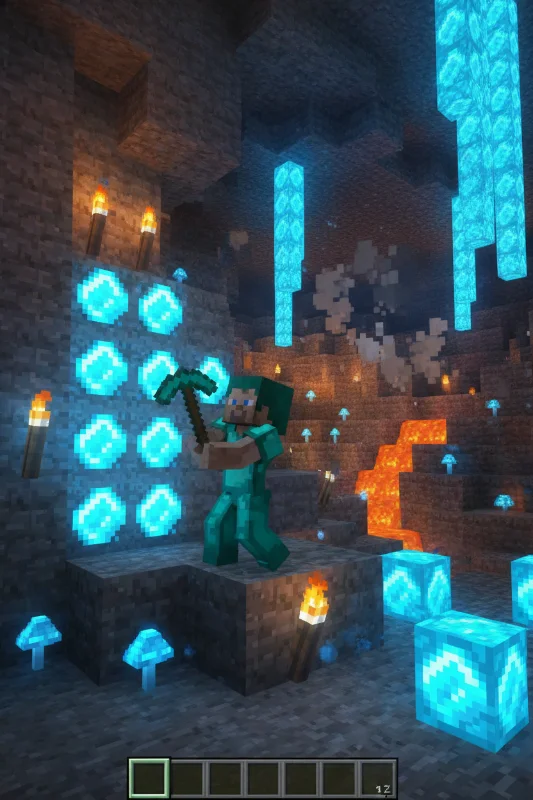
Turn personal photos, family portraits, and travel snapshots into memorable AI Minecraft Skin art. AI image effects add creative transformation to special moments — anniversaries, birthdays, and travel memories become unique keepsakes. Share styled images with friends and family, or print them as custom gifts, cards, and wall art.
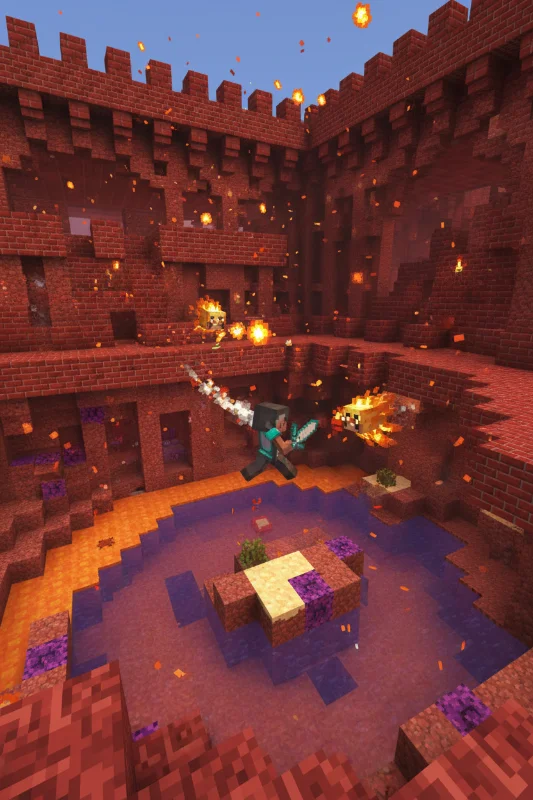
Replace generic stock photos with AI Minecraft Skin styled visuals that hold audience attention during presentations and pitch decks. Creative visuals increase information retention compared to standard imagery. Generate AI Minecraft Skin images from diagrams, mockups, and headshots to create a consistent, polished visual theme across your slides.
Create engaging AI Minecraft Skin visual content for online communities, courses, and fan groups. Educators and community managers use AI image effects to make avatars, badges, and visual assets that build community identity. The quick generation time makes it practical to create custom visuals for every member, event, or occasion.
Real feedback from content creators, designers, and community managers using GenMix AI image effects for social media and creative projects.
“Our team uses GenMix image effects for all our social media branding now. The cartoon-style avatars get way more engagement than regular headshots. We created matching team avatars in 10 minutes — something that would have cost hundreds with a freelance illustrator.”

Sophie Turner
Social Media Manager
Get answers to common questions about creating AI Minecraft Skin images with AI, including supported models, generation speed, photo requirements, pricing, and usage rights.
Upload a photo, pick from multiple AI image models, and generate your AI Minecraft Skin image in seconds — no design skills or prompt writing required. Free to start.