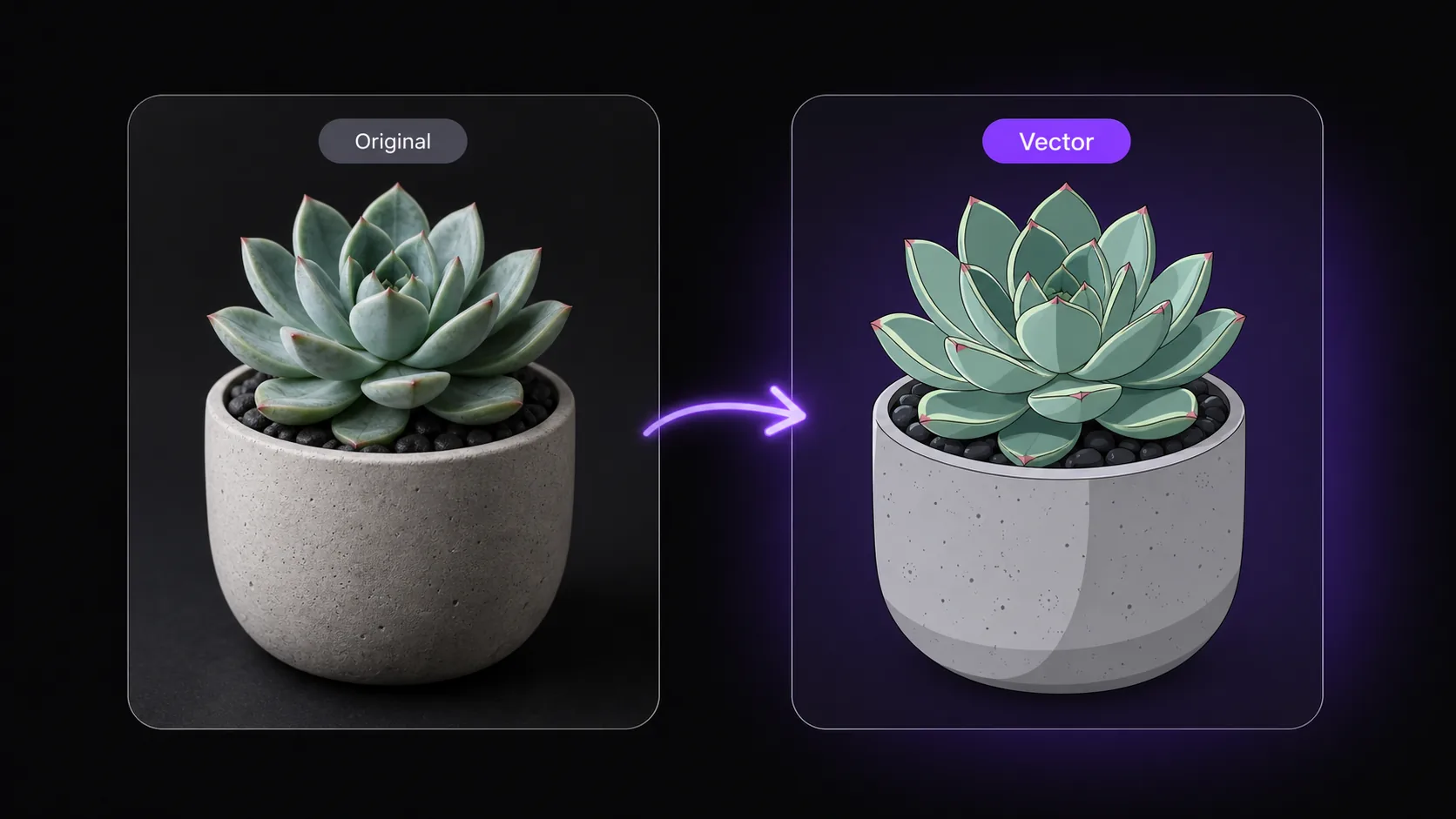
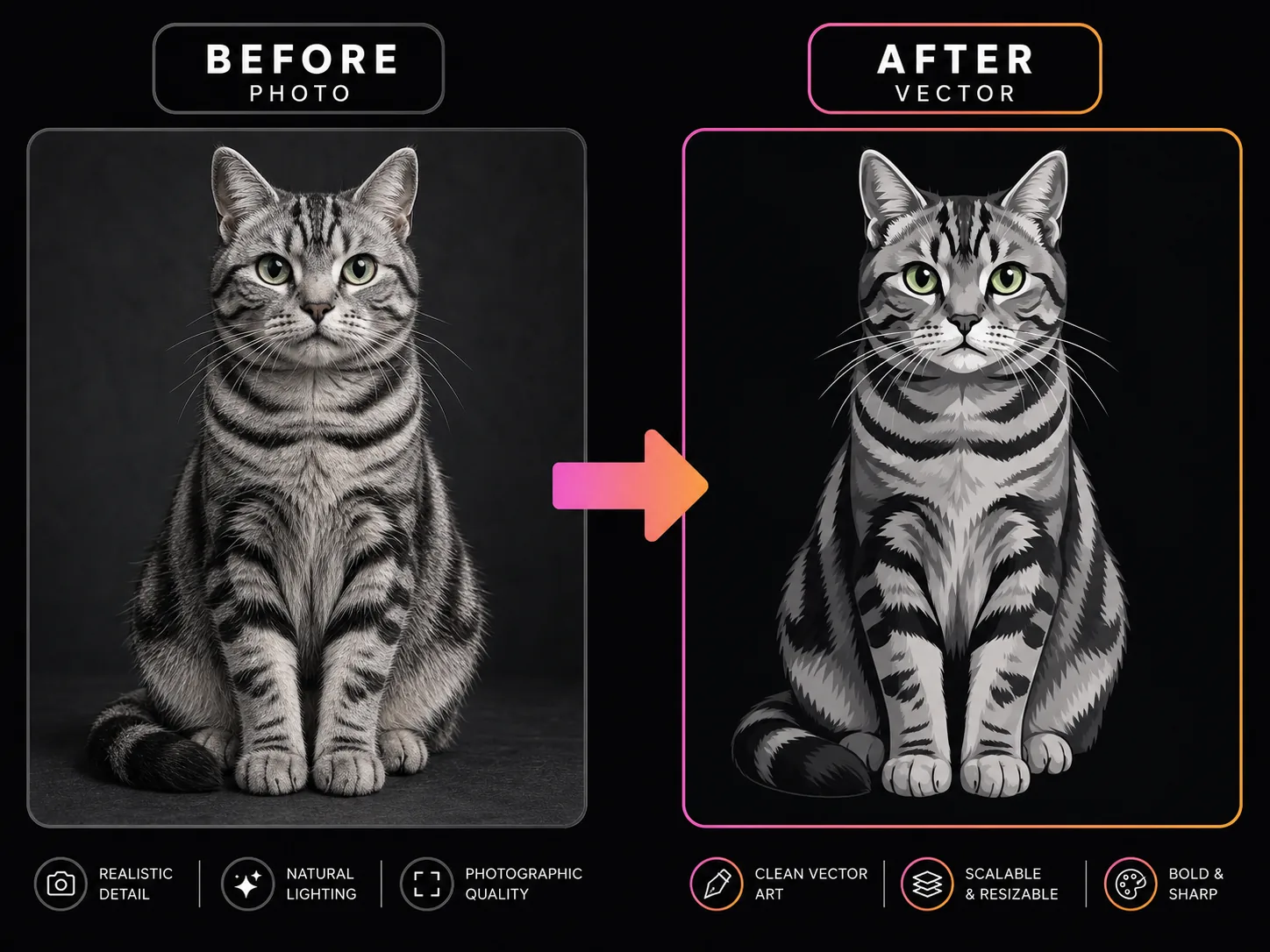
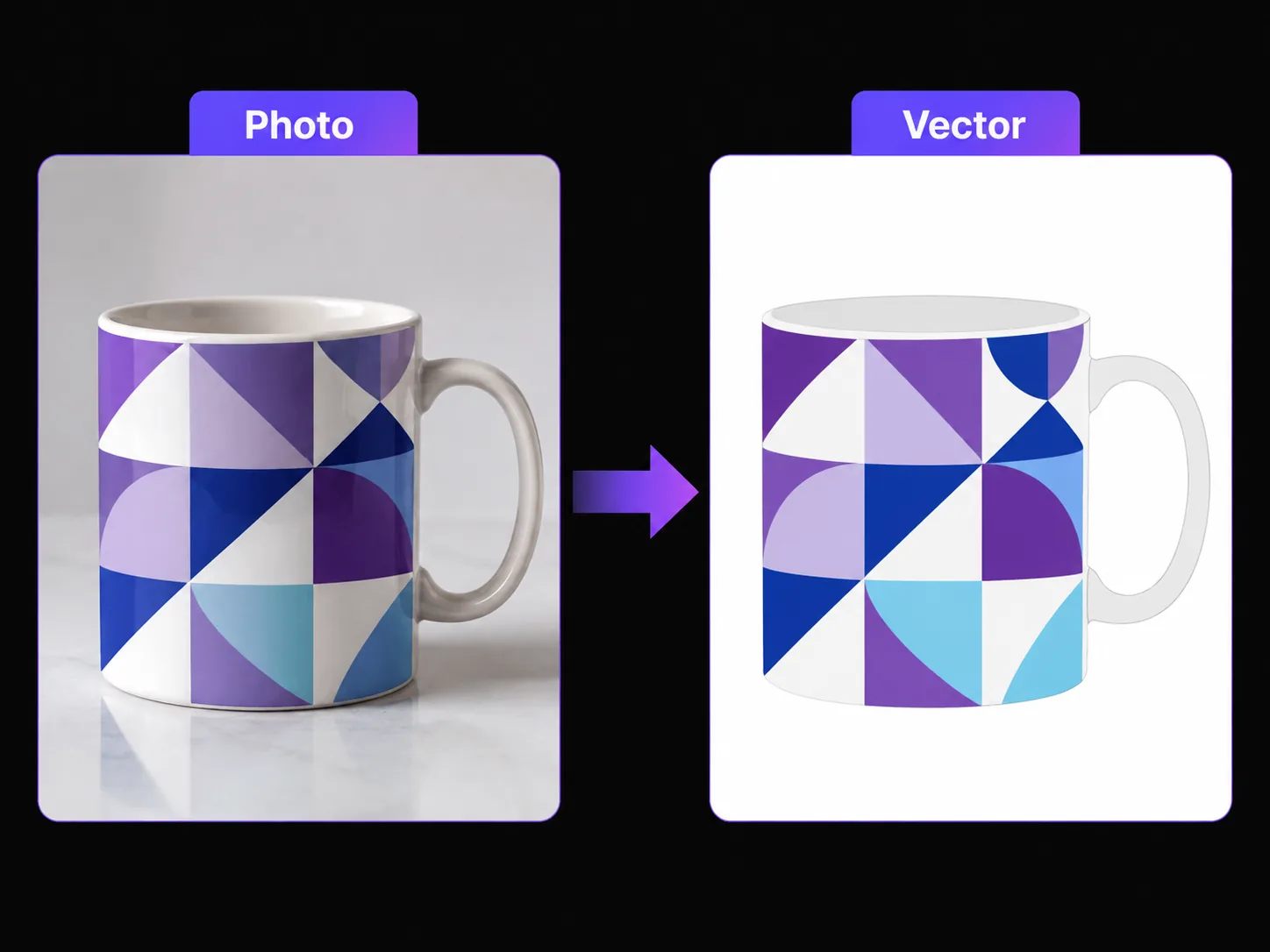
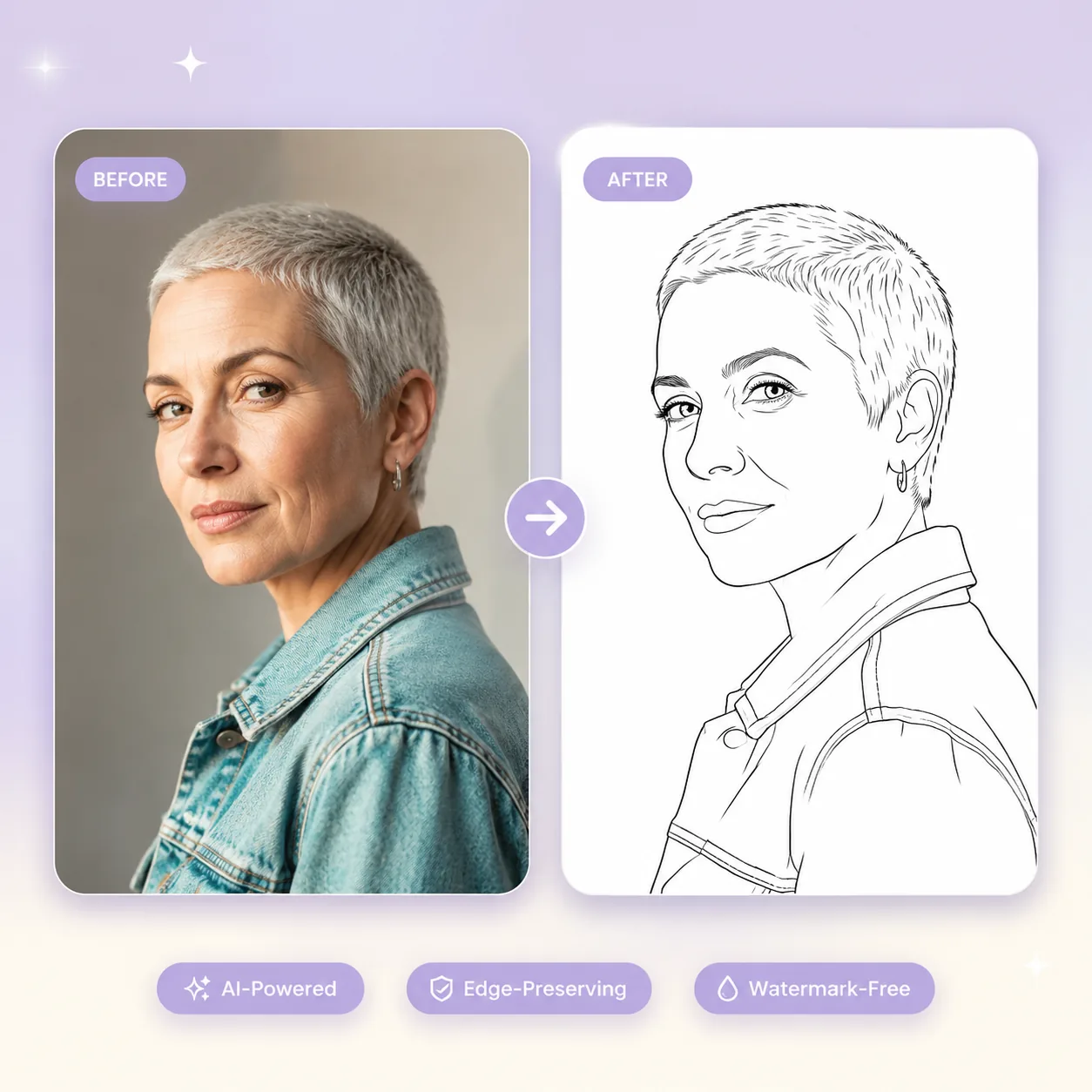
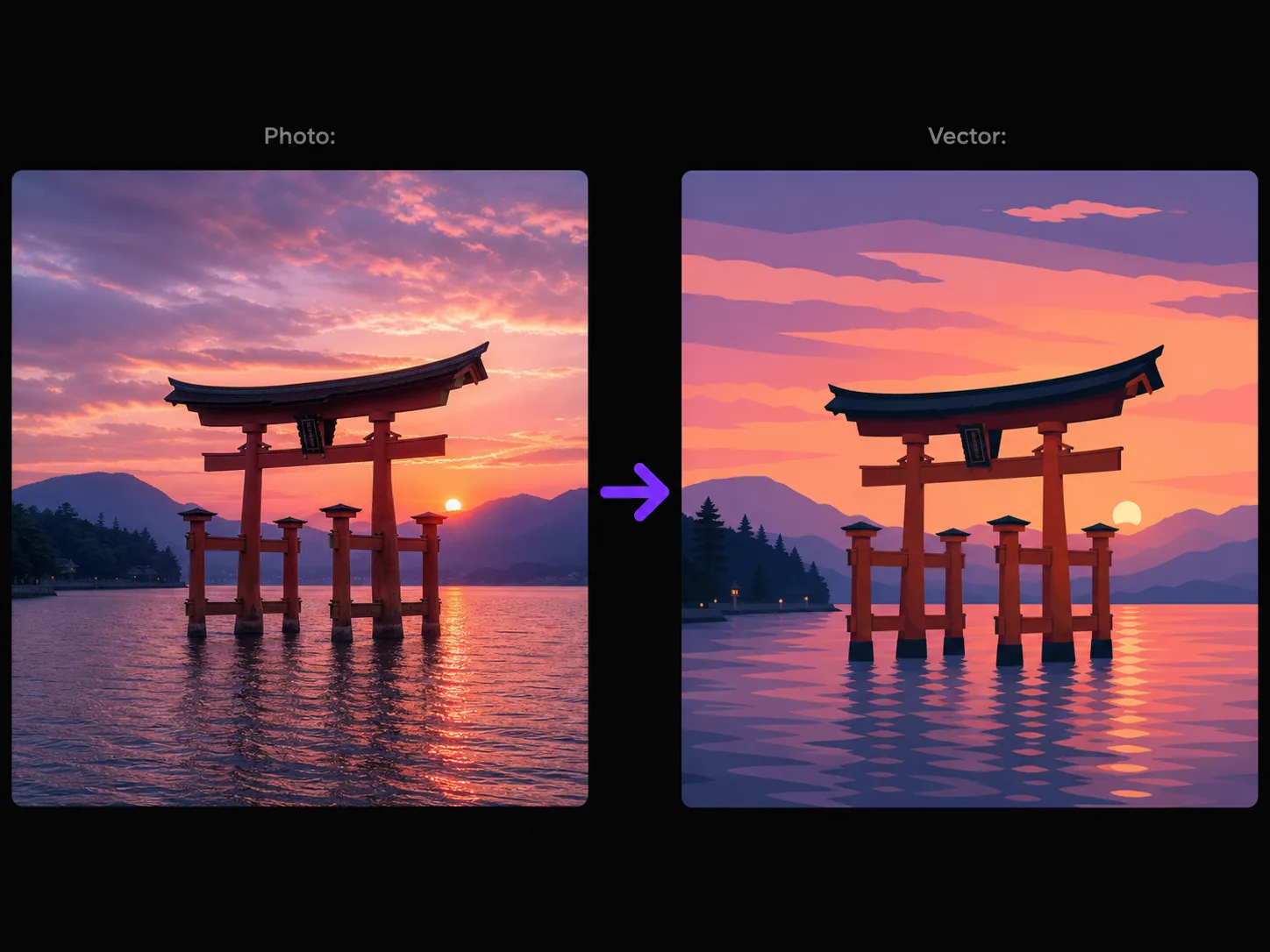
Upload a photo, portrait, or logo and watch our AI vector generator transform it into crisp, professional vector-style graphics — ready for branding, stickers, icons, and web design. This image to svg ai tool delivers clean vector output in seconds.
Creating vector output used to require hours of tracing in Adobe Illustrator. Our AI vector generator changes that completely. Powered by GPT Image 2, this photo to vector art generator analyzes your uploaded image — whether it's a portrait, product shot, or sketch — and produces polished vector-style output with flat colors, bold outlines, and simplified shapes. Every image to vector AI conversion preserves the original composition while stripping away photographic noise. The result looks indistinguishable from hand-crafted work. Use our AI vector generator for logos, app icons, social media stickers, or print-ready illustrations — as an image to svg ai tool it handles vectorization with precision. Each conversion costs just 5 credits, and new users get free credits to start generating immediately. Whether you need image to vector conversion for a client presentation or image to svg ai output for web assets, this AI vector generator delivers professional results without design software.


Upload 1-16 reference images to guide the generation
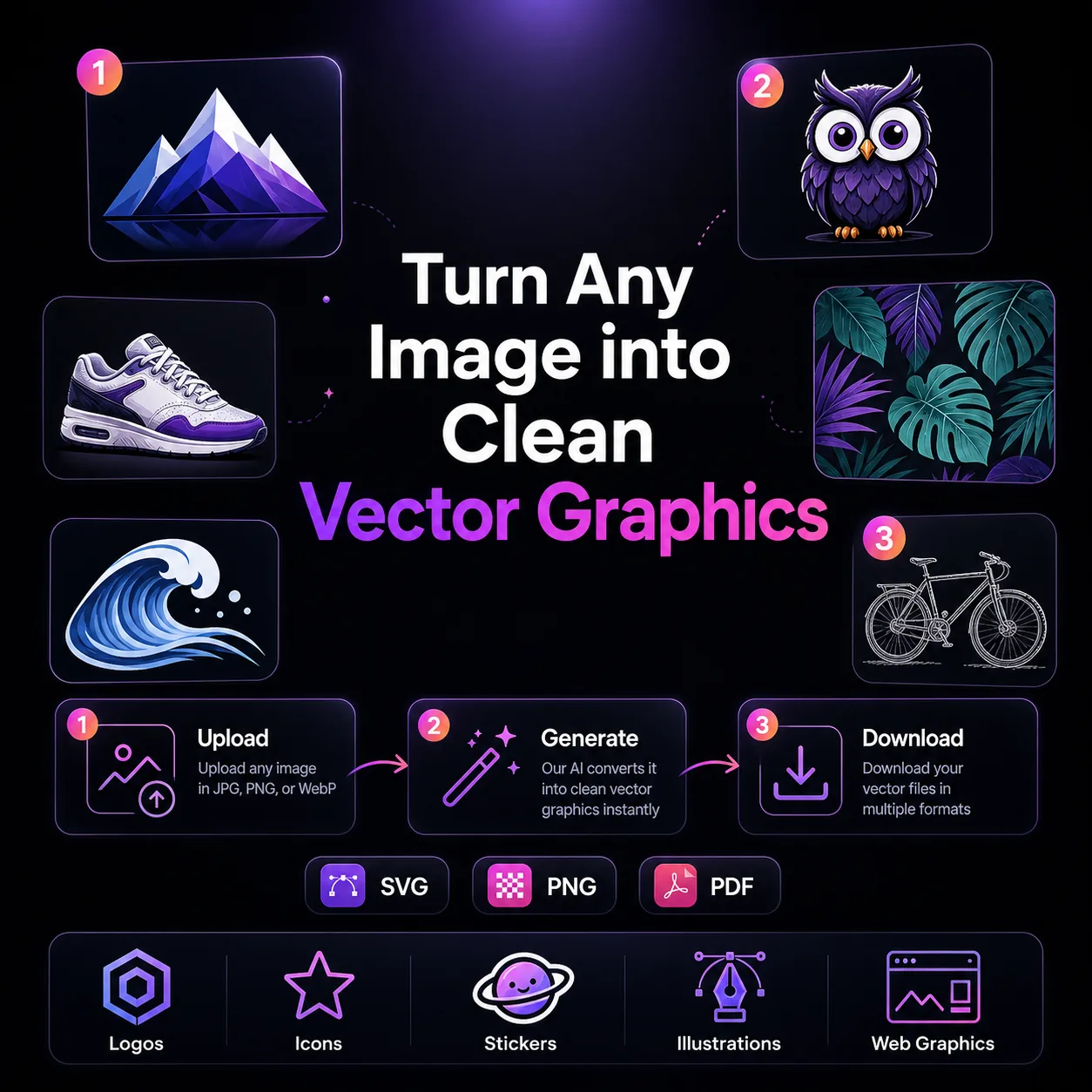
Follow these three simple steps to create professional AI Vector Generator images — upload your photo, choose an AI image model, and download the finished result in HD quality.

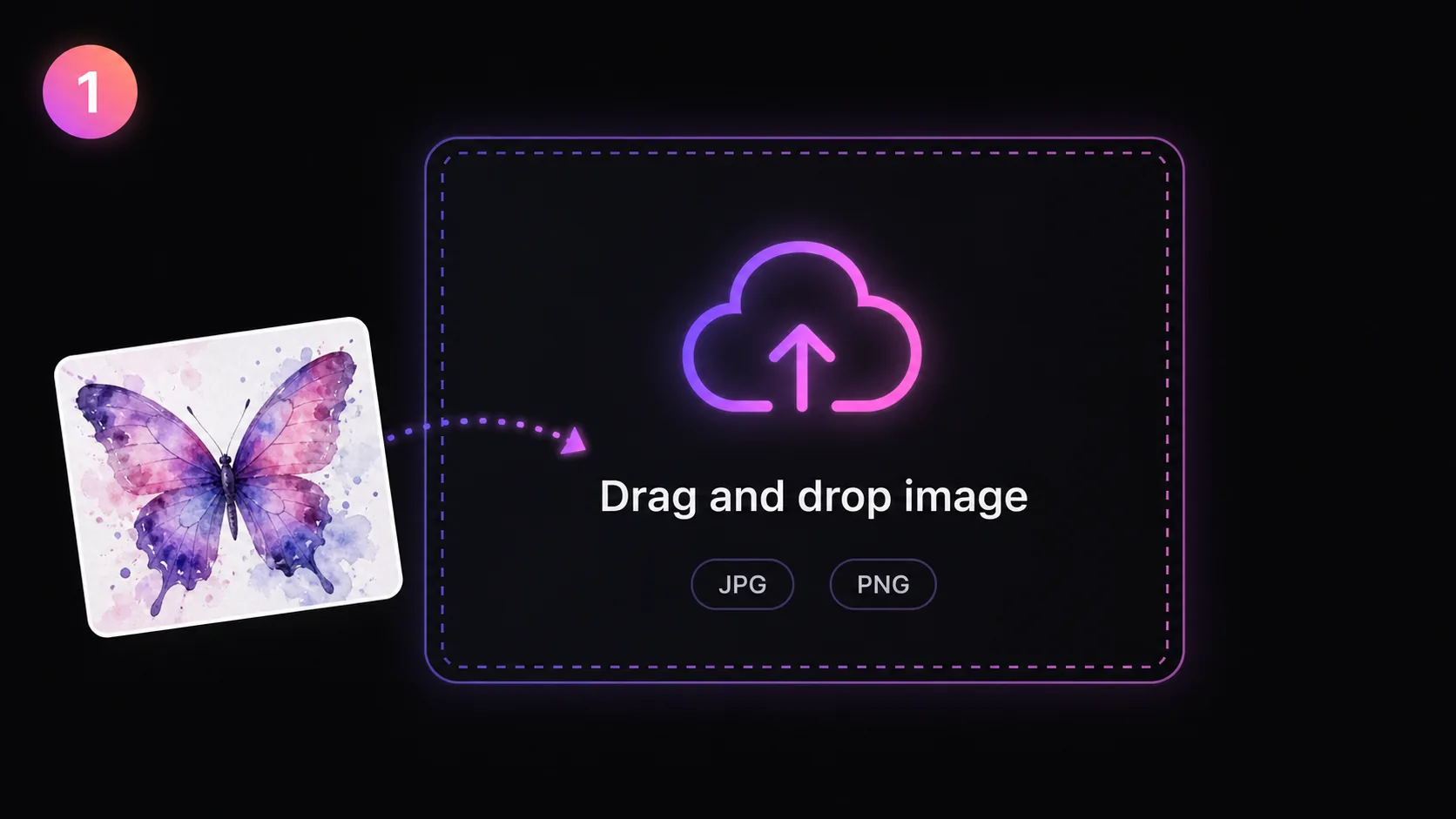
Start by uploading the image you want to convert to vector graphics. Using our AI vector generator is simple: it accepts JPG and PNG files up to 10 MB. For the cleanest vector output, use images with well-defined subjects — logos, portraits, product photos, or illustrations work especially well. The photo to vector generator handles both simple logo designs and moderately complex scenes, though images with fewer overlapping elements produce the sharpest vector-style results. This image to svg ai tool works best when subjects have clear edges. Drag and drop your file or click to browse your device. You can also select from our template library if you want to experiment with the AI vector generator before uploading your own work.
Discover what makes the AI Vector Generator AI image effect stand out — from intelligent style transfer and one-click templates to 4K output and fast generation.

Our AI vector generator transforms uploaded photos into clean, professional vector-style artwork in seconds. The image to vector AI engine powered by GPT Image 2 goes far beyond basic edge detection — it interprets the subject, understands spatial relationships, and rebuilds the image with flat color fills, crisp outlines, and simplified shapes. Every photo to vector art generator conversion preserves the essence of your original while eliminating photographic texture and noise. As an image to svg ai converter, it produces results that look hand-crafted in a vector illustration program, with smooth curves and consistent stroke weights. Whether you upload a headshot, a logo, a product photo, or a rough pencil sketch, the AI vector generator delivers publication-ready output.
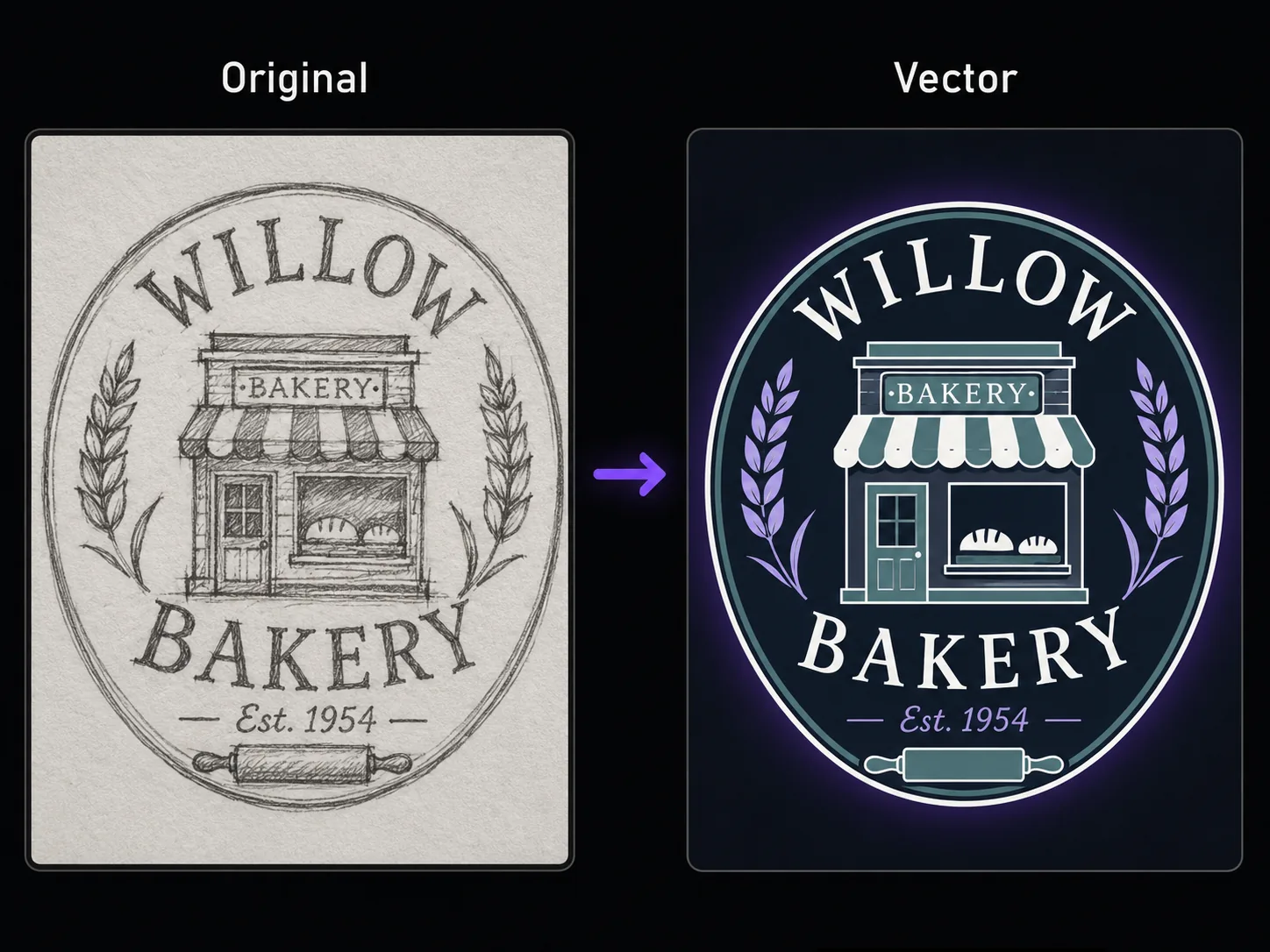
The biggest risk with any image to vector AI tool is losing what makes the original recognizable. Our AI vector generator solves this by analyzing the core visual structure — facial features in portraits, brand marks in logos, silhouette geometry in product shots — before applying the vector-style transformation. The photo to vector art generator maintains proportions, key details, and color relationships so the image to vector output is unmistakably derived from your source. Clients will recognize their logo instantly. Followers will recognize the portrait. Whether you use this as an image to svg ai converter for logo assets or a general image to vector converter AI for creative projects, it adds artistic polish without sacrificing the identity that matters to your brand.
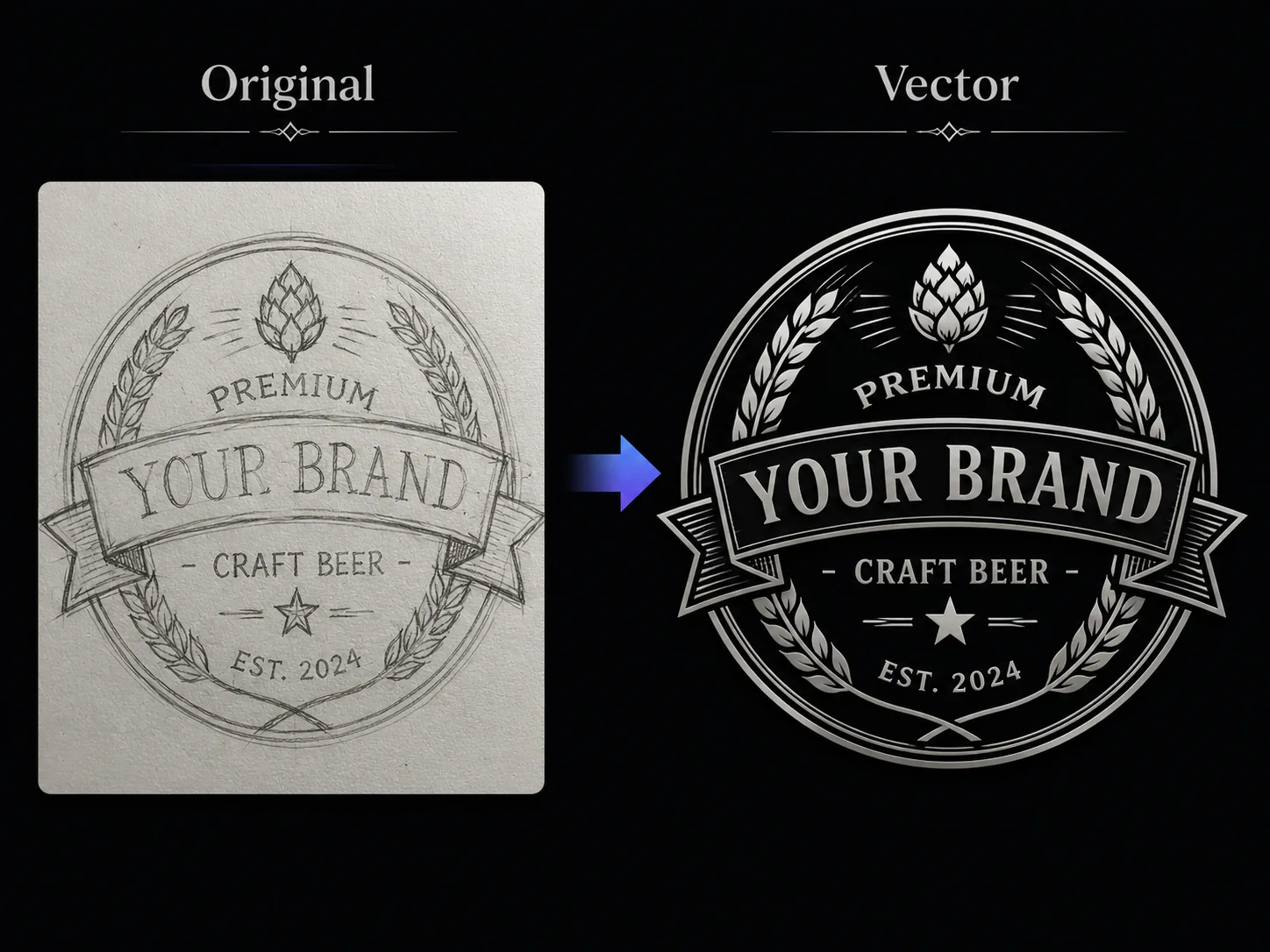

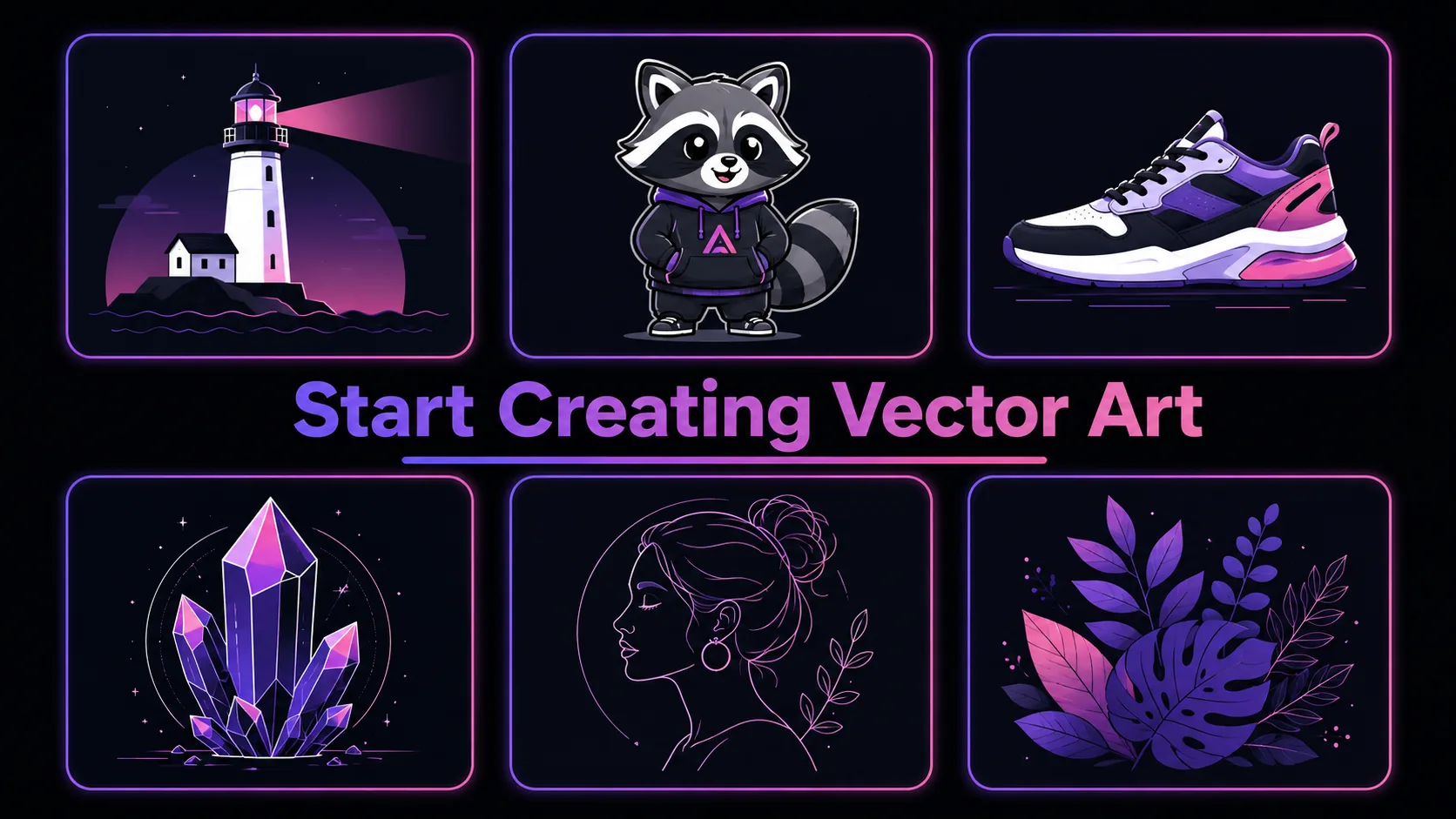
Every conversion from our AI vector generator produces graphics optimized for real-world use. The clean vector-style output works immediately as social media stickers, app store icons, branding assets, presentation graphics, and merchandise artwork. It creates results with flat fills and bold outlines that reproduce well at small sizes — perfect for favicon generation and icon sets. For logo vectorization projects, the image to vector AI engine simplifies complex photographic sources into mark-ready artwork that a designer can refine in minutes. This image to svg ai tool converts images into clean vector-style graphics ready for deployment. Each output comes as a high-resolution PNG at 1024px, providing enough detail for web, social sharing, and small-format print.
A multi-model AI platform with one-click AI Vector Generator templates, fast generation, and high-resolution output — built for creators who value speed and quality.
Professional vector illustration typically requires 2-6 hours of manual tracing per image in Adobe Illustrator. Using our AI vector generator compresses that entire process into under 30 seconds. The photo to vector art generator handles the tedious work of converting photographic detail into clean strokes and flat fills — work that previously demanded advanced bezier curve skills. For teams producing brand assets, marketing graphics, or social media content at scale, this image to vector AI and image to svg ai tool eliminates the biggest production bottleneck. Spend your time refining creative direction, not wrestling with anchor points.
Brand teams need consistent vector-style visuals across websites, presentations, merchandise, and social channels. Our AI vector generator produces output that maintains brand identity while delivering the clean, modern aesthetic that vector-style visuals are known for. Use the photo to vector art generator to convert product photos into illustration-style graphics for lookbooks, transform logo marks and headshots into avatar icons, or create sticker-ready versions of mascots and logos. The image to svg ai converter handles vectorization at scale. Each image to vector AI conversion costs just 5 credits — a fraction of what freelance vectorization services charge per asset.
Quick AI utilities to enhance, generate, or transform your media — one click away.
Compare AI image generators — each with unique styles, quality levels, and creative capabilities for your projects.
Traditional vector artwork demands hours of pen-tool tracing in Adobe Illustrator or Inkscape. Our AI vector generator eliminates that entire workflow. Upload your image, click generate, and receive clean vector-style graphics — no bezier curves, no anchor points, no layer management. The photo to vector art generator is built for creators who need vector-quality output without learning complex design software. Brand managers, social media coordinators, e-commerce operators, and freelance marketers use this image to vector AI tool daily because it delivers Illustrator-quality aesthetics through a simple browser interface. The AI vector generator means zero installation, zero learning curve, and zero manual tracing.


Most online vector converters trace pixel edges mechanically — they follow contrast boundaries without understanding what the image actually depicts. Our AI vector generator is powered by GPT Image 2, a multimodal AI model that comprehends subjects semantically. It knows that a coffee cup handle should curve smoothly, that a human eye has specific proportions, and that a logo wordmark needs consistent letter spacing. This photo to vector art generator produces vector-style results that look intentionally designed rather than algorithmically traced. The image to vector converter AI difference is immediately visible: cleaner lines, more coherent color groupings, and shapes that respect the subject's real-world geometry rather than blindly following pixel noise.
Adobe Illustrator costs $22.99/month. CorelDRAW runs $549 for a perpetual license. Our AI vector generator runs entirely in your browser at a fraction of that cost. The photo to vector art generator requires no downloads, no plugins, and no prior design experience. Upload a JPG or PNG, wait seconds, and download clean vector-style output. This image to vector AI approach turns images into clean vector-style graphics accessible to everyone — freelancers, students, small business owners, and content creators all get professional AI-generated output without professional software overhead. The image to svg ai converter gives new users free credits to start converting immediately.
The vector-style output from our AI vector generator meets production standards for web graphics, social media content, printed stickers, and merchandise. Clean color fills reproduce accurately across screens and printers. Bold outlines remain legible at small icon sizes and large poster scales. The photo to vector art generator delivers 1024px PNG output — sufficient for most digital applications and small-format print. For large-format needs requiring true SVG files, the clean AI-generated image to vector output serves as an excellent starting point for final SVG path conversion in a dedicated editor, saving 80% of manual work compared to starting from the original photograph.
Get answers to common questions about creating AI Vector Generator images with AI, including supported models, generation speed, photo requirements, pricing, and usage rights.
Discover how creators, marketers, and businesses use the AI Vector Generator AI image effect for social media, branding, e-commerce, and personal projects.
Transform your photos into unique AI Vector Generator images for Instagram, TikTok, X (Twitter), and Discord profiles. AI-generated image effects create memorable visual content that stands out in crowded social feeds — likes, comments, and shares all increase when you post creative, eye-catching imagery. Create multiple variations from a single photo and use the best version as your profile picture or share in stories and posts.
Produce professional AI Vector Generator marketing graphics without hiring a designer. Upload campaign visuals, team photos, or brand imagery and generate styled versions that capture attention. Marketing teams use AI image effects to rapidly prototype creative concepts — test five different visual directions in minutes and present the best options to clients with real output instead of mockups.
Apply the AI Vector Generator effect to product photos for unique e-commerce listings that convert better than generic stock imagery. Creative product imagery differentiates your brand on crowded marketplaces and social shops. Upload product shots and generate styled images that showcase items with artistic flair — replacing expensive photo shoots with AI-generated alternatives.
Turn personal photos, family portraits, and travel snapshots into memorable AI Vector Generator art. AI image effects add creative transformation to special moments — anniversaries, birthdays, and travel memories become unique keepsakes. Share styled images with friends and family, or print them as custom gifts, cards, and wall art.
Replace generic stock photos with AI Vector Generator styled visuals that hold audience attention during presentations and pitch decks. Creative visuals increase information retention compared to standard imagery. Generate AI Vector Generator images from diagrams, mockups, and headshots to create a consistent, polished visual theme across your slides.
Create engaging AI Vector Generator visual content for online communities, courses, and fan groups. Educators and community managers use AI image effects to make avatars, badges, and visual assets that build community identity. The quick generation time makes it practical to create custom visuals for every member, event, or occasion.
Real feedback from content creators, designers, and community managers using GenMix AI image effects for social media and creative projects.
“Our team used to outsource logo vectorization at $50-80 per asset. The AI vector generator handles 90% of those conversions in-house now. Upload the client's photo reference, generate the vector version, send it for approval — the whole cycle dropped from three days to twenty minutes.”

Priya Sharma
Brand Design Lead

Upload a photo, pick from multiple AI image models, and generate your AI Vector Generator image in seconds — no design skills or prompt writing required. Free to start.