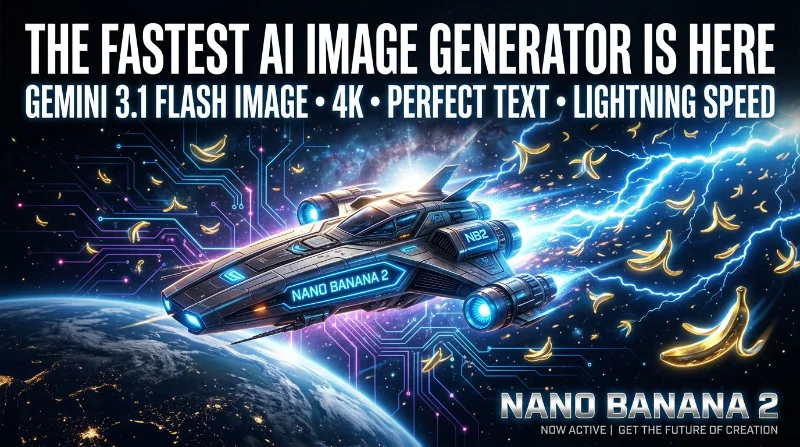
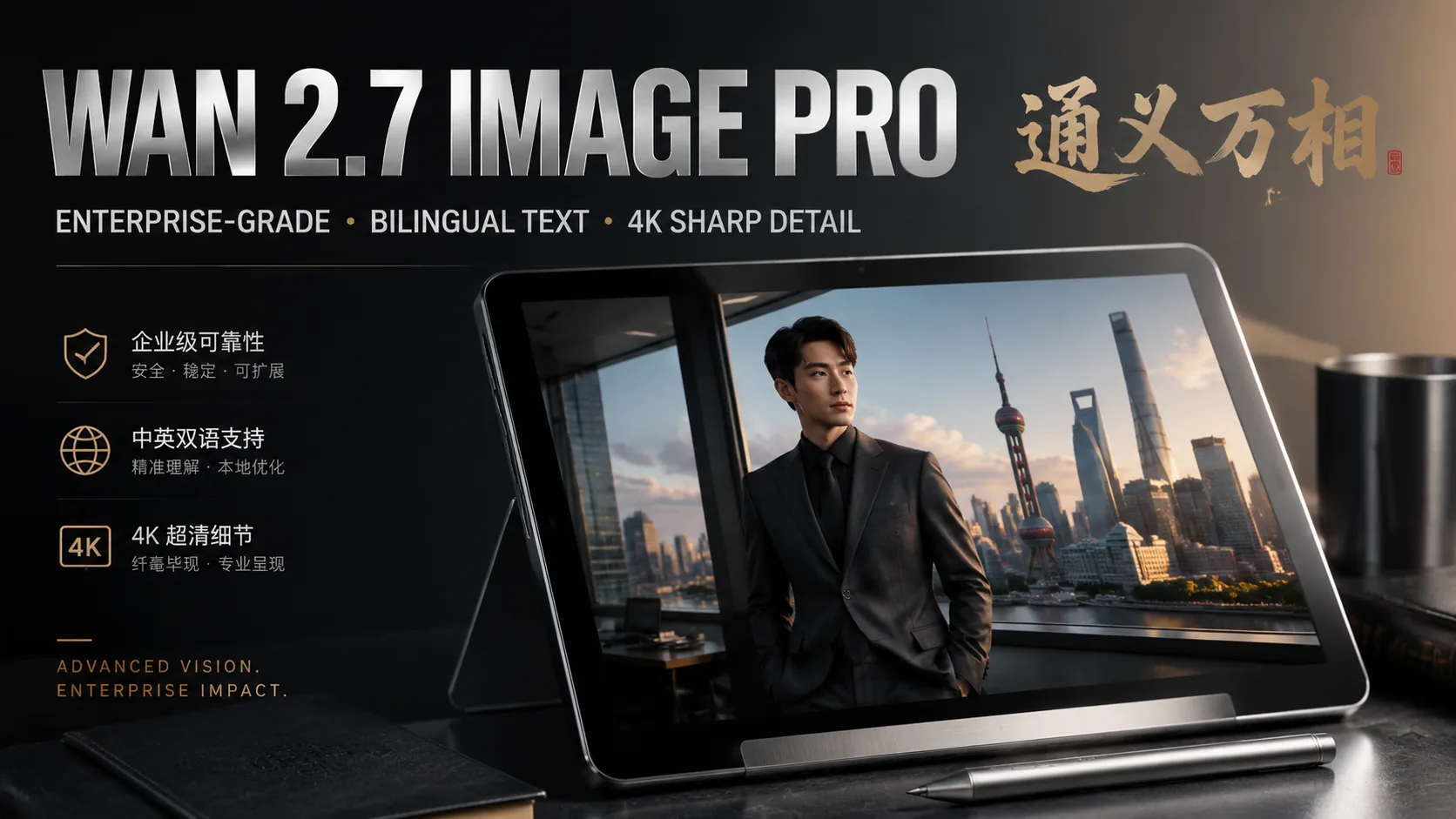
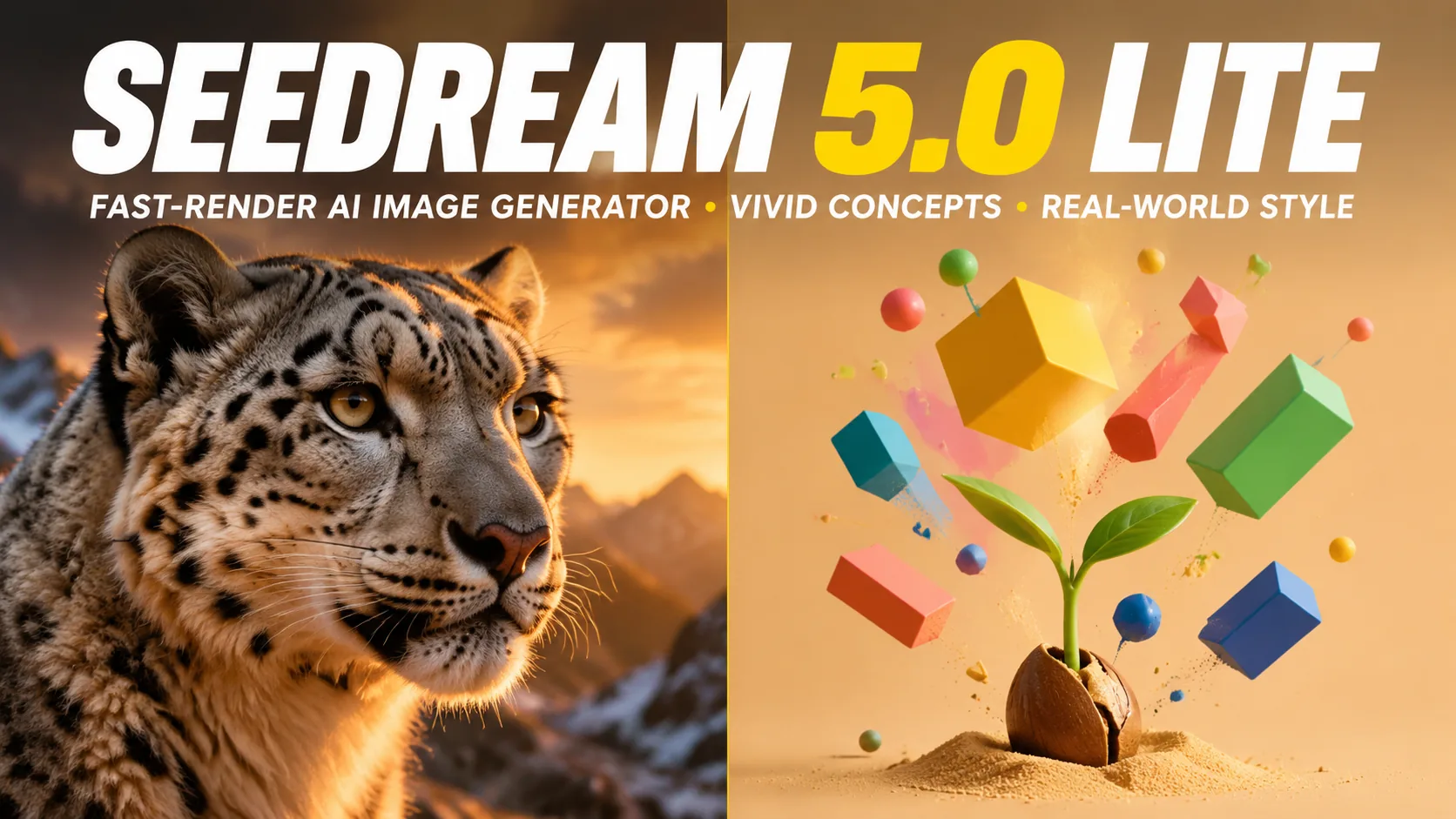
Compare AI image generators — each with unique styles, quality levels, and creative capabilities for your projects.
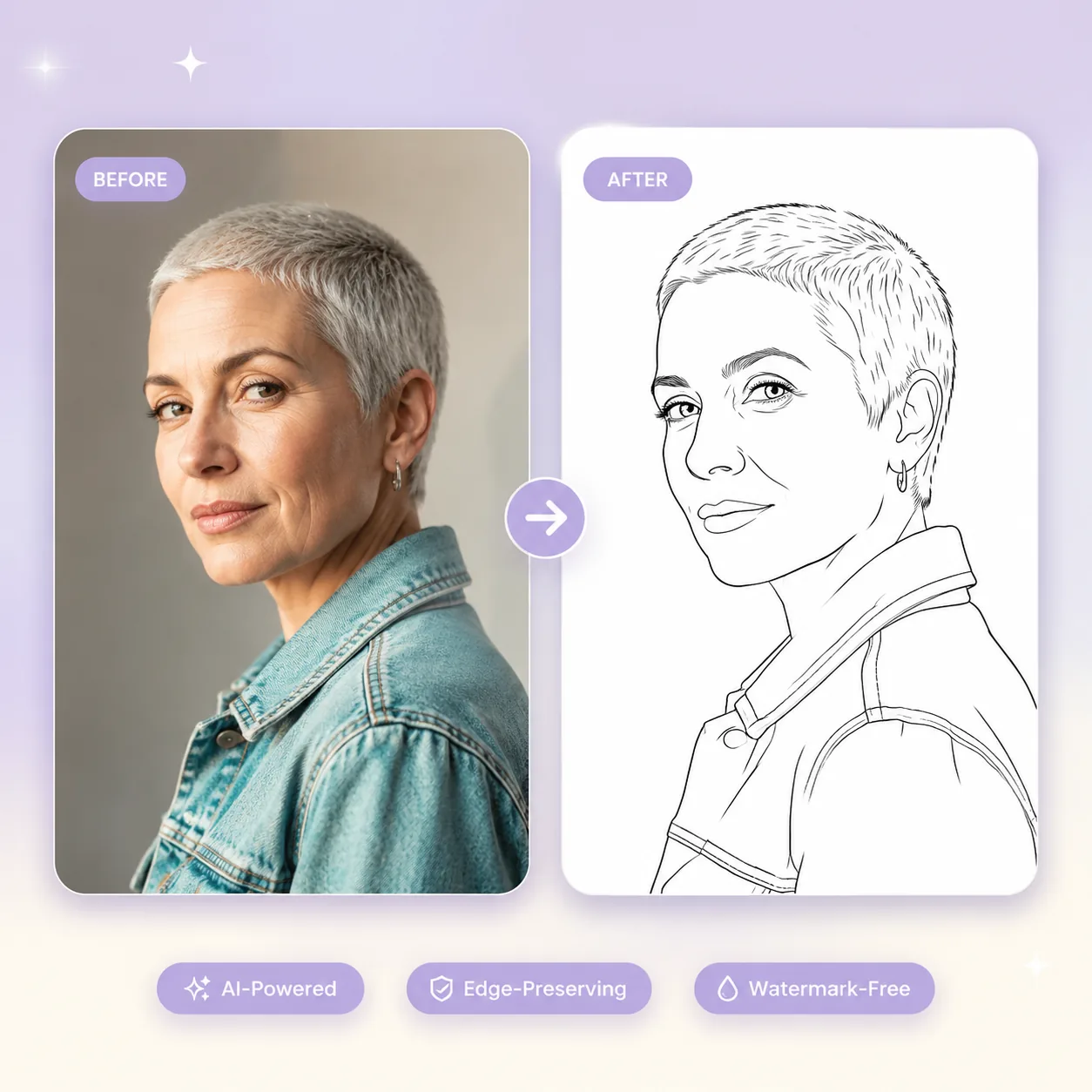
Upload a portrait and let our AI wrinkle remover erase forehead creases, crow's feet, and nasolabial folds — while preserving your natural skin texture and facial expression.
Retouching wrinkles in portrait photos has traditionally required a skilled editor spending 20-40 minutes per image with healing brushes and frequency separation in Photoshop. Our AI wrinkle remover compresses that entire workflow into a single upload. Powered by GPT Image 2 and Nano Banana 2, this wrinkle remover AI analyzes facial geometry to identify creases, fine lines, and deep folds — then smooths them while retaining pore texture, skin tone gradients, and natural shadow contours that make a face look real rather than airbrushed. The AI wrinkle remover works on forehead lines, crow's feet around the eyes, smile lines beside the mouth, neck creases, and under-eye wrinkles. Each conversion costs just 3-5 credits and processes in under 30 seconds. Unlike beauty filter apps that blur the entire face uniformly, this wrinkle remover AI isolates age-related creases from natural expression features and treats each zone independently. Professional headshot photographers, beauty brands, skincare marketers, and individuals preparing dating profile photos or LinkedIn headshots use this AI wrinkle remover to produce polished portraits without the plastic look that traditional smoothing filters create. The tool runs entirely in your browser — no Photoshop license, no retouching skills, no desktop software installation required.
Upload 1-16 reference images to guide the generation
Follow these three simple steps to create professional AI Wrinkle Remover images — upload your photo, choose an AI image model, and download the finished result in HD quality.
Upload Your Portrait Photo
Follow this step directly in the editor above to create your result.
Start by uploading the portrait you want to retouch. The AI wrinkle remover accepts JPG and PNG files up to 30 MB. For best results, choose photos with clear facial visibility — front-facing or three-quarter angle portraits with even lighting produce the most natural wrinkle removal. The wrinkle remover AI handles both close-up headshots and half-body portraits where facial detail is clearly visible. High-resolution source images yield sharper output because the AI wrinkle remover has more texture information to preserve during smoothing. Upload by dragging your file into the editor or clicking to browse your device. You can also explore our template gallery to see example transformations before uploading your own portrait.
Discover what makes the AI Wrinkle Remover AI image effect stand out — from intelligent style transfer and one-click templates to 4K output and fast generation.
Our AI wrinkle remover identifies and maps wrinkles across every facial region independently. Forehead horizontal creases, vertical frown lines between the eyebrows, crow's feet at the outer eye corners, under-eye fine lines, nasolabial folds, lip lines, marionette lines, and neck creases each receive targeted smoothing calibrated to their depth and pattern. The wrinkle remover AI distinguishes between deep-set creases that need significant reduction and fine surface lines that need only subtle softening. GPT Image 2 processes each zone with awareness of surrounding skin terrain — smoothing a forehead crease without flattening the natural brow ridge curvature. This zone-aware approach produces results where different facial areas show appropriate levels of rejuvenation rather than uniform plastic smoothing.
The most common failure mode in wrinkle removal is over-smoothing — turning skin into a waxy, pore-free surface that immediately signals digital manipulation. Our AI wrinkle remover specifically preserves micro-texture: pore patterns, natural skin grain, subtle color variations, and the slight surface irregularity that makes skin look human. The wrinkle remover AI reduces the depth and contrast of wrinkle creases while maintaining the surrounding texture matrix. This means a 55-year-old's retouched portrait still looks age-appropriate rather than artificially young — viewers perceive the subject as well-rested rather than digitally altered. Professional portrait photographers rely on this distinction because their clients want to look refreshed, not reconstructed. The AI wrinkle remover achieves what skilled retouchers call frequency separation naturally: addressing low-frequency wrinkle shapes without destroying high-frequency skin detail. The pore structure, natural skin sheen, and subtle surface texture remain fully intact across the smoothed areas.
The eye area is the most technically demanding zone for wrinkle removal because eyelashes, eyebrow hairs, tear troughs, and the thin periorbital skin create a dense information environment where one wrong smoothing pass destroys critical detail. Our AI wrinkle remover processes crow's feet — the radiating lines at the outer eye corners — with pixel-level awareness of where wrinkle boundaries end and eyelash roots begin. The wrinkle remover AI preserves the natural sparkle of the eye, the definition of the lash line, and the subtle shadow beneath the brow bone while eliminating the fan-shaped creases that age the eye area most visibly. Under-eye bags and dark hollows receive separate treatment from surface wrinkles, maintaining the three-dimensional contour of the orbital structure.
Horizontal forehead creases and the vertical '11 lines' between the eyebrows are among the most prominent signs of aging in photographs. Our AI wrinkle remover targets these deep-set lines specifically, reducing their visual depth while preserving the natural curvature of the forehead and the expressiveness of the brow. The wrinkle remover AI understands that forehead wrinkles follow consistent horizontal patterns and deepest where muscle contraction is strongest. Instead of blurring the entire forehead region — which would erase hairline definition and temporal skin texture — the AI wrinkle remover traces each crease individually and softens the shadow that makes it visible. The result is a forehead that looks relaxed rather than frozen, maintaining the subtle surface movement that makes portraits feel alive.
Portrait photographers shooting corporate headshot sessions, wedding parties, or family portraits often need consistent wrinkle reduction across 50-200 images. Our AI wrinkle remover handles each photo independently with the same quality standard, eliminating the inconsistency that occurs when a human retoucher's attention varies across a large batch. The wrinkle remover AI produces uniform smoothing intensity across different lighting conditions, skin tones, and wrinkle depths — the 50th portrait receives the same precision as the first. Each AI wrinkle remover conversion costs 3-5 credits — processing a 100-portrait corporate headshot set costs approximately 300-500 credits versus $500-1,500 for outsourced retouching. GenMix operates on a credit-based system with plans starting from $10/month. One-time Credit Packs are also available for photographers who need occasional batch processing without a subscription. Output files maintain the original resolution up to 4K for both print and web publishing, delivered as PNG or JPG.
A multi-model AI platform with one-click AI Wrinkle Remover templates, fast generation, and high-resolution output — built for creators who value speed and quality.
Frequency separation, dodge-and-burn, and healing brush techniques take years to master and 20-40 minutes per portrait to execute properly. Our AI wrinkle remover delivers equivalent results through a single upload — no layers, no brush sizing, no opacity adjustments. The wrinkle remover AI handles the technical precision of identifying wrinkle boundaries, preserving surrounding texture, and maintaining consistent skin tone across the smoothed area. Portrait studios, real estate agents needing headshots, corporate HR departments, and individuals preparing professional photos all use this AI wrinkle remover because the output quality matches what a $75/hour retoucher produces.
Cheap beauty filter apps apply gaussian blur across the entire face, erasing pores, dimples, and expression lines along with wrinkles. The result is an obviously artificial 'plastic' appearance that undermines professional credibility. Our AI wrinkle remover specifically targets crease-shaped features while preserving the micro-texture that signals real human skin. Dimples, moles, natural expression lines, and skin grain remain intact. The wrinkle remover AI produces portraits where viewers perceive the subject as 'looking great' rather than 'looking edited' — the critical difference between a usable professional headshot and one that damages trust.
Wrinkle visibility varies dramatically with lighting angle and skin tone — harsh side lighting deepens every line, while diffused front lighting minimizes them. Darker skin tones show wrinkles through shadow contrast differently than lighter tones. Our AI wrinkle remover adapts its detection and smoothing to each photo's specific conditions. The wrinkle remover AI processes a studio-lit corporate headshot with direct flash fill differently than a candid outdoor portrait in golden-hour light. This adaptability means consistent quality whether you are processing one personal photo or batching an entire event album.
GenMix offers GPT Image 2 for photorealistic wrinkle removal with maximum texture preservation, and Nano Banana 2 for fast processing with strong detail retention. The AI wrinkle remover lets you choose the model that best fits your specific use case — GPT Image 2 for critical professional headshots where every pore matters, Nano Banana 2 for social media content where speed matters most. Both models support resolutions up to 4K and accept input files up to 30 MB in JPG or PNG format. All models are included in every GenMix plan with no per-model surcharges.
Discover how creators, marketers, and businesses use the AI Wrinkle Remover AI image effect for social media, branding, e-commerce, and personal projects.
Transform your photos into unique AI Wrinkle Remover images for Instagram, TikTok, X (Twitter), and Discord profiles. AI-generated image effects create memorable visual content that stands out in crowded social feeds — likes, comments, and shares all increase when you post creative, eye-catching imagery. Create multiple variations from a single photo and use the best version as your profile picture or share in stories and posts.
Produce professional AI Wrinkle Remover marketing graphics without hiring a designer. Upload campaign visuals, team photos, or brand imagery and generate styled versions that capture attention. Marketing teams use AI image effects to rapidly prototype creative concepts — test five different visual directions in minutes and present the best options to clients with real output instead of mockups.
Apply the AI Wrinkle Remover effect to product photos for unique e-commerce listings that convert better than generic stock imagery. Creative product imagery differentiates your brand on crowded marketplaces and social shops. Upload product shots and generate styled images that showcase items with artistic flair — replacing expensive photo shoots with AI-generated alternatives.
Turn personal photos, family portraits, and travel snapshots into memorable AI Wrinkle Remover art. AI image effects add creative transformation to special moments — anniversaries, birthdays, and travel memories become unique keepsakes. Share styled images with friends and family, or print them as custom gifts, cards, and wall art.
Replace generic stock photos with AI Wrinkle Remover styled visuals that hold audience attention during presentations and pitch decks. Creative visuals increase information retention compared to standard imagery. Generate AI Wrinkle Remover images from diagrams, mockups, and headshots to create a consistent, polished visual theme across your slides.
Create engaging AI Wrinkle Remover visual content for online communities, courses, and fan groups. Educators and community managers use AI image effects to make avatars, badges, and visual assets that build community identity. The quick generation time makes it practical to create custom visuals for every member, event, or occasion.
Quick AI utilities to enhance, generate, or transform your media — one click away.
Real feedback from content creators, designers, and community managers using GenMix AI image effects for social media and creative projects.
“Processing 80 executive headshots after a corporate event used to mean three days of retouching. The AI wrinkle remover handles the entire batch in an afternoon. Each portrait comes back with natural skin texture intact — my clients look refreshed without the waxy sheen that beauty apps produce.”
placeholder
Corporate Headshot Photographer
Get answers to common questions about creating AI Wrinkle Remover images with AI, including supported models, generation speed, photo requirements, pricing, and usage rights.
Upload a photo, pick from multiple AI image models, and generate your AI Wrinkle Remover image in seconds — no design skills or prompt writing required. Free to start.