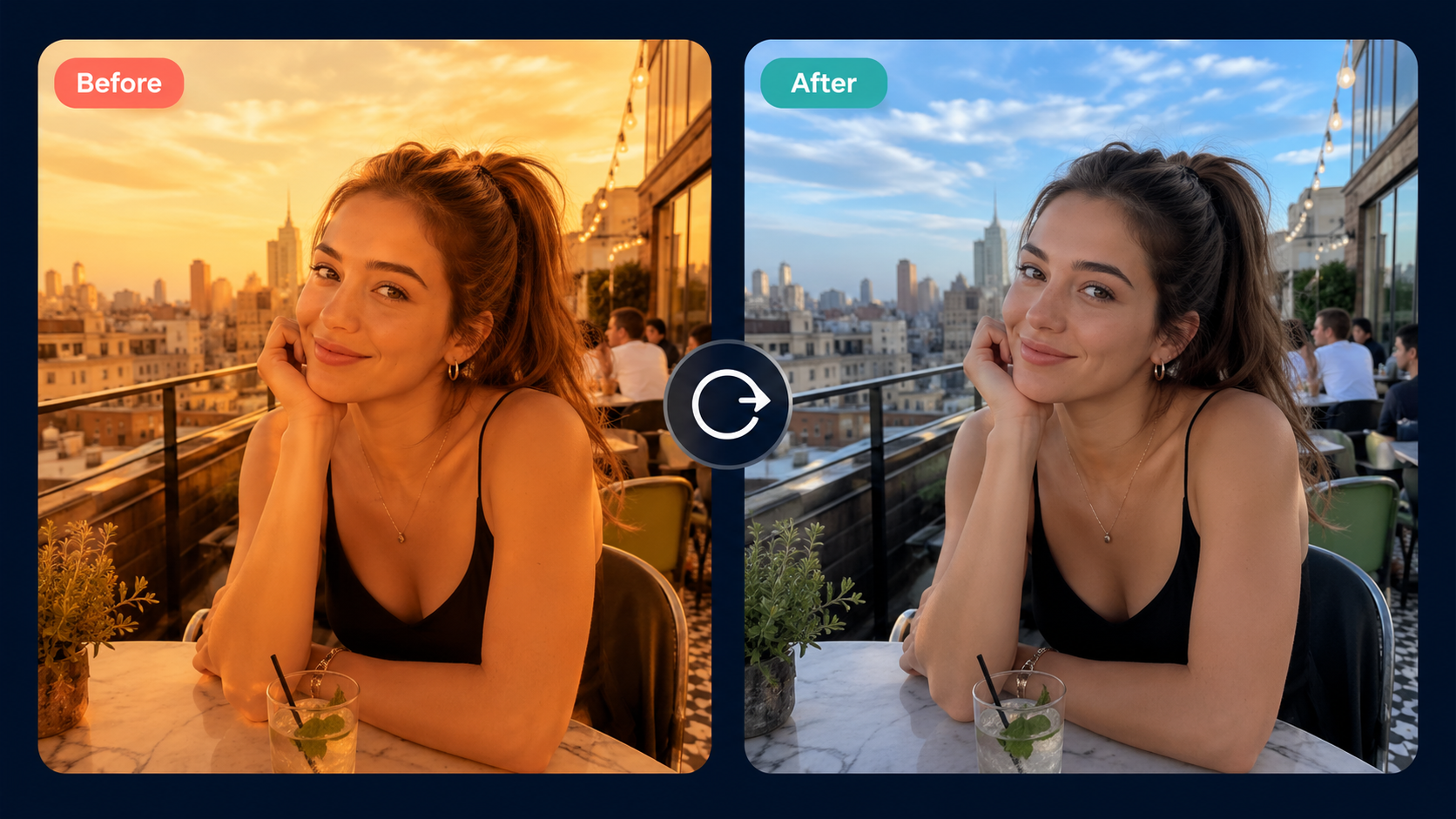
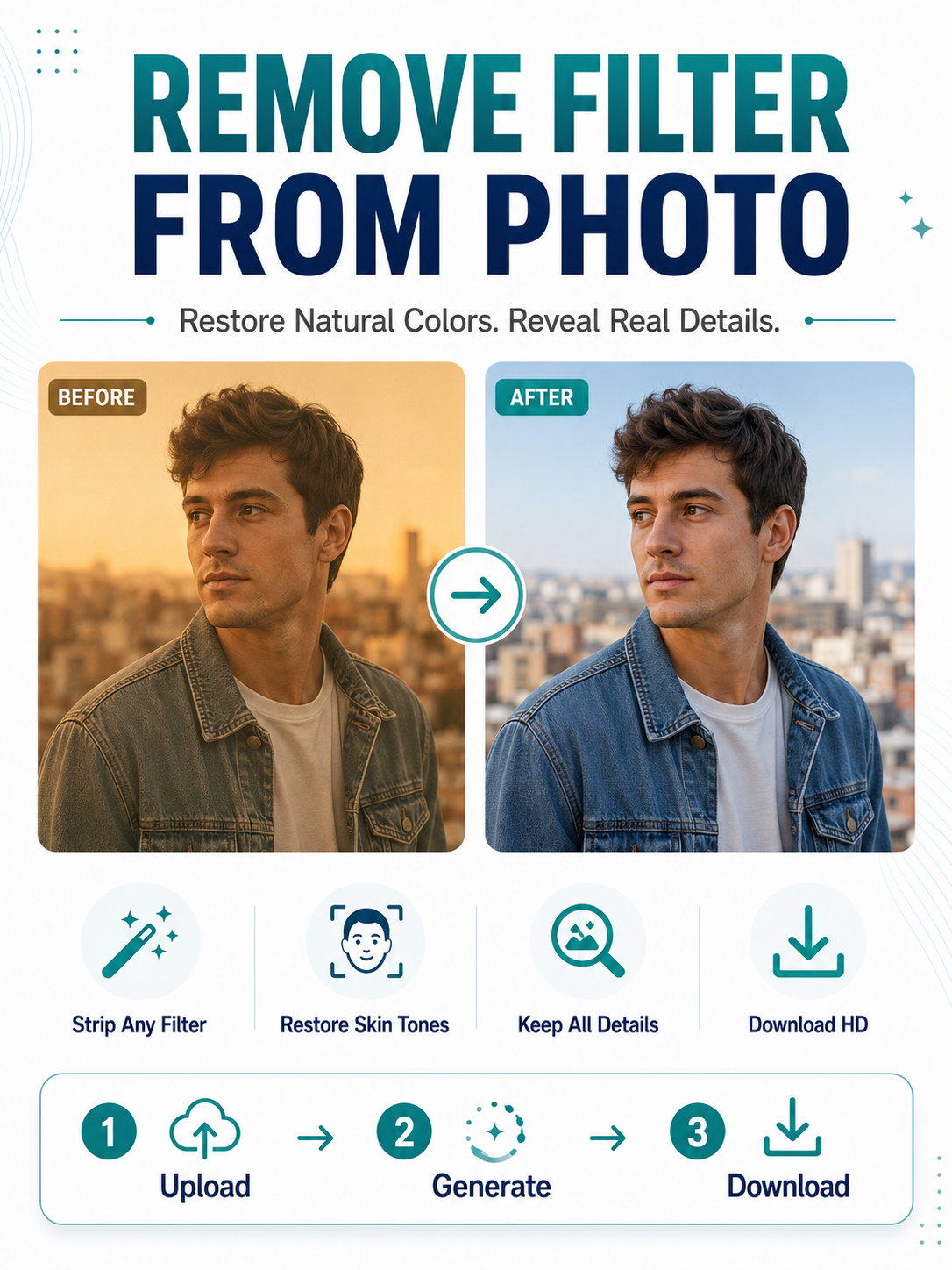
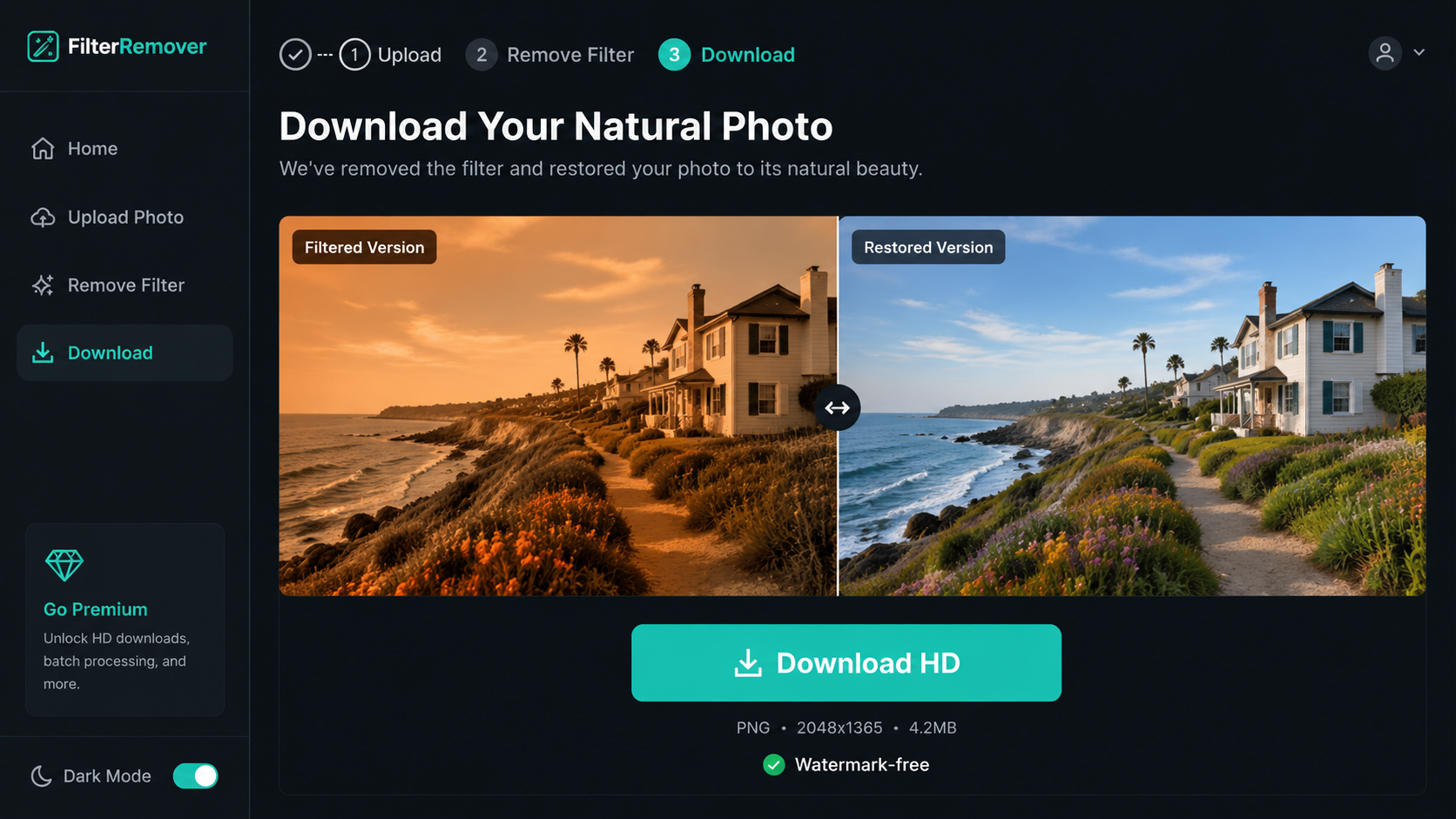
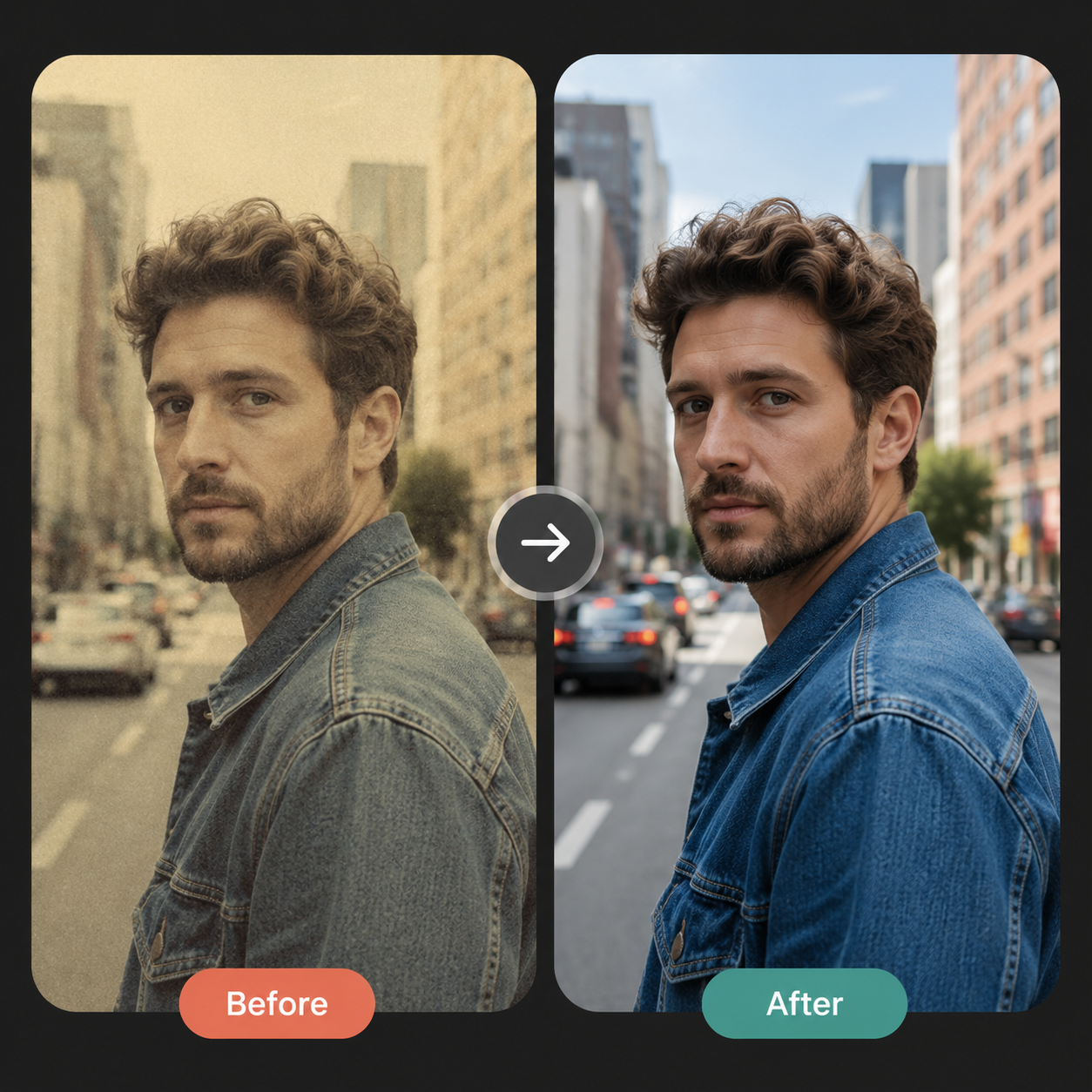
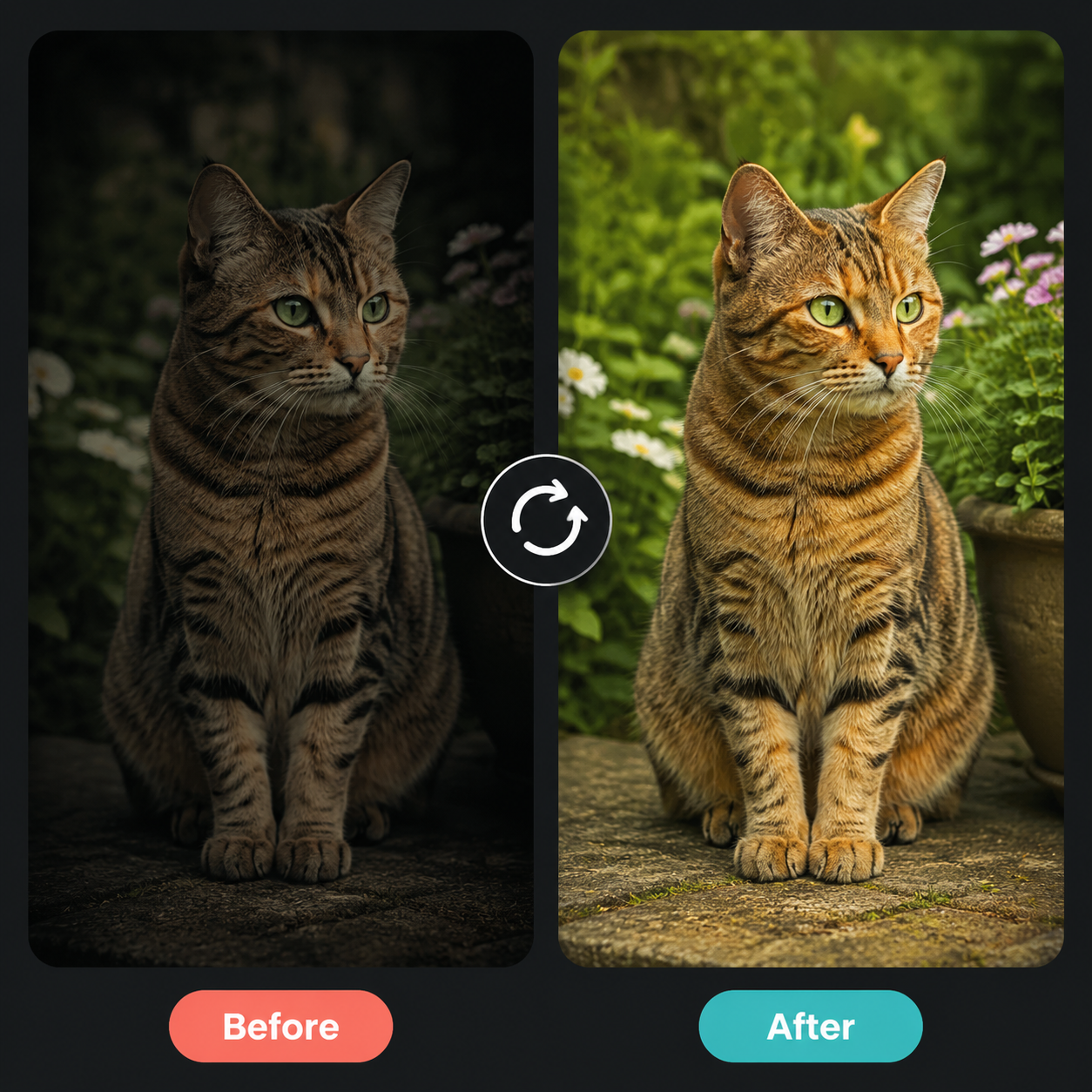
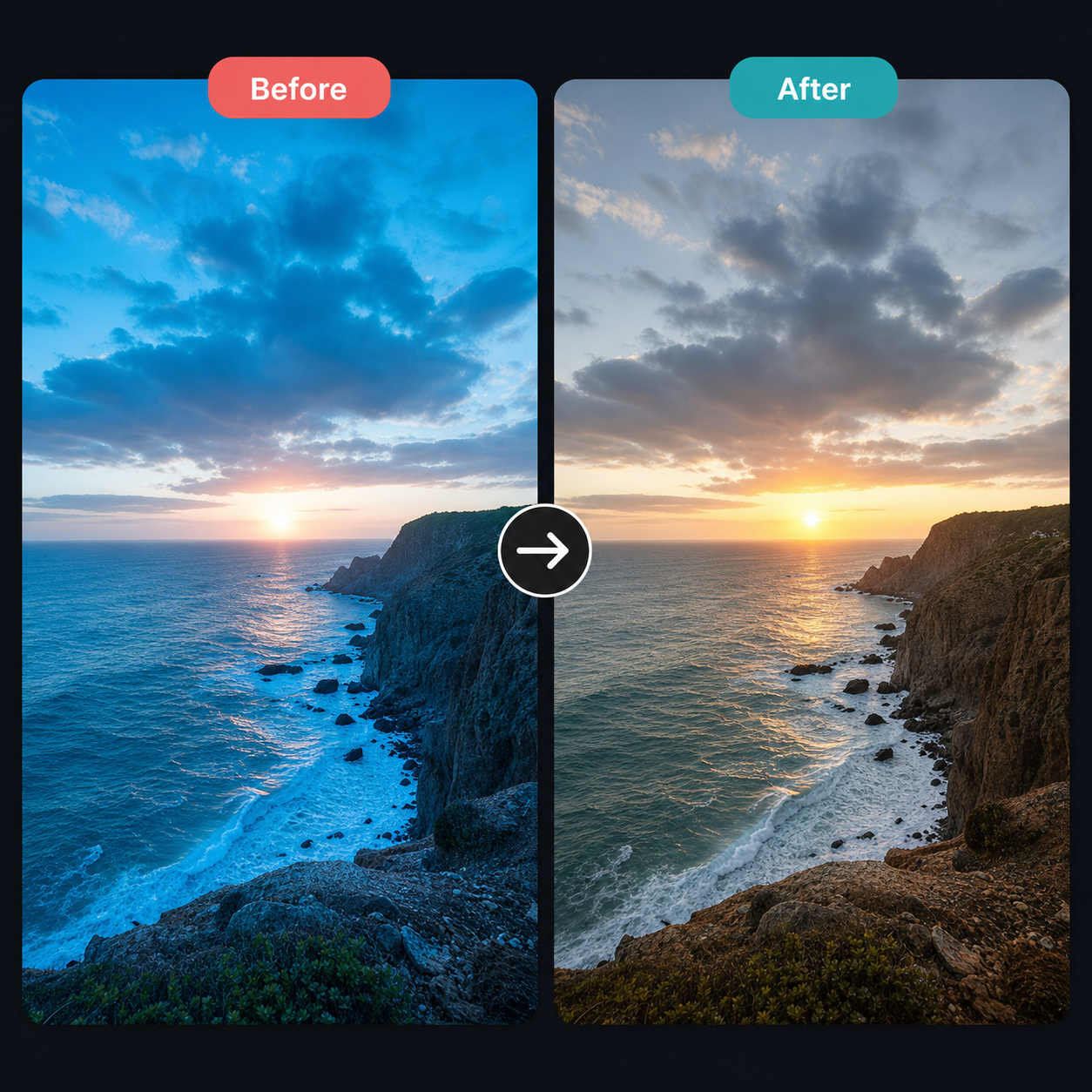
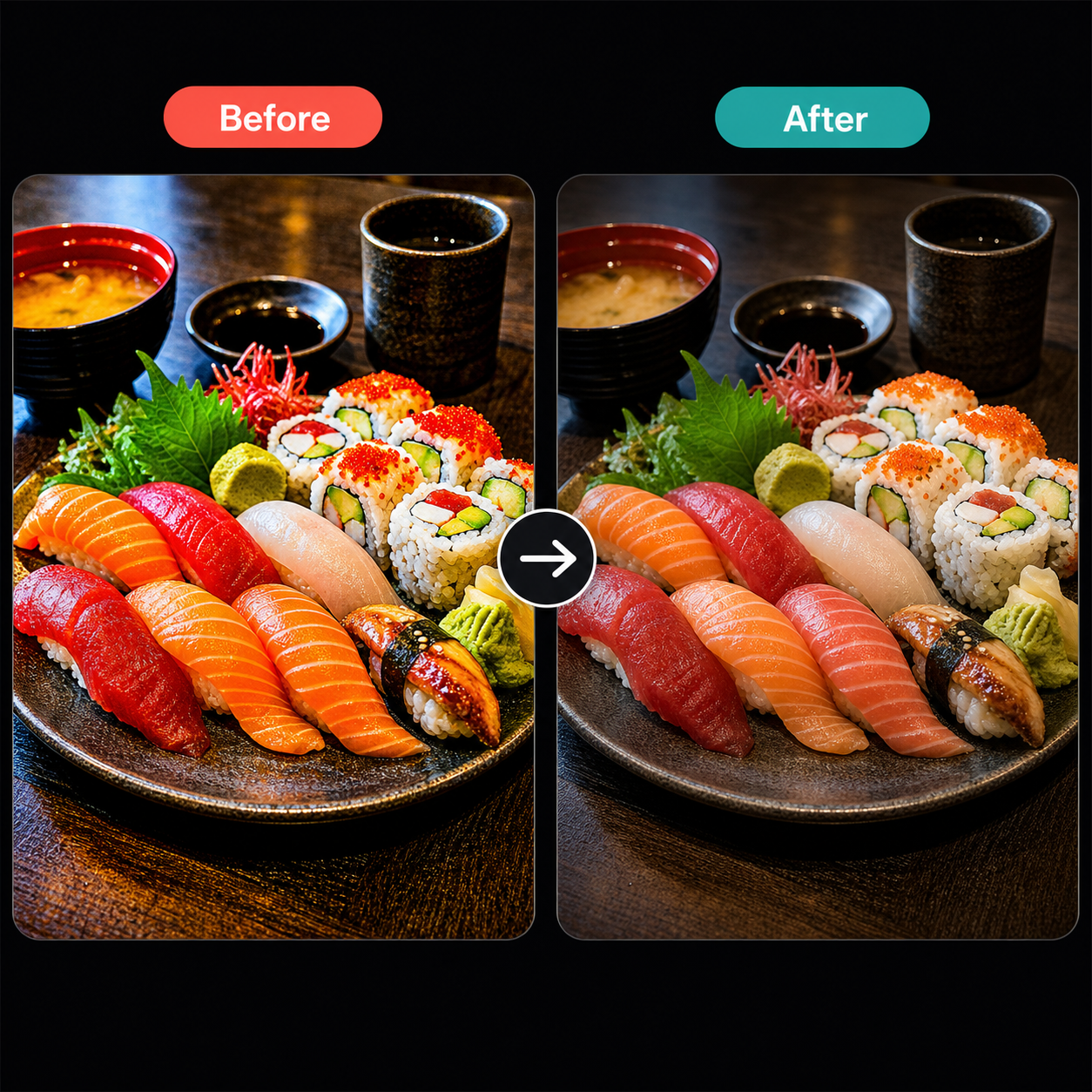
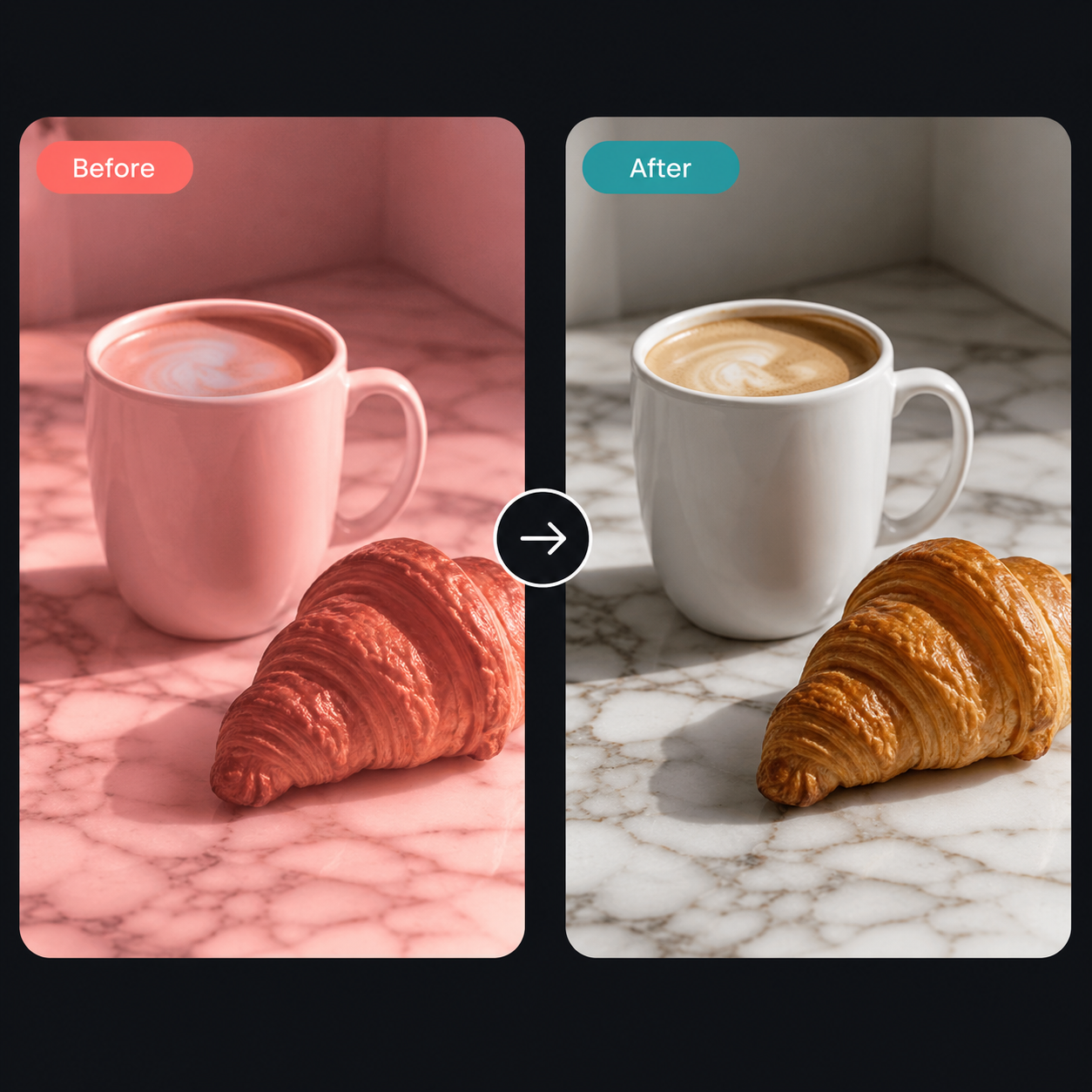
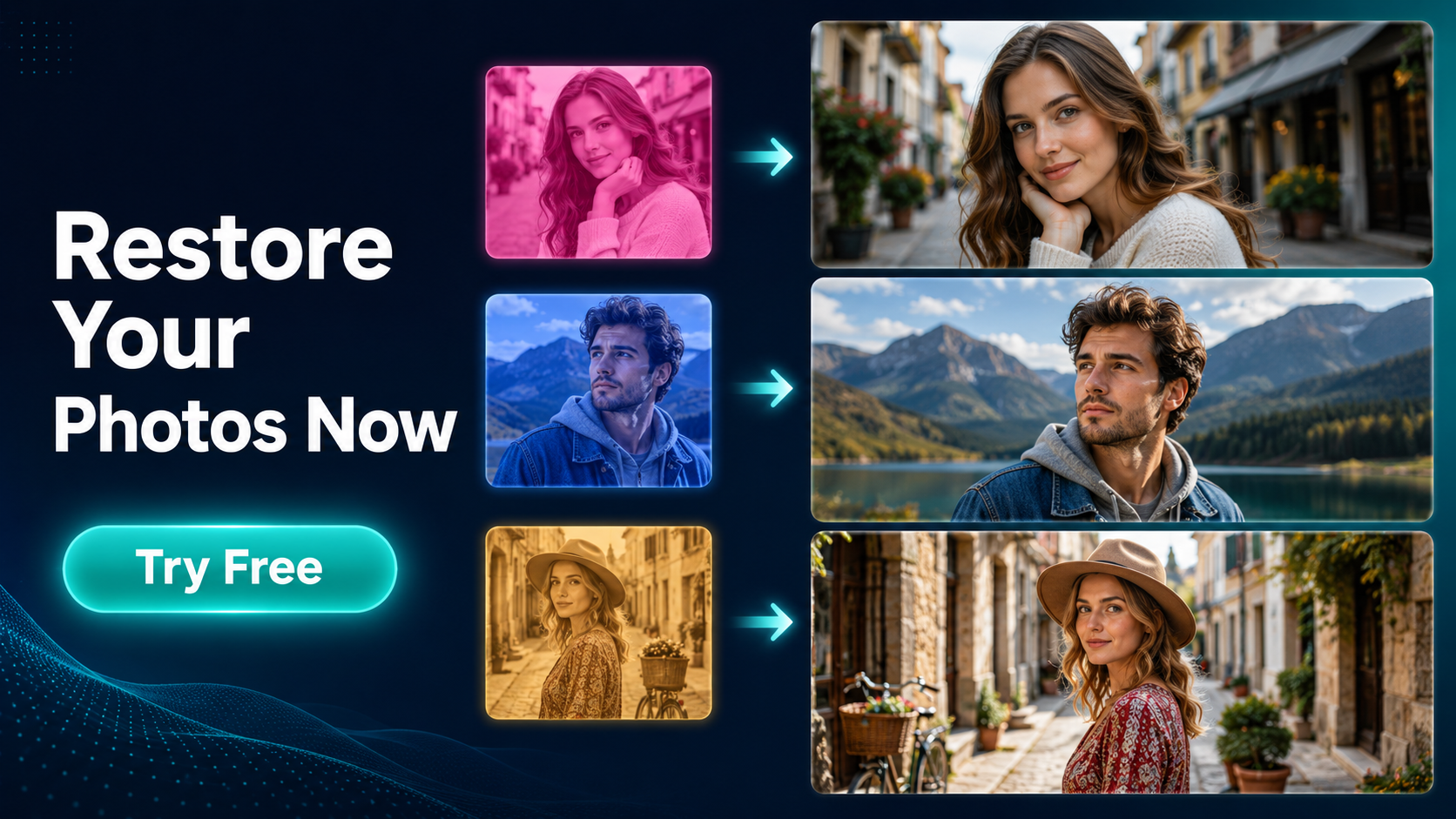
Upload any filtered or over-edited photo and let AI strip away applied filters to reveal the original, natural image underneath. Works with Instagram filters, Snapchat effects, vintage color grading, and heavy editing presets.
Photos shared on social media often come layered with filters that distort natural colors, wash out skin tones, and shift the entire mood of an image. Whether someone applied a warm vintage filter on Instagram, a dramatic color shift on Snapchat, or cranked up saturation in a photo editor, the original look gets buried under layers of digital processing. GenMix's AI filter remover analyzes the color transformations applied to your photo and reverses them — restoring natural skin tones, accurate white balance, and true-to-life colors without affecting the composition, pose, or background details. The process takes seconds: upload your filtered photo, click generate, and download a clean, unfiltered version ready for professional use, printing, or re-editing from a natural baseline.


Upload 1-14 reference images to guide the generation
Enhance generation with real-time web knowledge
Follow these three simple steps to create professional Remove Filter From Photo images — upload your photo, choose an AI image model, and download the finished result in HD quality.

Select any photo with an unwanted filter applied — whether it has Instagram color grading, Snapchat face effects, vintage film overlays, or heavy editing presets. The AI filter remover accepts JPEG, PNG, and WebP formats. You can upload photos directly from your camera roll, social media downloads, or screenshots. The tool works with any resolution from phone screenshots to high-resolution DSLR images, and it preserves the original dimensions of your upload throughout the entire filter removal process.
Discover what makes the Remove Filter From Photo AI image effect stand out — from intelligent style transfer and one-click templates to 4K output and fast generation.

The AI filter remover doesn't just apply a generic color correction — it actively detects the specific type of filter applied to your photo and reverses those exact transformations. Whether the image has a warm golden-hour overlay, a desaturated film look, a high-contrast dramatic preset, or a complex multi-layer edit, the AI identifies each color manipulation layer and strips it away individually. This targeted approach preserves the natural lighting conditions that existed when the photo was actually taken, rather than guessing at what 'natural' should look like. The result is a photo that looks like it was never filtered in the first place — not a photo with yet another correction stacked on top.
Filters affect skin tones more visibly than any other element in a photo. A warm vintage filter turns pale skin orange, a cool filter makes warm complexions look washed out, and heavy contrast destroys subtle tonal gradations that make skin look alive. The AI filter remover uses dedicated skin-tone awareness to restore accurate flesh tones across different ethnicities and lighting conditions. It recovers the natural pink in lips, the warmth around eyes, and the subtle color variations across the face and body that filters flatten into a single artificial tone. Product photos also benefit — the tool restores true product colors that get distorted by creative editing presets.


Many filter removal attempts fail because they strip away image detail along with the color grading. The AI in this tool separates color information from structural detail — removing the filter's color shifts while preserving every hair strand, fabric texture, skin pore, and background element in the original photo. This matters especially for high-resolution portraits, product photography, and architectural images where fine detail carries visual weight. The output retains the same sharpness and clarity as the original upload, with only the artificial color processing removed. You get a clean, detailed image ready for printing or professional use at any size.
A multi-model AI platform with one-click Remove Filter From Photo templates, fast generation, and high-resolution output — built for creators who value speed and quality.
Social media platforms compress and filter images before you can save them. When you download a photo from Instagram, the filter is baked into the file — there's no 'undo' button. The AI filter remover is the closest thing to that undo button, analyzing pixel-level color shifts to reconstruct what the photo looked like before filtering.
Color correction in Photoshop requires understanding curves, levels, color channels, and masking — skills that take months to develop. This tool gives you professional-grade filter removal with a single click, producing results that rival manual correction by trained retouchers.
Quick AI utilities to enhance, generate, or transform your media — one click away.
Compare AI image generators — each with unique styles, quality levels, and creative capabilities for your projects.
Traditional filter removal requires opening Photoshop, manually adjusting curves, color balance, and HSL sliders for every single image. One portrait might take 15 minutes of careful tweaking to get right. The AI filter remover produces comparable results in under 30 seconds per image with zero manual adjustment needed. For social media managers recovering brand assets from filtered posts, photographers cleaning up client-submitted reference images, or e-commerce teams fixing product photos that were edited with the wrong preset — the time savings compound dramatically across batches of 10, 50, or 100 images.


The tool handles the full spectrum of photo filters and editing effects: Instagram presets like Clarendon, Juno, Valencia, and Lark. Snapchat face filters and color overlays. VSCO film emulations and vintage grain effects. Lightroom presets that shift entire color palettes. TikTok beauty filters that smooth skin and alter tones. Over-saturated HDR processing from phone cameras. Faded matte-finish looks from hipster editing apps. Even heavily stacked edits with multiple filters applied sequentially — the AI untangles the processing chain and works backward to approximate the original, unedited appearance of the photo.
GenMix offers multiple AI image models including Nano Banana 2, GPT Image, and Seedream — each with different strengths for various filter types. Try the same filtered photo through different models to find which one produces the most accurate natural restoration for your specific image.
Upload and remove filters directly in your browser — no app downloads, no Photoshop subscription, no account required to explore. New users receive free credits to test the filter remover on their own photos before committing to a plan.
Get answers to common questions about creating Remove Filter From Photo images with AI, including supported models, generation speed, photo requirements, pricing, and usage rights.
Discover how creators, marketers, and businesses use the Remove Filter From Photo AI image effect for social media, branding, e-commerce, and personal projects.
Transform your photos into unique Remove Filter From Photo images for Instagram, TikTok, X (Twitter), and Discord profiles. AI-generated image effects create memorable visual content that stands out in crowded social feeds — likes, comments, and shares all increase when you post creative, eye-catching imagery. Create multiple variations from a single photo and use the best version as your profile picture or share in stories and posts.
Produce professional Remove Filter From Photo marketing graphics without hiring a designer. Upload campaign visuals, team photos, or brand imagery and generate styled versions that capture attention. Marketing teams use AI image effects to rapidly prototype creative concepts — test five different visual directions in minutes and present the best options to clients with real output instead of mockups.
Apply the Remove Filter From Photo effect to product photos for unique e-commerce listings that convert better than generic stock imagery. Creative product imagery differentiates your brand on crowded marketplaces and social shops. Upload product shots and generate styled images that showcase items with artistic flair — replacing expensive photo shoots with AI-generated alternatives.
Turn personal photos, family portraits, and travel snapshots into memorable Remove Filter From Photo art. AI image effects add creative transformation to special moments — anniversaries, birthdays, and travel memories become unique keepsakes. Share styled images with friends and family, or print them as custom gifts, cards, and wall art.
Replace generic stock photos with Remove Filter From Photo styled visuals that hold audience attention during presentations and pitch decks. Creative visuals increase information retention compared to standard imagery. Generate Remove Filter From Photo images from diagrams, mockups, and headshots to create a consistent, polished visual theme across your slides.
Create engaging Remove Filter From Photo visual content for online communities, courses, and fan groups. Educators and community managers use AI image effects to make avatars, badges, and visual assets that build community identity. The quick generation time makes it practical to create custom visuals for every member, event, or occasion.
Real feedback from content creators, designers, and community managers using GenMix AI image effects for social media and creative projects.
“Clients sometimes send me reference photos from Pinterest that are heavily filtered, and I need to see the actual colors underneath. This tool strips away the Instagram presets in seconds — saves me from guessing what shade of blush they actually want.”

Priya Sharma
Wedding Photographer

Upload a photo, pick from multiple AI image models, and generate your Remove Filter From Photo image in seconds — no design skills or prompt writing required. Free to start.