


1
Upload a Motion Reference Video
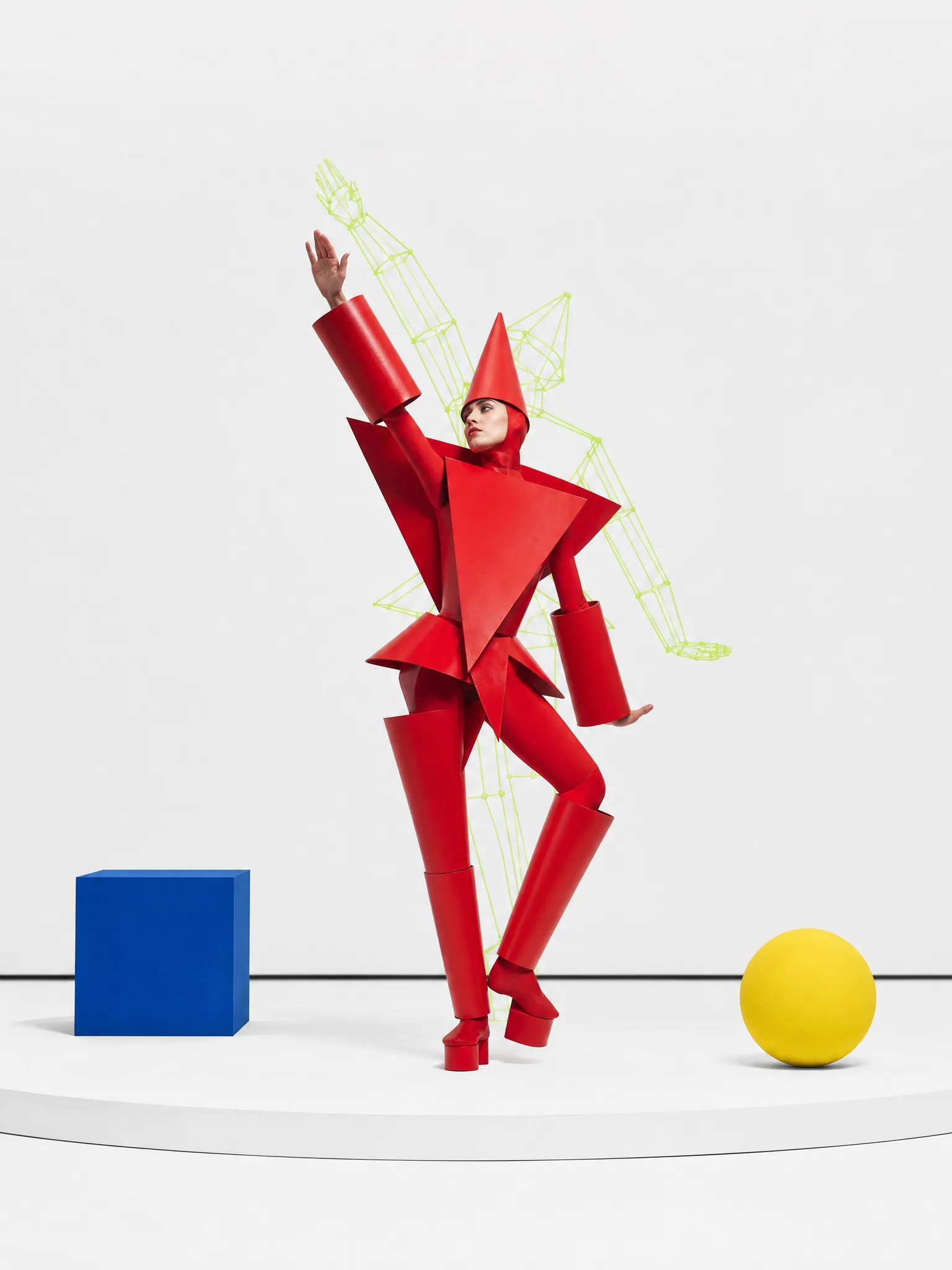
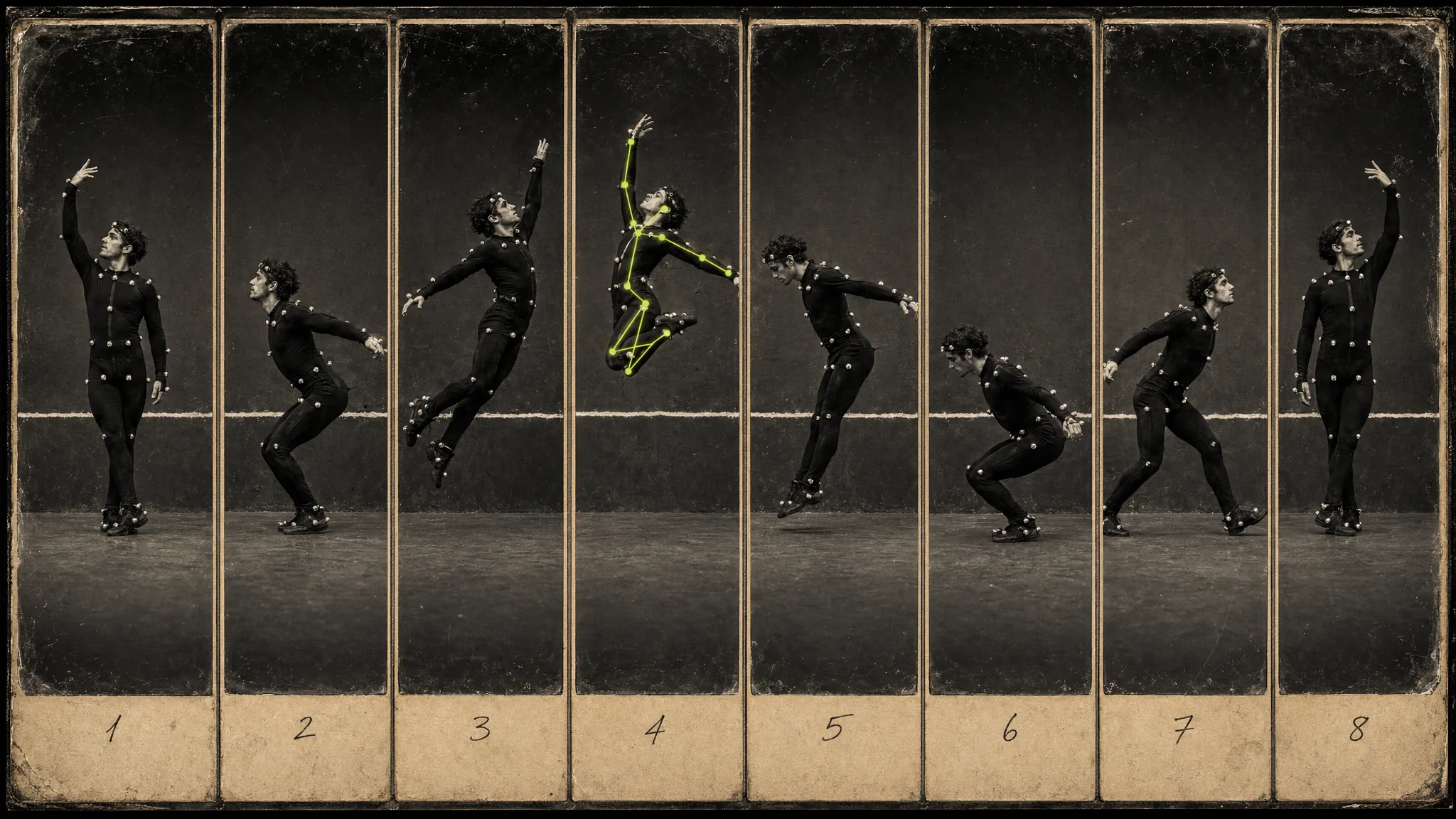
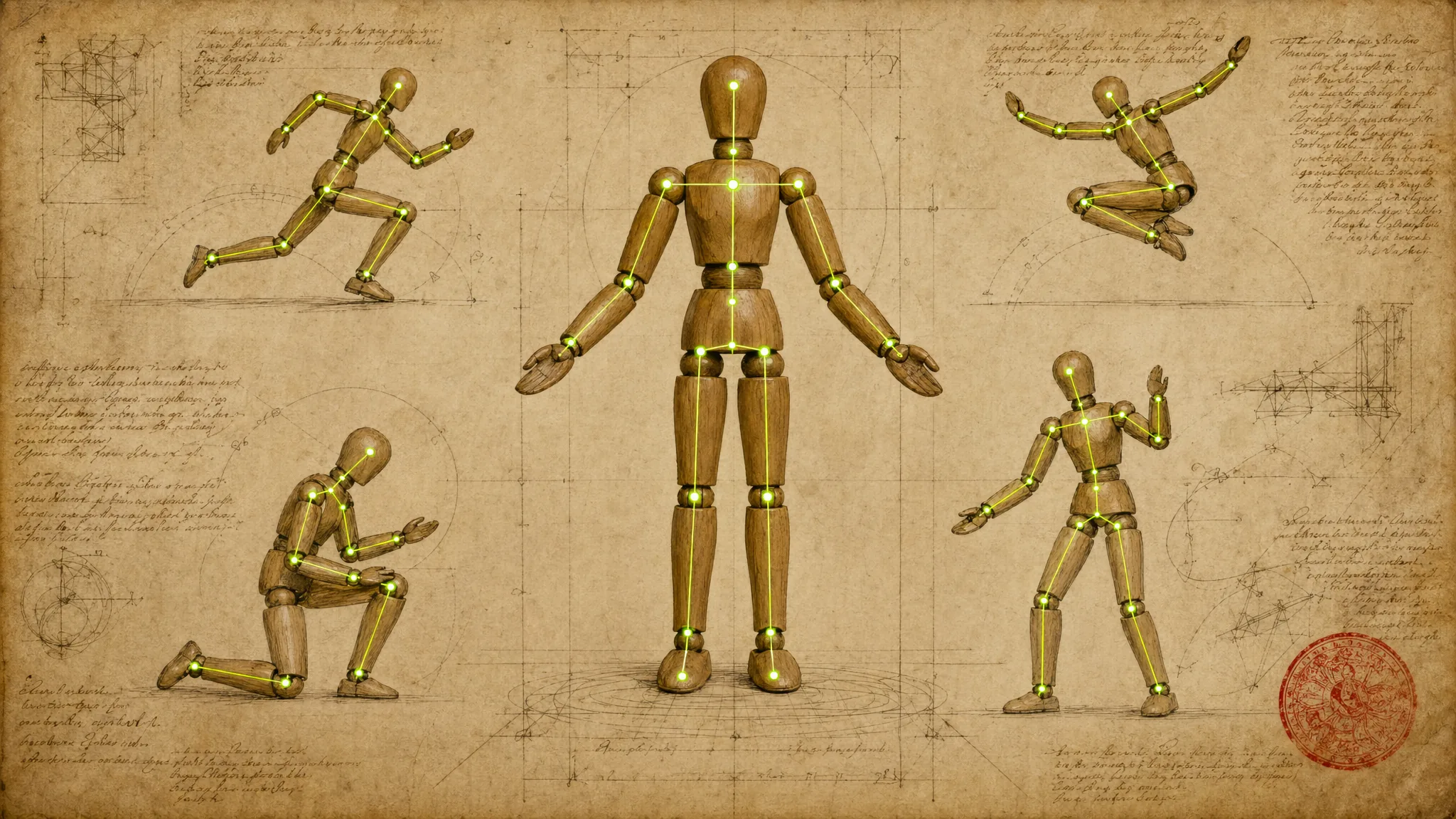
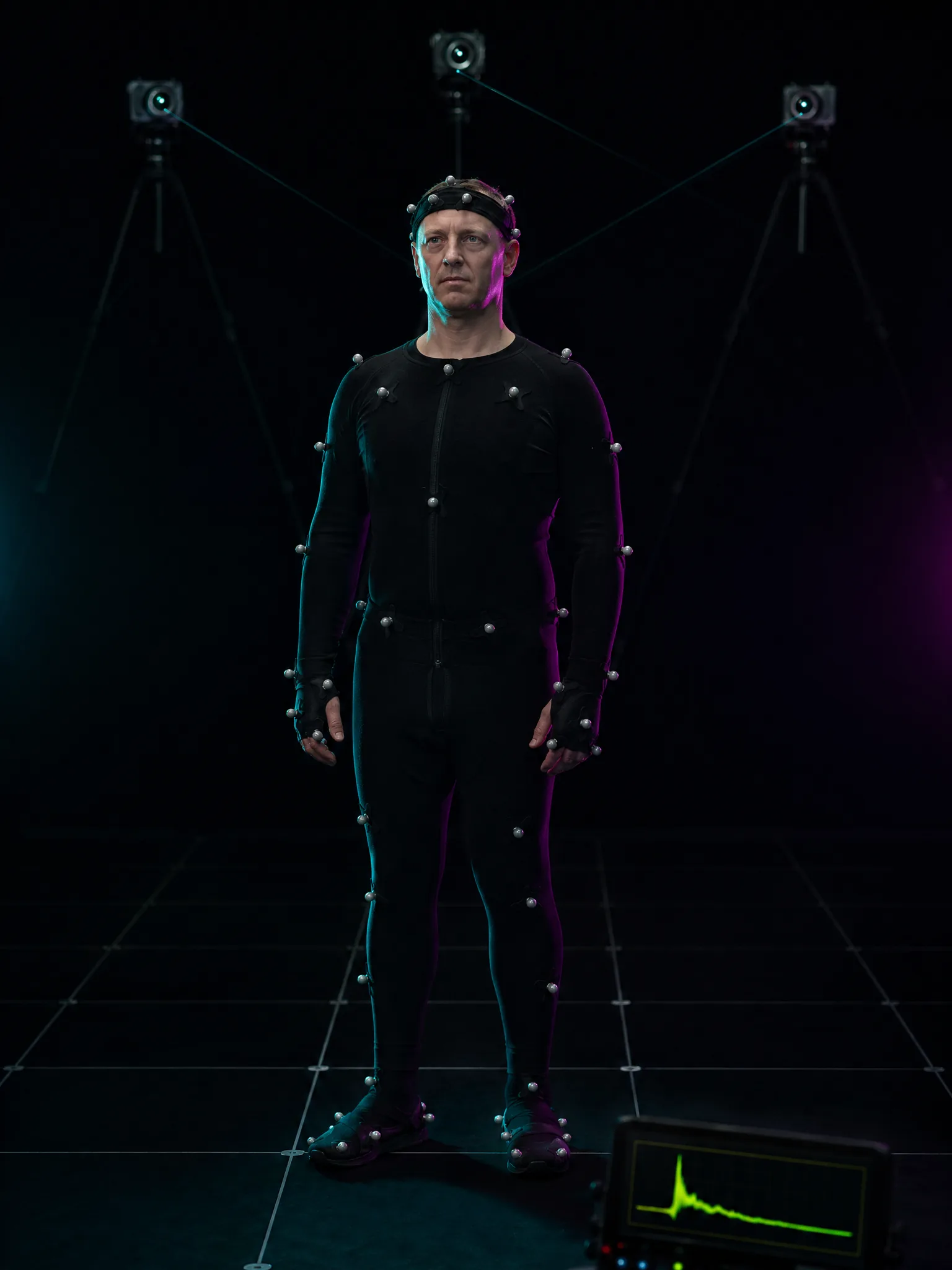
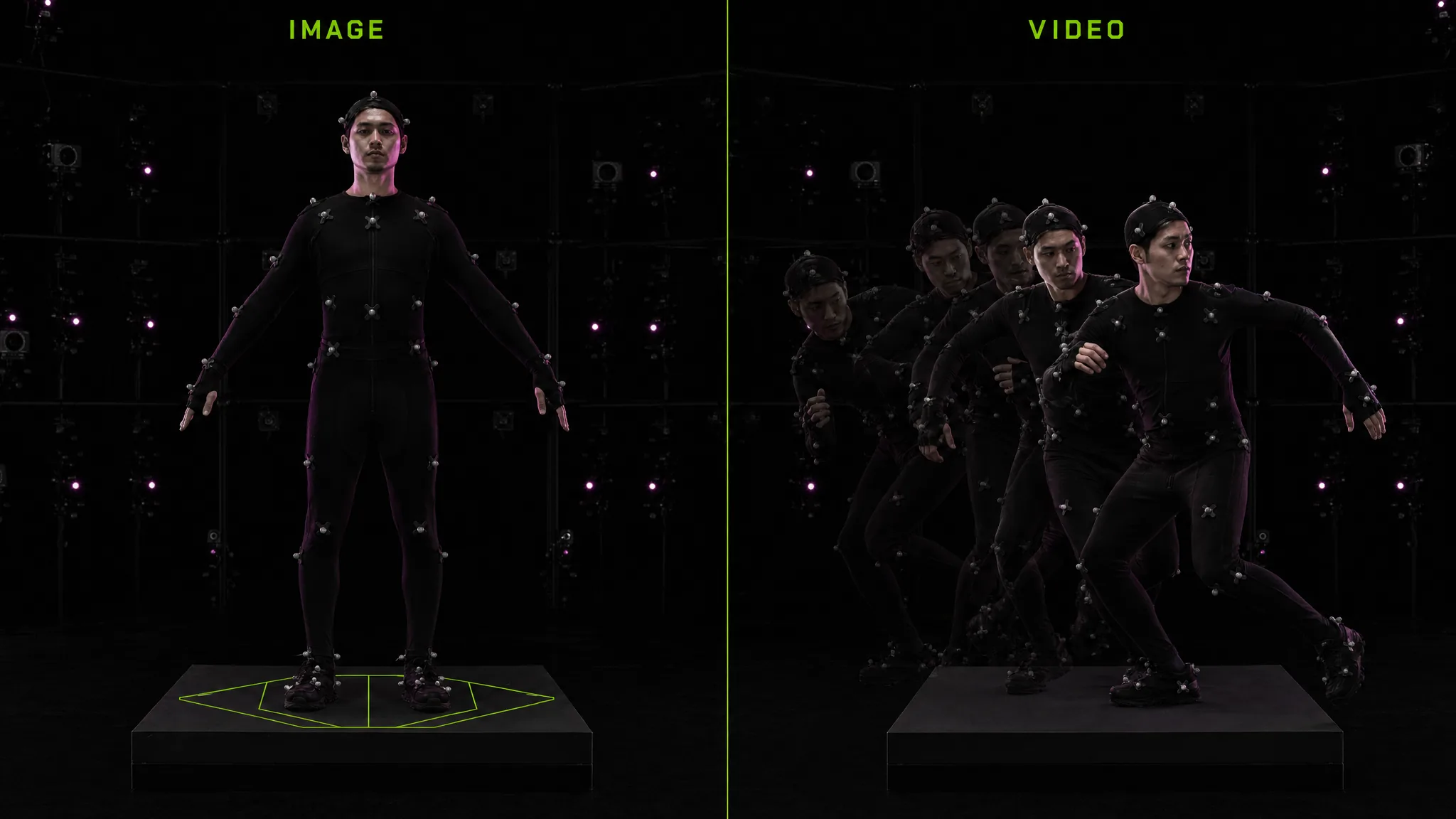
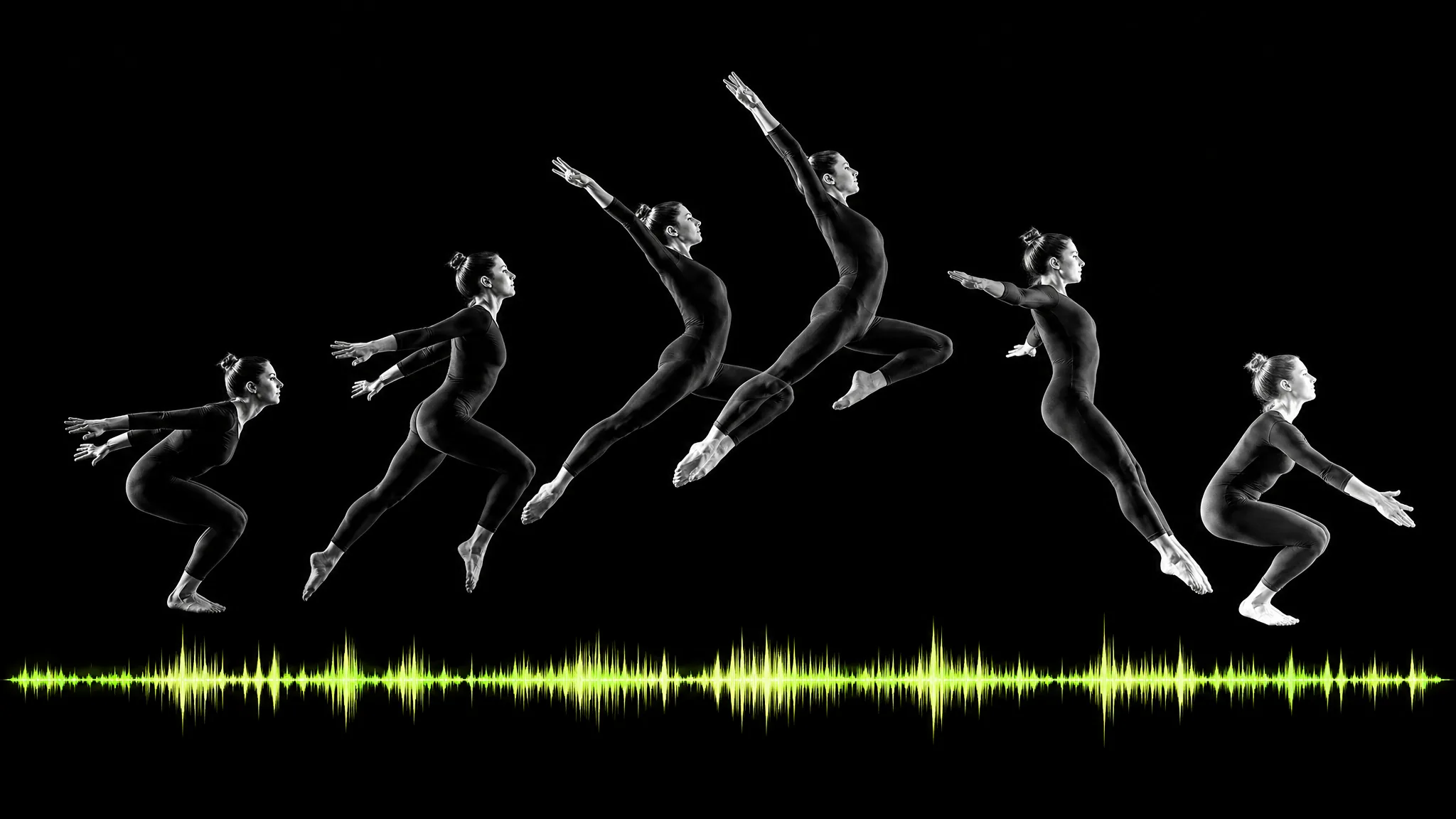
Start by uploading a short video that contains the motion you want to transfer. This reference video defines the movement blueprint for your motion control generation—every gesture, step, turn, and posture will be extracted by Kling 3.0 and mapped onto your character. For best results with the motion control AI, use clear footage with a single visible performer, good lighting, and minimal camera shake. Dance clips, presentation recordings, fitness demonstrations, acting performances, and product interaction videos all work well as motion references. The video can be 3 to 30 seconds long (up to 10 seconds in image orientation mode), and the AI analyzes every frame to build a comprehensive motion skeleton.